Maps
110 files
-
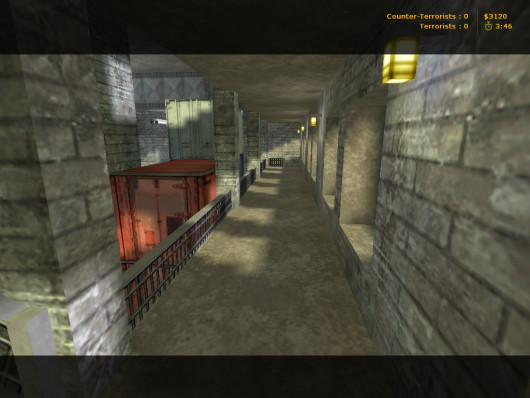
T: Prevent the steel factory workers from being rescued, world peace depends on it.
CT: Rescue the hostages and eliminate the terrorists.
20+20 Spawn points.
Copiere fișier: După dezarhivare, copiați fișierele din arhiva în următorul director de pe computerul dumneavoastră:
C:\Program Files\Steam\steamapps\common\Half-Life\cstrike\maps
Dacă ați instalat jocul într-o altă locație, asigurați-vă că ajustați calea corespunzător.
- Free
- 0 Downloads
Submitted -
hx to Creators - mappers HL.
Good game all player and just to play for fun
Look in the map, a secret place exists for your life 😉
Copiere fișier: După dezarhivare, copiați fișierele din arhiva în următorul director de pe computerul dumneavoastră:
C:\Program Files\Steam\steamapps\common\Half-Life\cstrike\maps
Dacă ați instalat jocul într-o altă locație, asigurați-vă că ajustați calea corespunzător.
- Free
- 3 Downloads
Submitted -
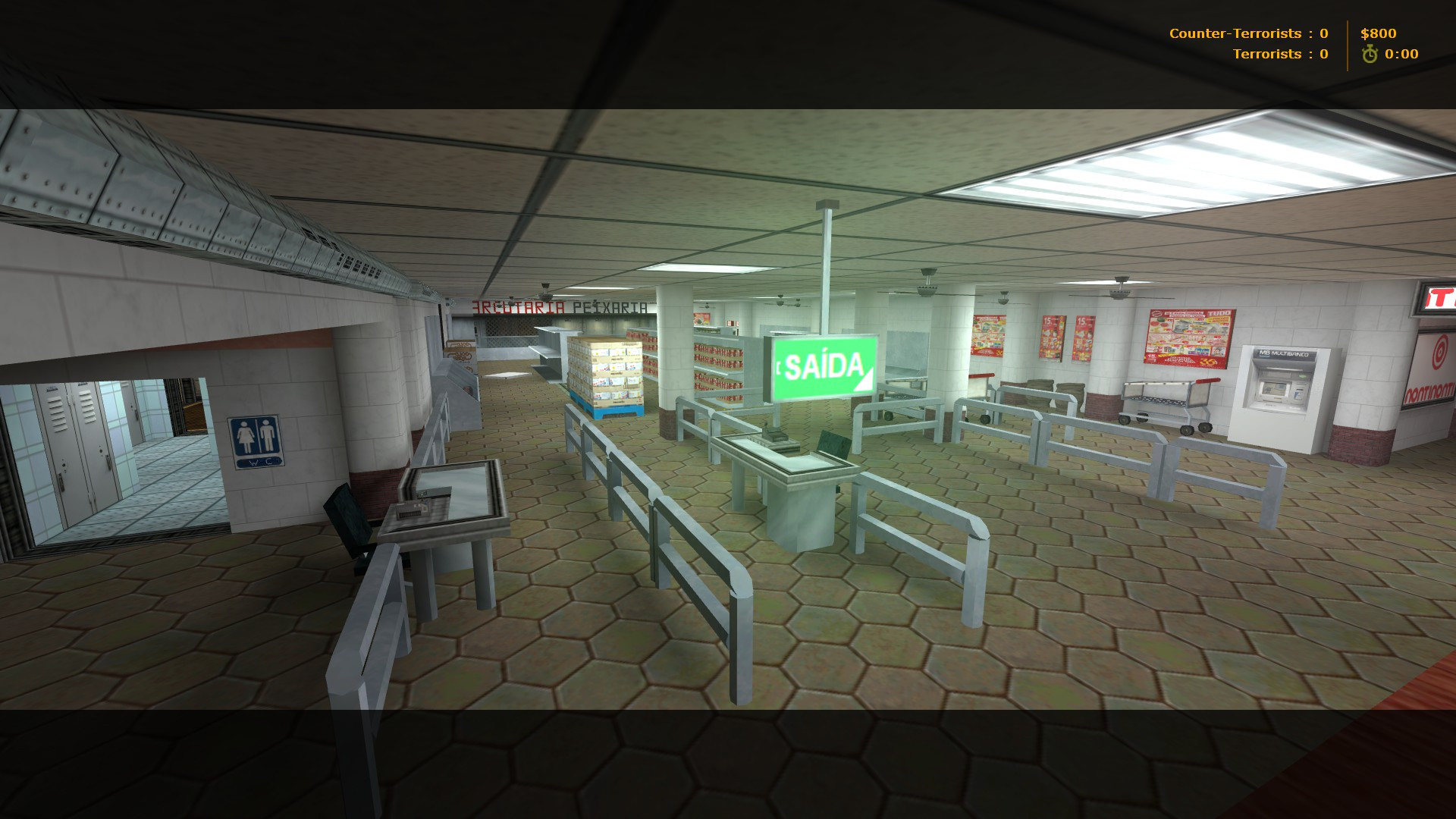
Supermarket - Bomb/Defuse
The Terrorists came for the money stashed in the town supermarket, but the counter-terrorist forces' response was too quick.
They cannot escape and a fight must take place. If nothing else, bombing this place will show the terrorist strenght.
Blood will be spilled on these groceries.
- Free
- 4 Downloads
Submitted -
Game:
Counter-Strike 1.6 Map Type:
de (bomb/defuse) Slots:
32 Author:
la_cucaracha Size:
2.83 MB
Instrucțiuni de instalare:
Descărcare: Descărcați arhiva gamelife-de_eldorado.rar folosind link-ul de download furnizat pe forum. Dezarhivare: Dezarhivați fișierul gamelife-de_eldorado.rar utilizând un program de extragere a arhivelor precum WinRAR sau 7-Zip. Copiere fișier: După dezarhivare, copiați fișierele în următorul director de pe computerul dumneavoastră: C:\Program Files\Steam\steamapps\common\Half-Life\cstrike\maps Dacă ați instalat jocul într-o altă locație, asigurați-vă că ajustați calea corespunzător.- Free
- 2 Downloads
Submitted -
Autor: Pa1N
Data publicării: 22 Iulie 2016
Dimensiune: 1.80 MB
Număr maxim de jucători: 32
Instrucțiuni de instalare:
Descărcare: Descărcați arhiva de_king2016.zip folosind link-ul de download furnizat pe forum. Dezarhivare: Dezarhivați fișierul de_king2016.zip utilizând un program de extragere a arhivelor precum WinRAR sau 7-Zip. Copiere fișier: După dezarhivare, copiați fișierul de_king2016.bsp în următorul director de pe computerul dumneavoastră: C:\Program Files\Steam\steamapps\common\Half-Life\cstrike\maps Dacă ați instalat jocul într-o altă locație, asigurați-vă că ajustați calea corespunzător.- Free
- 9 Downloads
Submitted -
Aimtraining-GLOCK18
by [BIP]bananen
Counter-Terrorists:
Use your AIM and make the T's bleed!
Terrorists:
Use your AIM and make the CT's bleed!
HS aeger med GLOCK!!!!
Lets glock em' all
- Free
- 1 Downloads
Submitted -
- Free
- 0 Downloads
Submitted -
Filesize: 2,84 Mb
Author: Chaosmedia90
Date: 07-07-2017
Before we begin the installation, we would like to tell you about what can be the folders in the archive with the penalty and their purpose.
The "maps" folder is the card itself.
The folder "gfx" is the graphic elements of the map.
The "sound" folder is the sounds of the map.
The "models" folder is the new map models.
Folder "sprites" - sprites of the map.
Below you can see the list of files with different extensions and the place where they need to be placed.
The .txt file - "Your server / cstrike / maps"
The .bsp file - "Your server / cstrike / maps"
The .tga file - "Your server / cstrike / gfx / env"
The .wav file is "Your server / cstrike / sound"
The .spr file is "Your server / cstrike / sprites"
The .mdl file is "Your server / cstrike / models"
The .nav file - "Your server / cstrike / maps"
The .res file - "Your server / cstrike / maps"
File .wad - "Your server / cstrike"
Besides all this I want to say one important thing. If there are folders in the archive with the downloaded map: maps, gfx, sound, sprites, models and files with the .wad extension, then all these folders and files can be downloaded to "Your server / cstrike" and confirm the merge of the folders. This is the most simple and convenient way to install maps for CS 1.6, but you want to notice that this method is only valid when there are these folders. (It does not have to be all the folders)
After when you unzip all the files in the necessary folders, open the file "Your server / cstrike / addons / amxmodx / configs / maps.ini" and assign a new name to the card without an extension! Example: awp_india. Next, open one more file "Your server / cstrike / mapcycle.txt" and again, prescribe the name of the installed card without an extension. Installation completed. We wish you a pleasant game. If you suddenly have any questions about installing the card on the server CS 1.6, then ask them in the comments.
- Free
- 0 Downloads
Submitted -
Author: Tatu Eugen, David Johnston
Date: 17-06-2017
Maps Installation Guide for CS 1.6
We are glad to welcome you on our Internet portal. Right now we would like to touch on such an important topic - How to install maps for CS 1.6. Sooner or later you play on the same cards and, as a consequence, you start looking for new maps for CS 1.6. But some people have the same question - How to install maps for CS 1.6? And now we will tell you that yes how, and, in fact, there is nothing difficult. Once you read it, and then you will be able to install maps for CS 1.6 yourself without any help. So, let's get started. First we need a map. Download maps for CS 1.6. You can download the link on the right or find the same on the Internet.
Before we begin the installation, we would like to tell you about what can be the folders in the archive with the penalty and their purpose.
The "maps" folder is the card itself.
The folder "gfx" is the graphic elements of the map.
The "sound" folder is the sounds of the map.
The "models" folder is the new map models.
Folder "sprites" - sprites of the map.
Below you can see the list of files with different extensions and the place where they need to be placed.
The .txt file - "Your server / cstrike / maps"
The .bsp file - "Your server / cstrike / maps"
The .tga file - "Your server / cstrike / gfx / env"
The .wav file is "Your server / cstrike / sound"
The .spr file is "Your server / cstrike / sprites"
The .mdl file is "Your server / cstrike / models"
The .nav file - "Your server / cstrike / maps"
The .res file - "Your server / cstrike / maps"
File .wad - "Your server / cstrike"
Besides all this I want to say one important thing. If there are folders in the archive with the downloaded map: maps, gfx, sound, sprites, models and files with the .wad extension, then all these folders and files can be downloaded to "Your server / cstrike" and confirm the merge of the folders. This is the most simple and convenient way to install maps for CS 1.6, but you want to notice that this method is only valid when there are these folders. (It does not have to be all the folders)
After when you unzip all the files in the necessary folders, open the file "Your server / cstrike / addons / amxmodx / configs / maps.ini" and assign a new name to the card without an extension! Example: awp_india. Next, open one more file "Your server / cstrike / mapcycle.txt" and again, prescribe the name of the installed card without an extension. Installation completed. We wish you a pleasant game. If you suddenly have any questions about installing the card on the server CS 1.6, then ask them in the comments.
- Free
- 3 Downloads
Submitted -
Autor: -
Descriere: cs oldmansion for CS 1.6
Sloturi: 32
Instalare: Dupa ce descarcati, extrageti fisierele in counter-strike-folder/cstrike
- Free
- 1 Downloads
Submitted -
O mapa pentru modul Counter-Strike 1.6
Are si spawn uri random facute de mine pentru modul CSDM
Nume: fy_snow_orange
Slot: 48
- Free
- 3 Downloads
Submitted -
- Free
- 0 Downloads
Submitted -
- Free
- 2 Downloads
Submitted -
- Free
- 1 Downloads
Submitted -
- Free
- 0 Downloads
Submitted -
Autor: Tatu Eugen Descriere: css_snow2 for CS 1.6 Sloturi: 32 Instalare: Dupa ce descarcati, extrageti fisierele in counter-strike-folder/cstrike/maps
- Free
- 5 Downloads
Updated -
>> Nume: de_dust2x2_sneg
>> Mod Mapă: Classic / Christmas Mod
>> Descriere: O noua harta de tip "de_dust2x2" cu brazi de craciun s.a.m.d.
>> Autor: REVO
>> Imagini:
- Free
- 3 Downloads
Submitted -
Nume: de_dust83-3
Mod Mapă: Classic.
Descriere: Mapa pentru modul Classic.
Autor: Z_wl
- Free
- 2 Downloads
Submitted -
Nume: awp_deluxe_2023
Mod Mapă: Classic.
Descriere: Mapa pentru modul Classic.
Autor: Kernoz
- Free
- 1 Downloads
Submitted -
Nume: de_cpl_mill
Mod Mapă: Classic
Descriere: -
Autor: Not specified
Link download: AICI
Imagini: -
- Free
- 0 Downloads
Submitted -
Nume: de_macedonien
Mod Mapă: Classic
Descriere: -
Autor: Not specified
Link download: AICI
- Free
- 1 Downloads
Submitted -
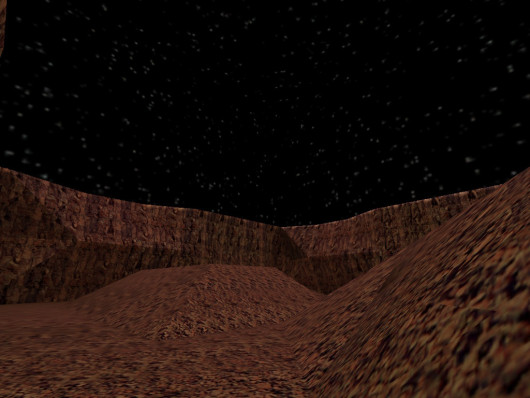
Red Planet
-----------------
By Trapt
Background: Terrorist forces have found
NASA's Headquarters on Mars and are
trying to bomb it.
Terrorists: Bomb NASA's Headquarters.
Counter-Terrorists: Defuse any bomb threat.
Other information: You're in space so there
is low gravity
- Free
- 0 Downloads
Submitted -
Autor:- Alberto, Hipshot Descriere: map for CS 1.6 Sloturi: 32 Instalare:
Pentru steam (Se copiaza folderele din arhiva in C./program files/steam/SteamApps/common/Half-Life/cstrike_download) Pentru Non Steam (Se copiaza folderele din arhiva in C./program files/counter strike/cstrike/maps)- Free
- 22 Downloads
Submitted -
Autor:- KPE030T, PekpyT, FallenLord Descriere: map for CS 1.6 Sloturi: 32 Instalare:
Pentru steam (Se copiaza folderele din arhiva in C./program files/steam/SteamApps/common/Half-Life/cstrike_download) Pentru Non Steam (Se copiaza folderele din arhiva in C./program files/counter strike/cstrike/maps)- Free
- 1 Downloads
Submitted -
Autor:- Descriere: map for CS 1.6 Sloturi: 32 Instalare:
Pentru steam (Se copiaza folderele din arhiva in C./program files/steam/SteamApps/common/Half-Life/cstrike_download) Pentru Non Steam (Se copiaza folderele din arhiva in C./program files/counter strike/cstrike/maps)- Free
- 4 Downloads
Submitted