




Description
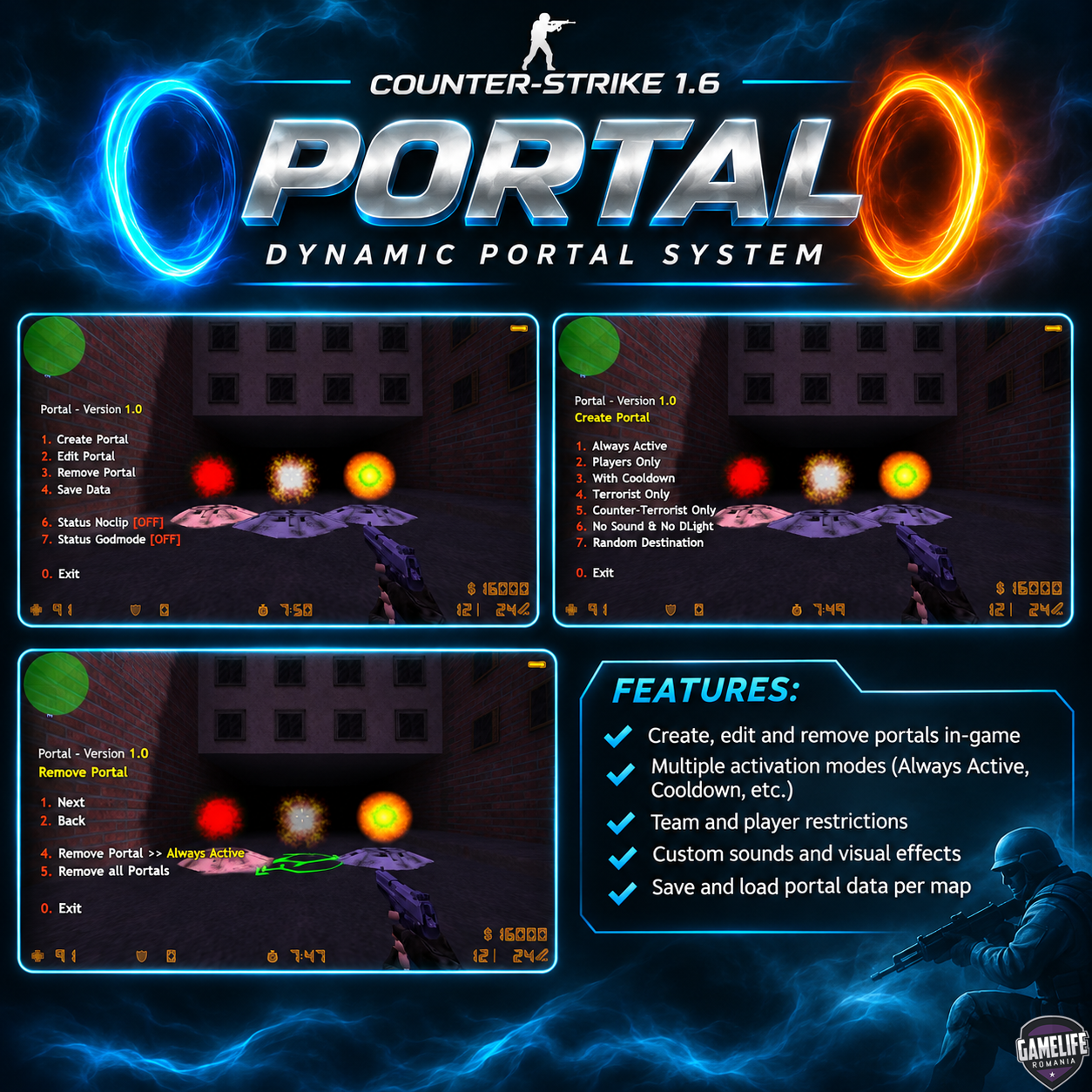
This plugin adds a fully dynamic Portal system to Counter-Strike 1.6.
Players can create, manage and use portals directly in-game, allowing them to teleport between different locations on the map.
The system is configurable and offers multiple options for controlling portal visibility, activation, access and behavior.
Features
Create and remove portals during gameplay using an in-game menu.
Two-part portal system with a base entry point and a configurable destination.
Configurable portal team access, animation speed and spawn chance.
Delayed and timed activation with random ranges for round-based gameplay.
Optional cooldown before a portal becomes available again.
Optional digital and teleport sound effects.
Optional reverse activation for different portal behavior.
Optional Players Only restriction to limit teleportation to players.
Dynamic portal rotation and natural visual effects.
Custom portal settings are saved per map and automatically loaded on every map start.
Commands
/say /portal– Opens the Portal menu./say /team_portal– Opens the Portal menu.
Configuration
All plugin settings can be customized in the configuration file.
Available options include:
Active delay
Activation duration
Portal sound effects
Portal cooldown
Team restrictions
Animation speed
Spawn chance
Portal sprite scale and transparency
Light and visual effects
Sound volume and playback behavior
Changelog
v1.0
Initial release.
Plugin: Portal
Author: RedSMURF
Game: Counter-Strike 1.6
Requirements: AMX Mod X
Create an account or sign in to leave a review
There are no reviews to display.