
th3#afk
Hall Of Fame
-
Joined
-
Last visited
Everything posted by th3#afk
-
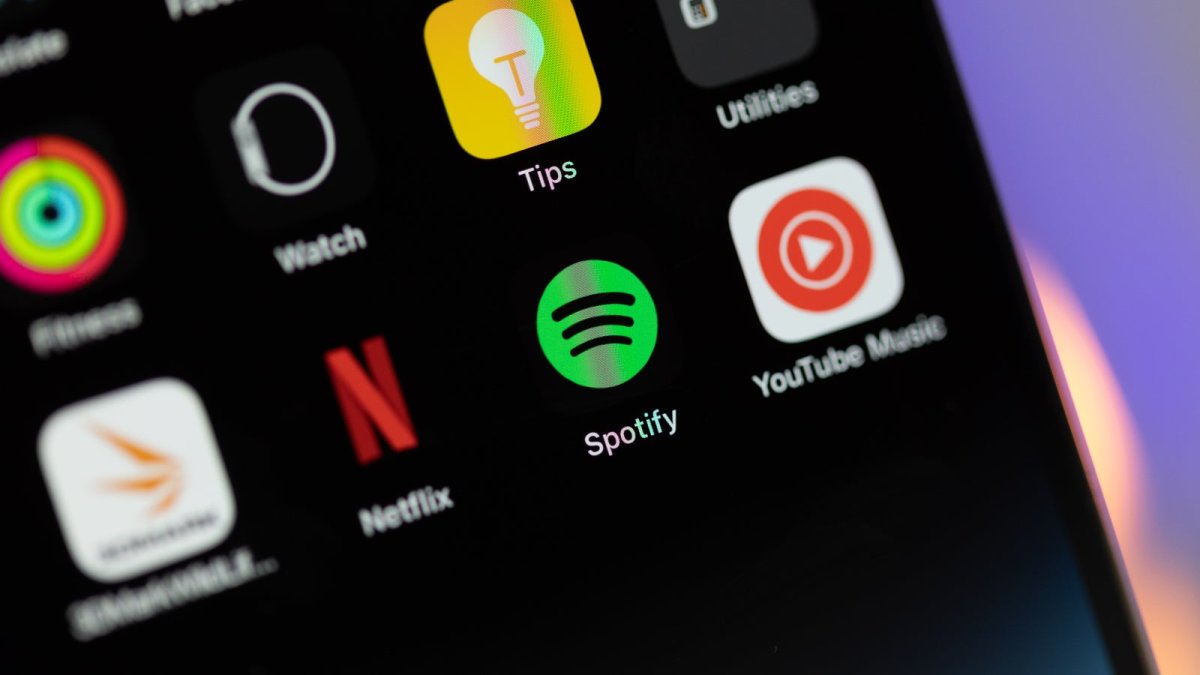
After introducing a tier specifically dedicated to audiobooks, Spotify is now expanding its library to offer potential customers a reason to pay the expensive subscription price.View the full article
-
Lost in the excitement over the Apple Intelligence Beta, Apple releases iOS 17.6 and iPadOS 17.6.View the full article
-
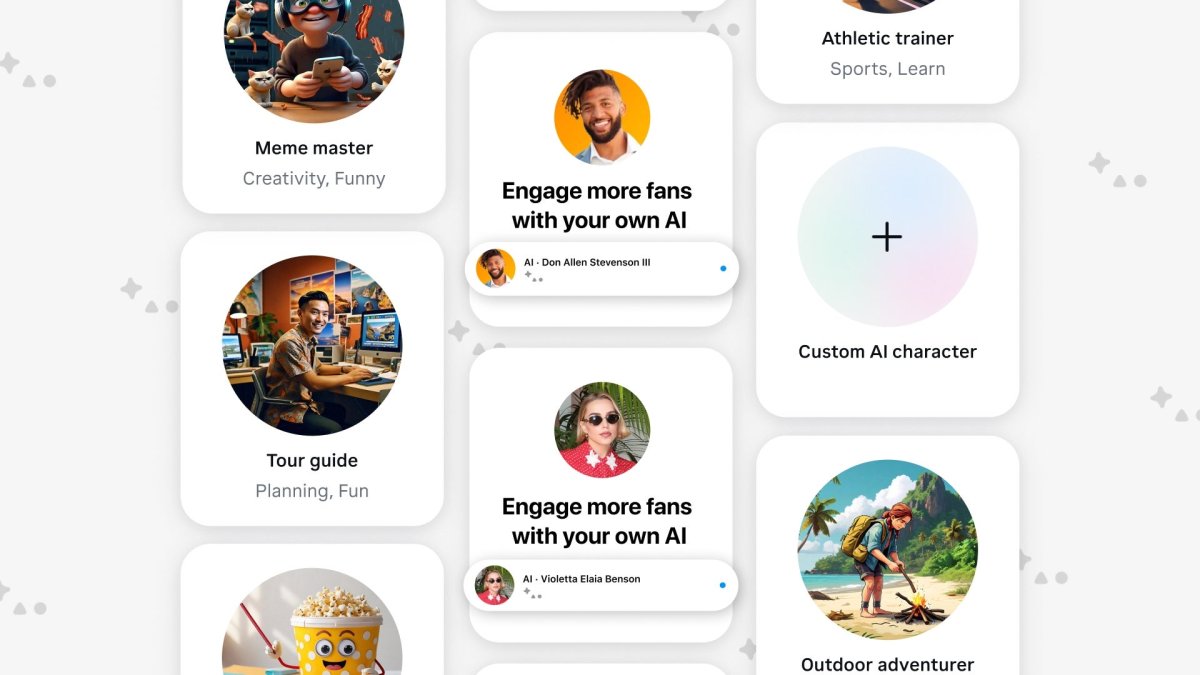
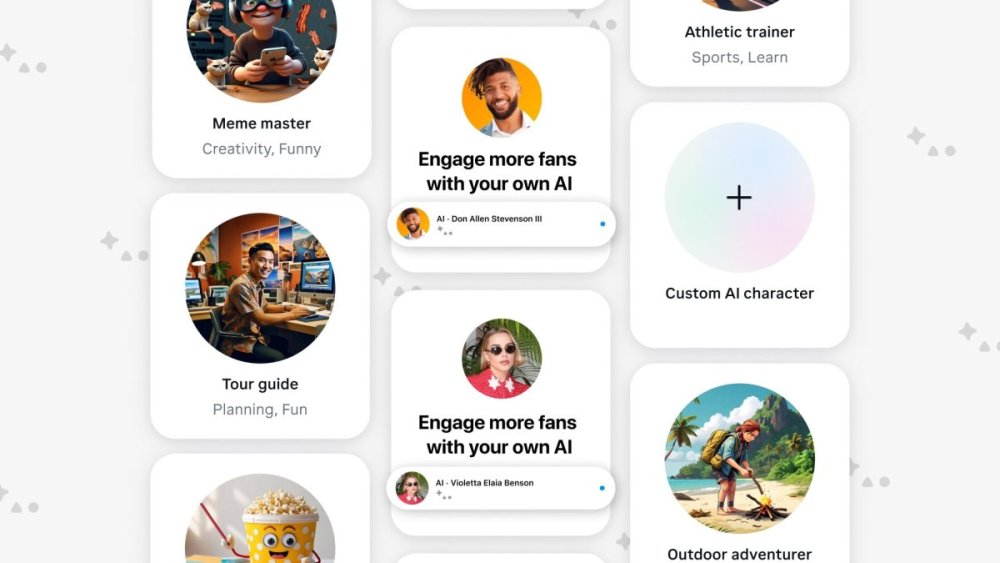
Meta launches AI Studio to help you create your own AI characterView the full article
-
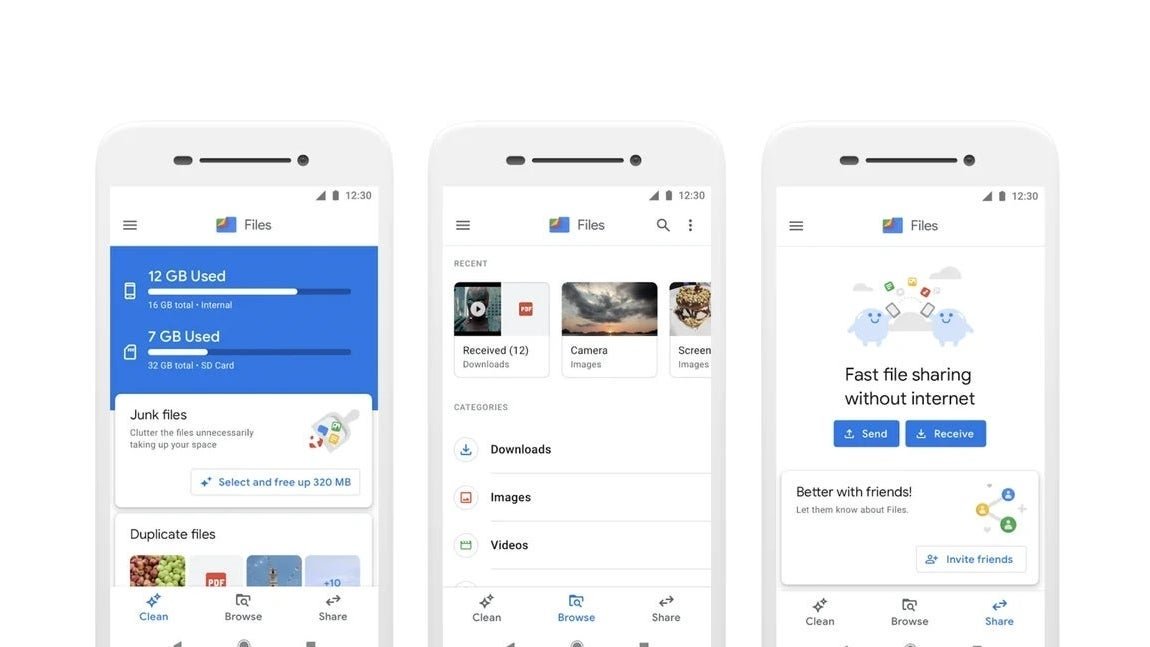
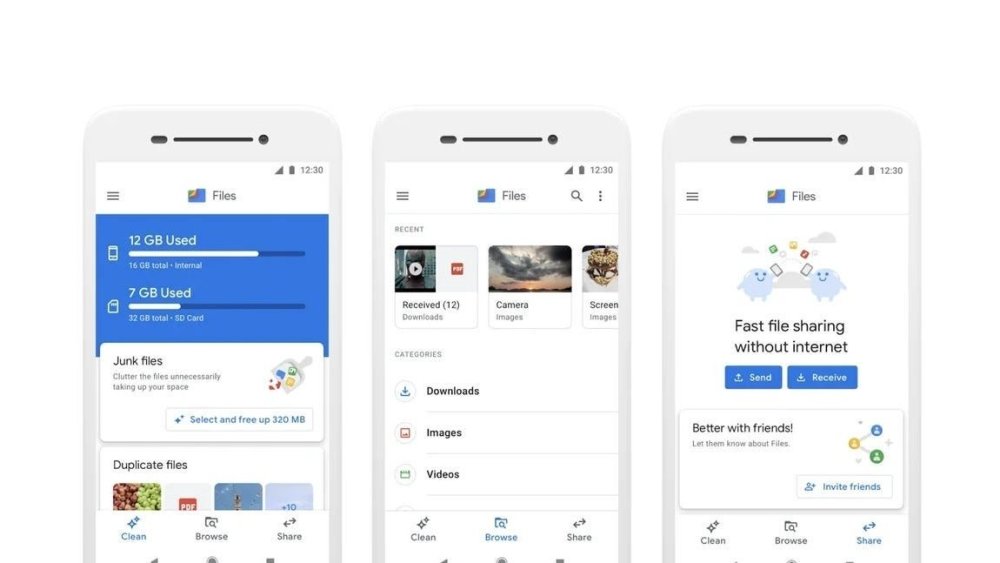
Google Files App gets new "Recents" carousel for faster file accessView the full article
-
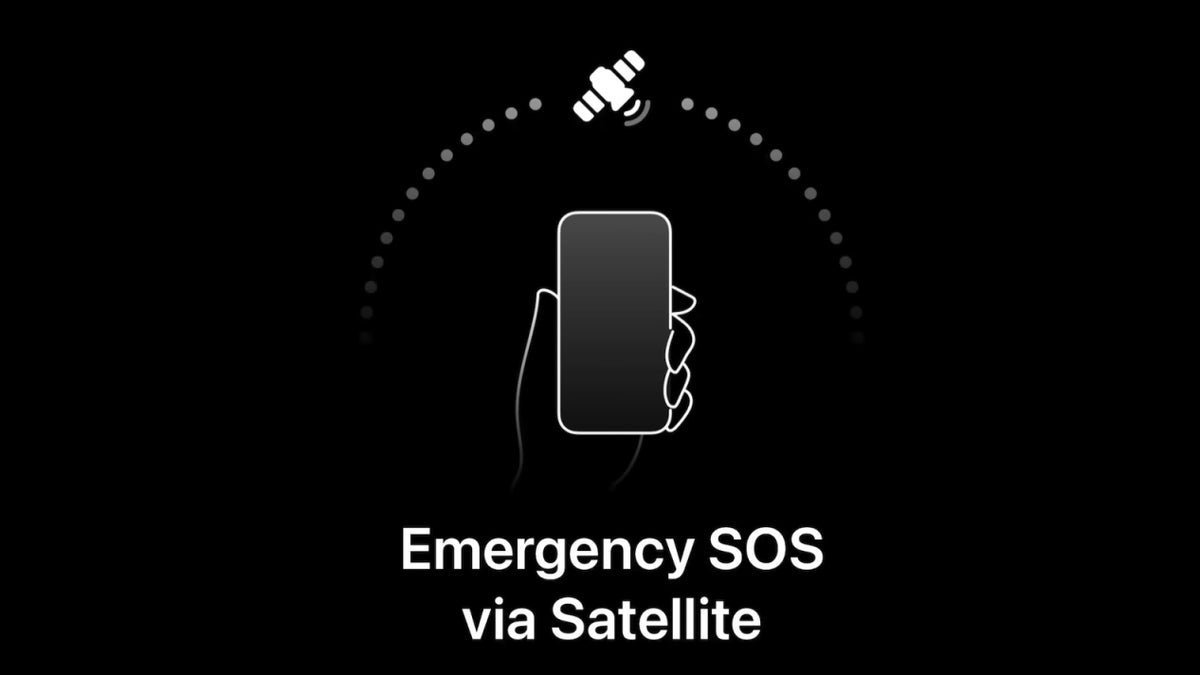
Apple's Emergency SOS via Satellite does it again as it saves the lives of four hikers stuck on a glacier.View the full article
-
So far only some changes to Siri have surfaced on my iPhone after installing iOS 18.1. Developer Beta.View the full article
-
Google releases minor Android 15 Beta 4.1 update for Pixel devicesView the full article
-
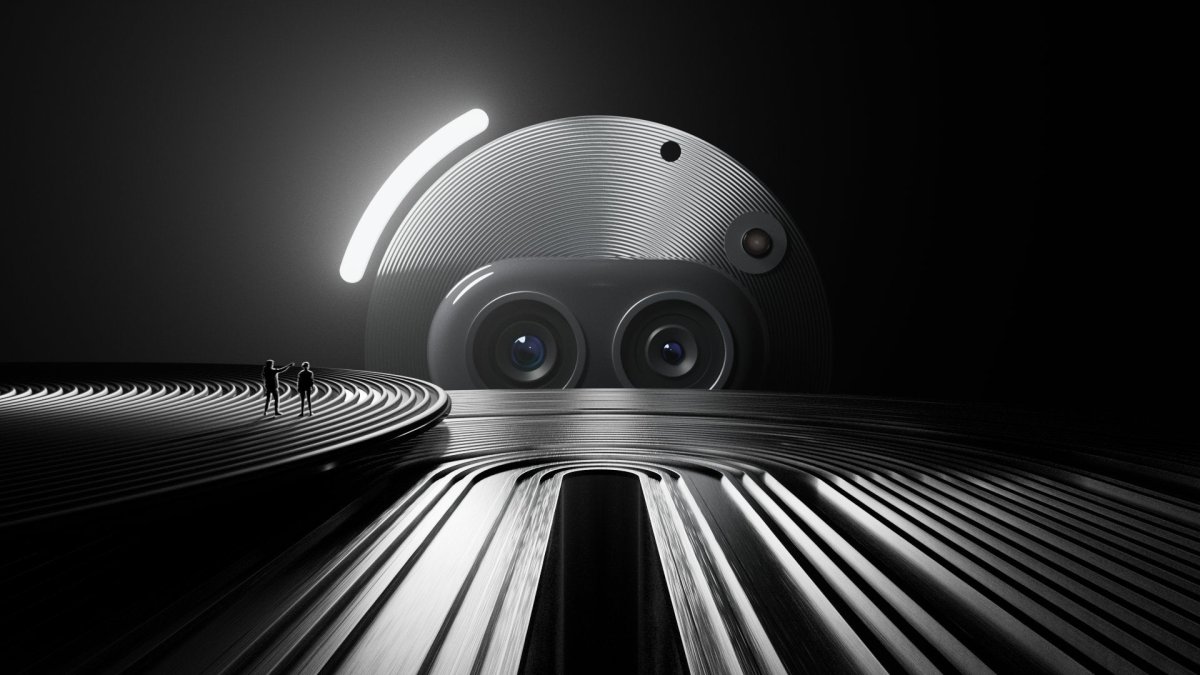
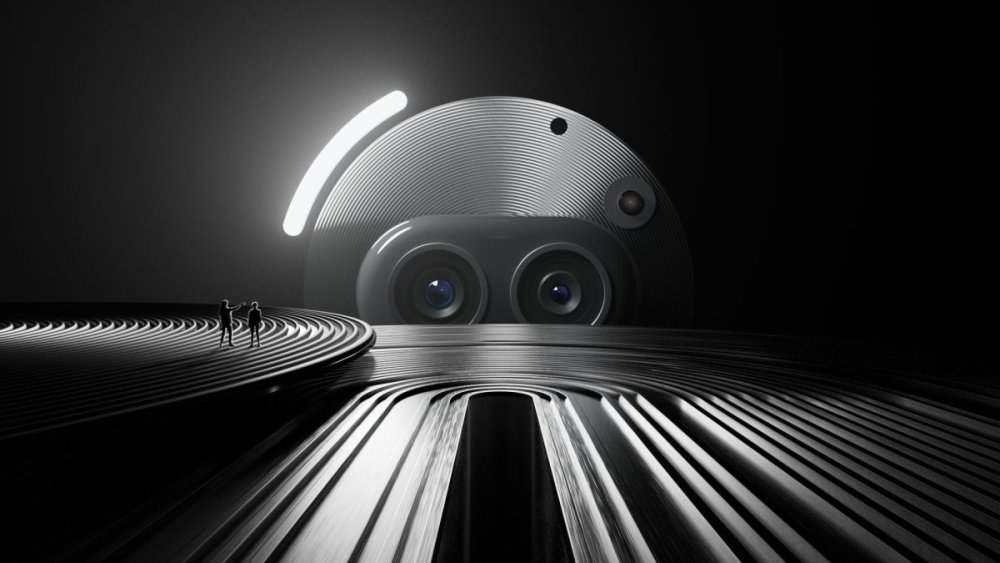
Nothing teases a triple 50MP camera system for the Phone (2a) PlusView the full article
-
Apple releases iOS Developer Beta 18.1 which allows certain iPhone owners to join the Apple Intelligence Beta waitlist.View the full article

-
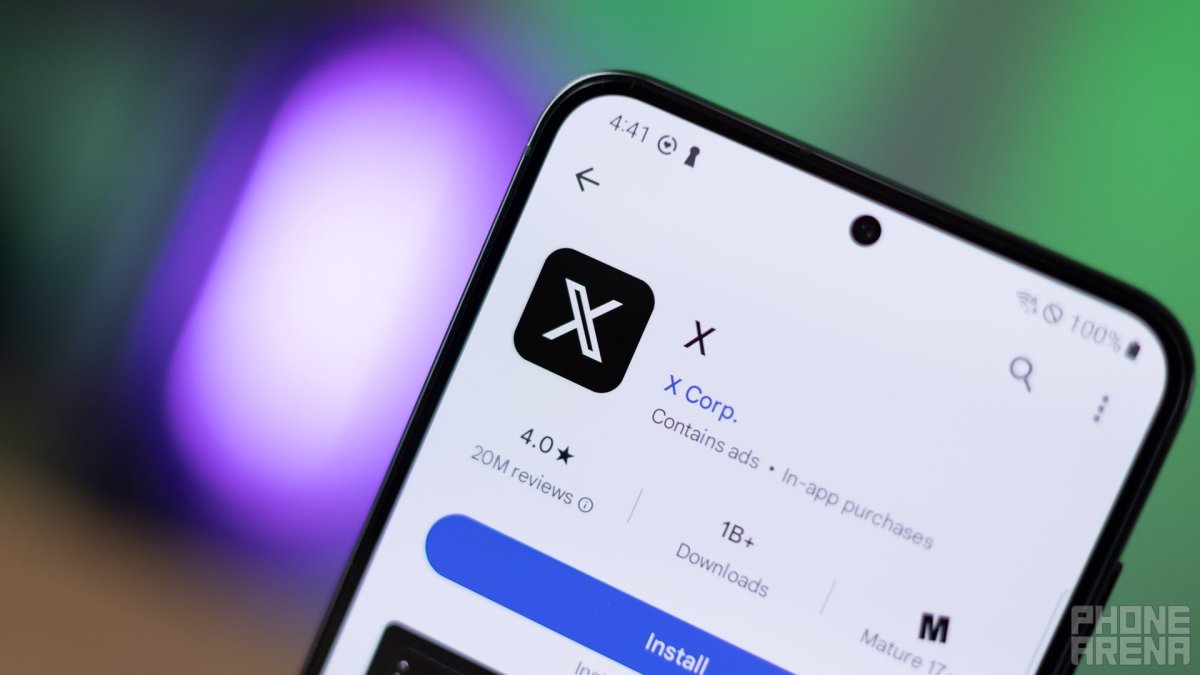
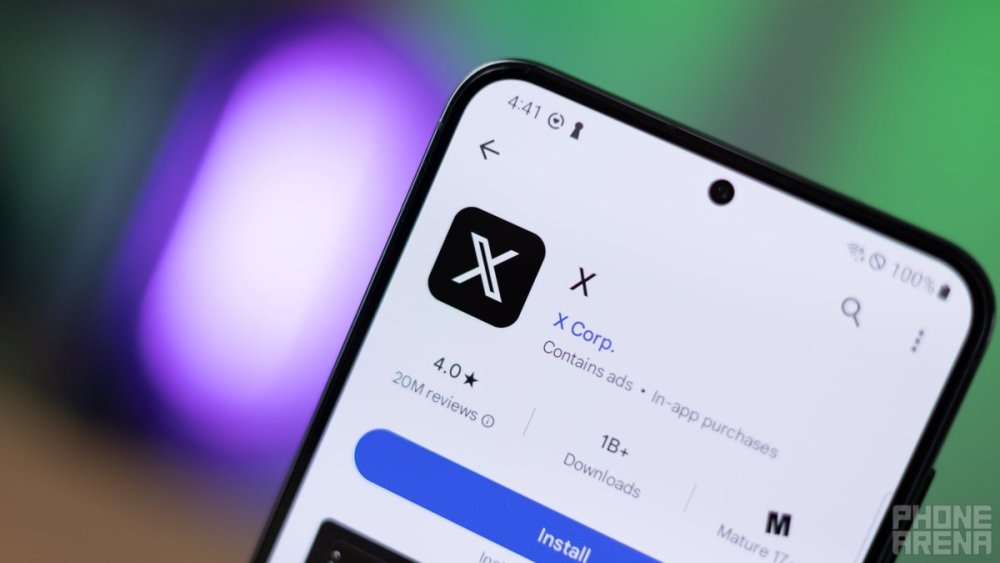
X (formerly Twitter) is developing DM editing featureView the full article
-
Google wants to minimize the time you spend stuck at a traffic light by using AIView the full article

-
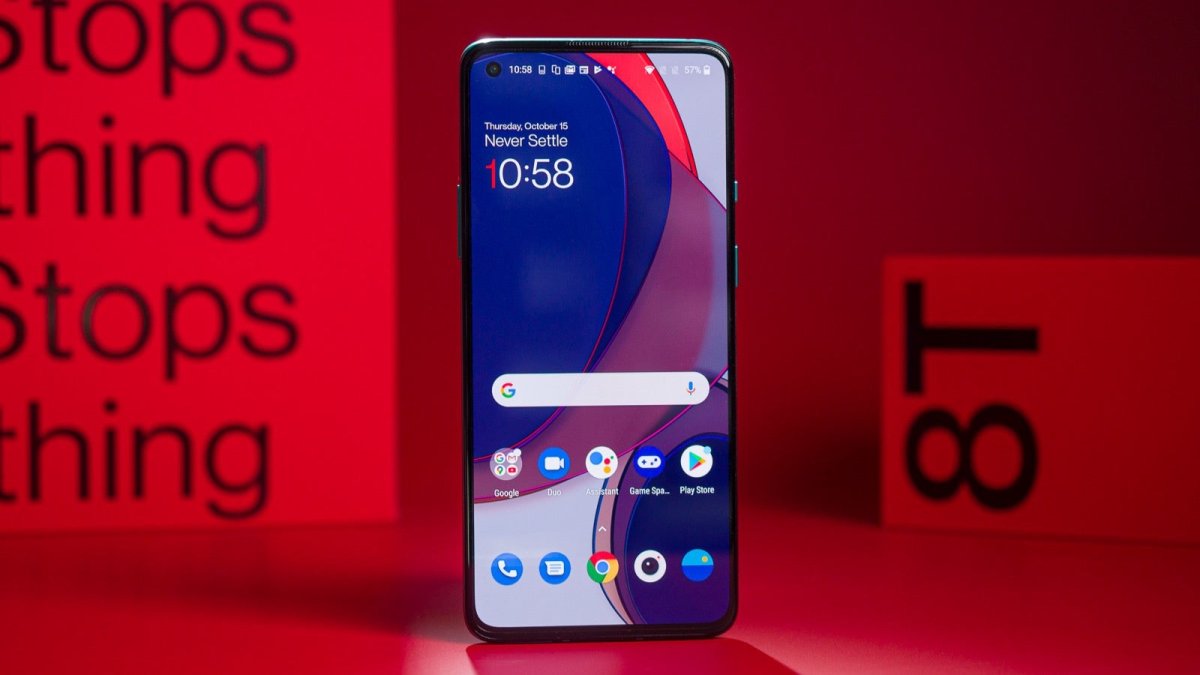
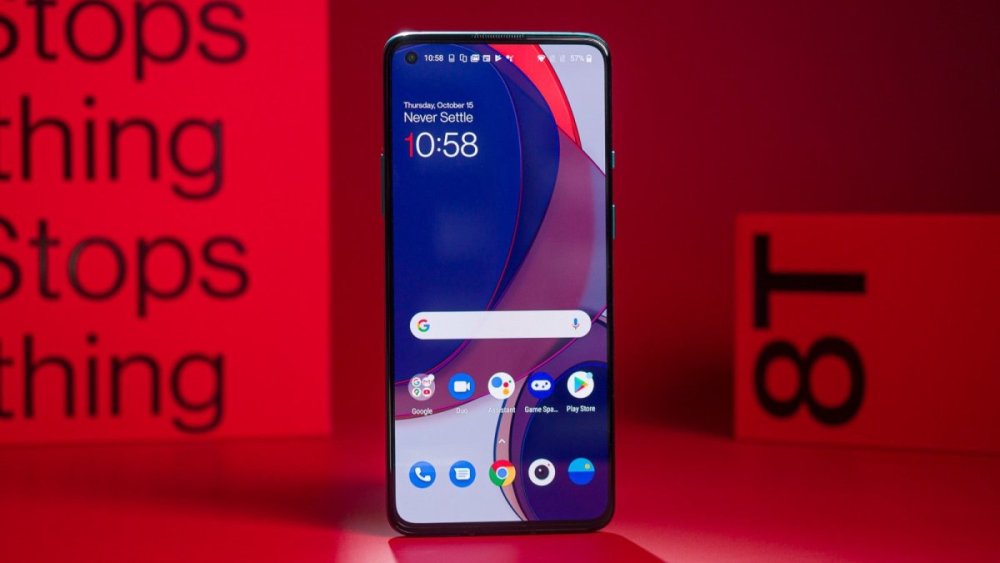
OnePlus offers free screen upgrade for select models in India, but may expand program globallyView the full article
-
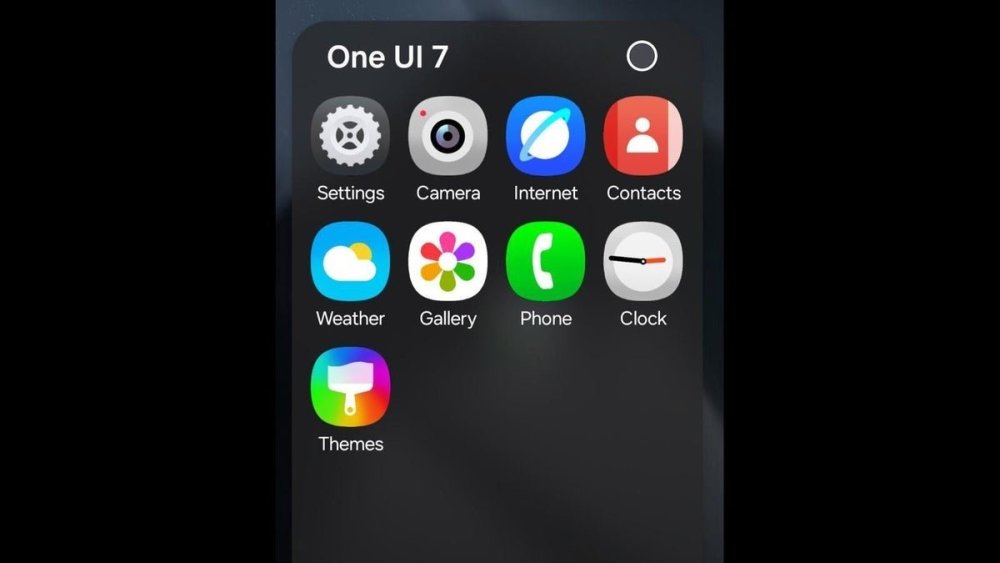
Another update likely to blame.View the full article
-
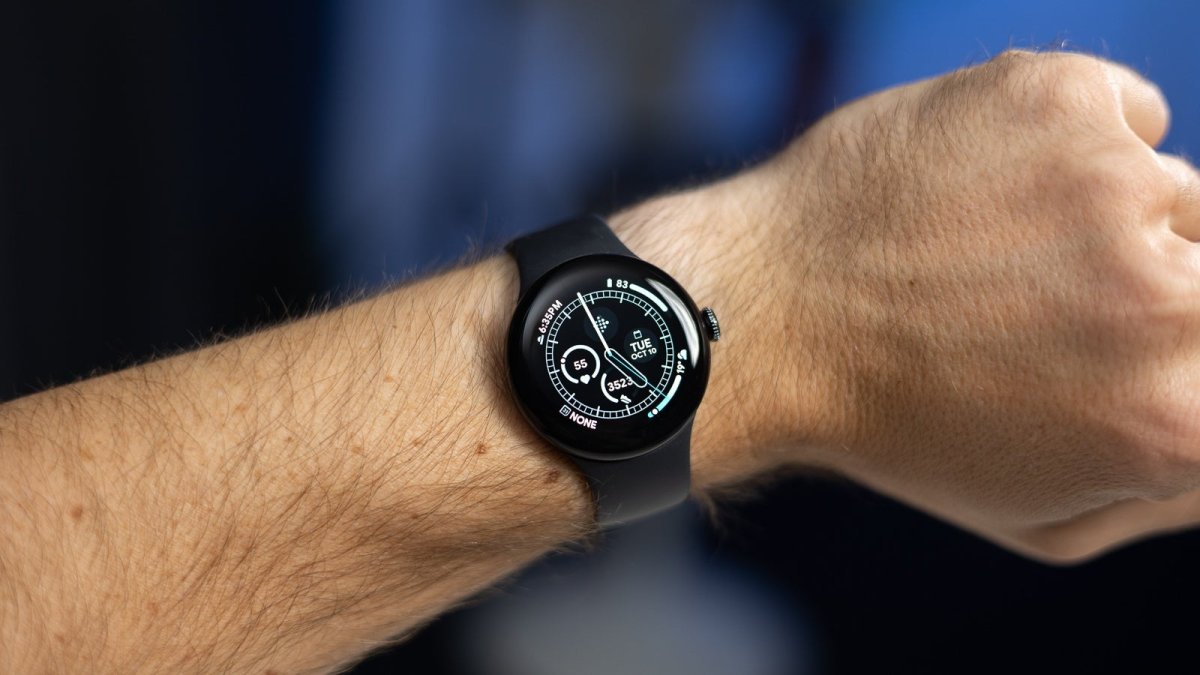
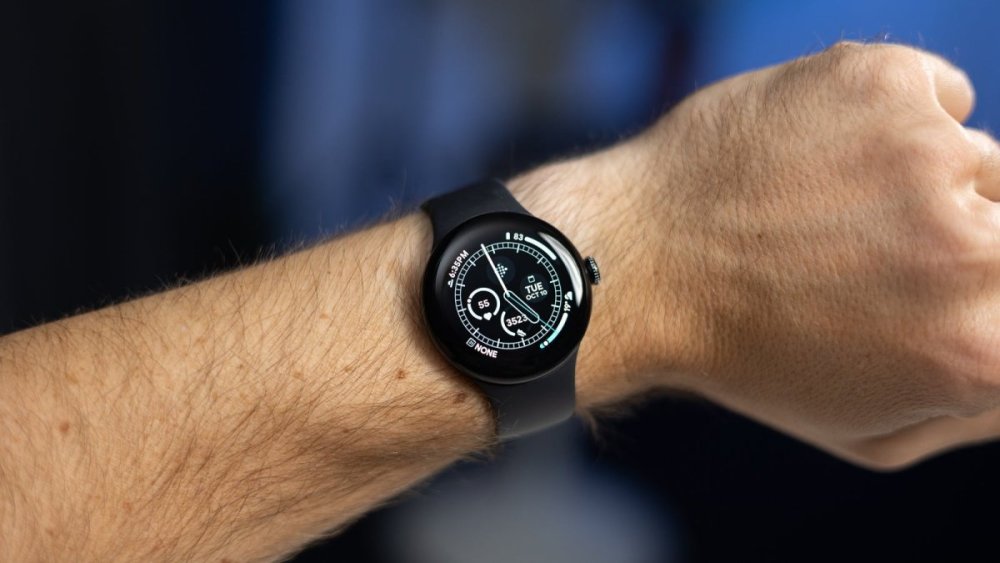
Even though it's a little early for something like that, we might already know all the base Google Pixel Watch 3 variants and optional band colors for both the 41 and 45mm case sizes.View the full article
-
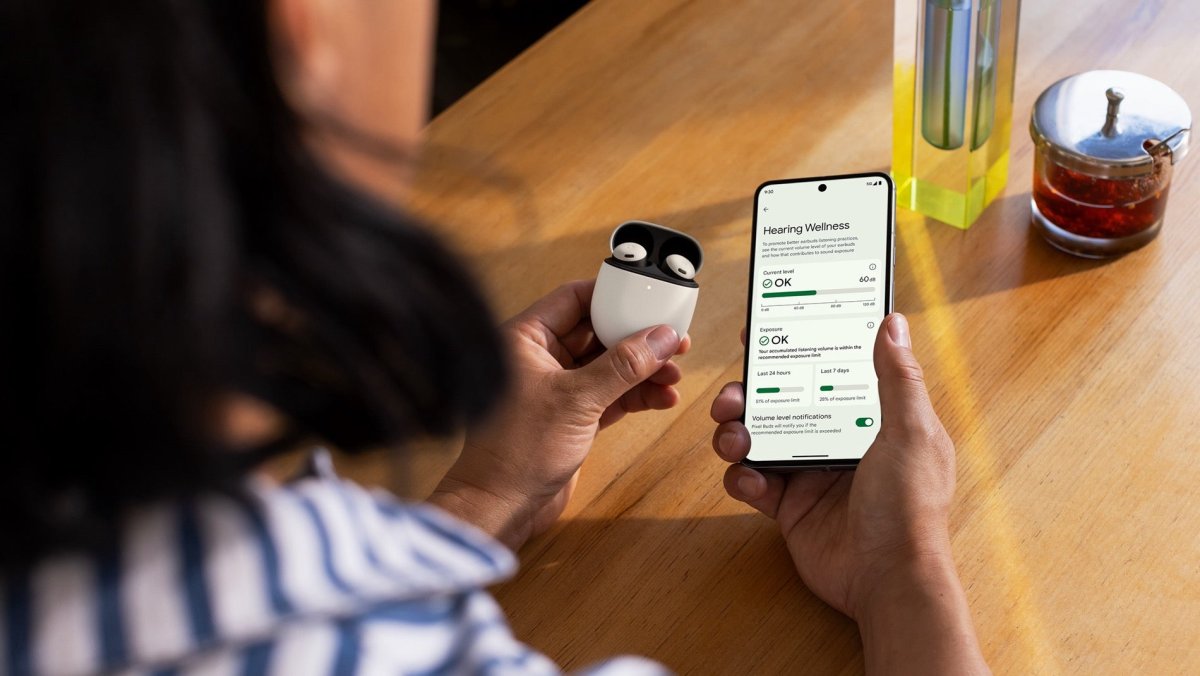
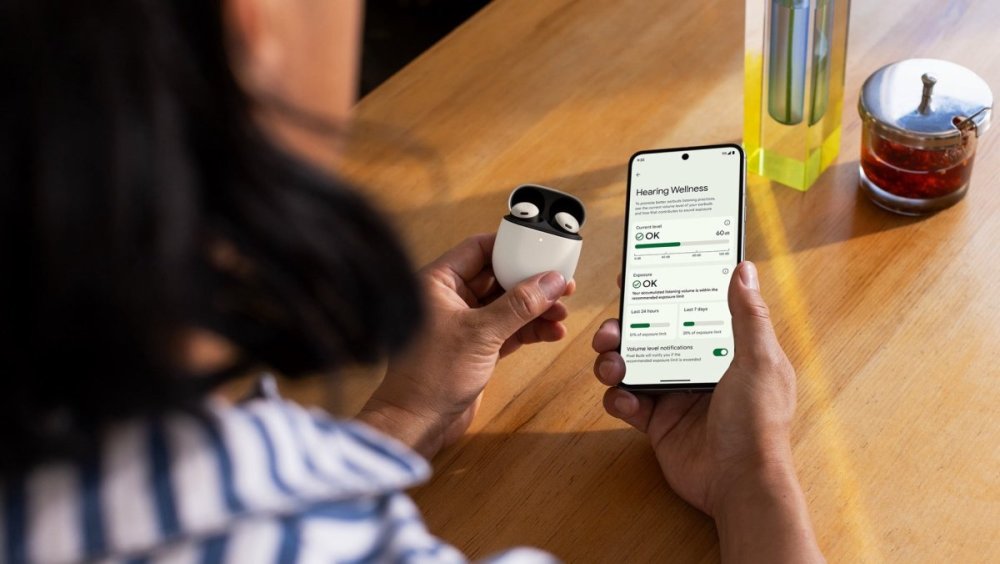
Android 15 Beta 4 removes Pixel Buds Pro active noise controls from redesigned volume menuView the full article
-
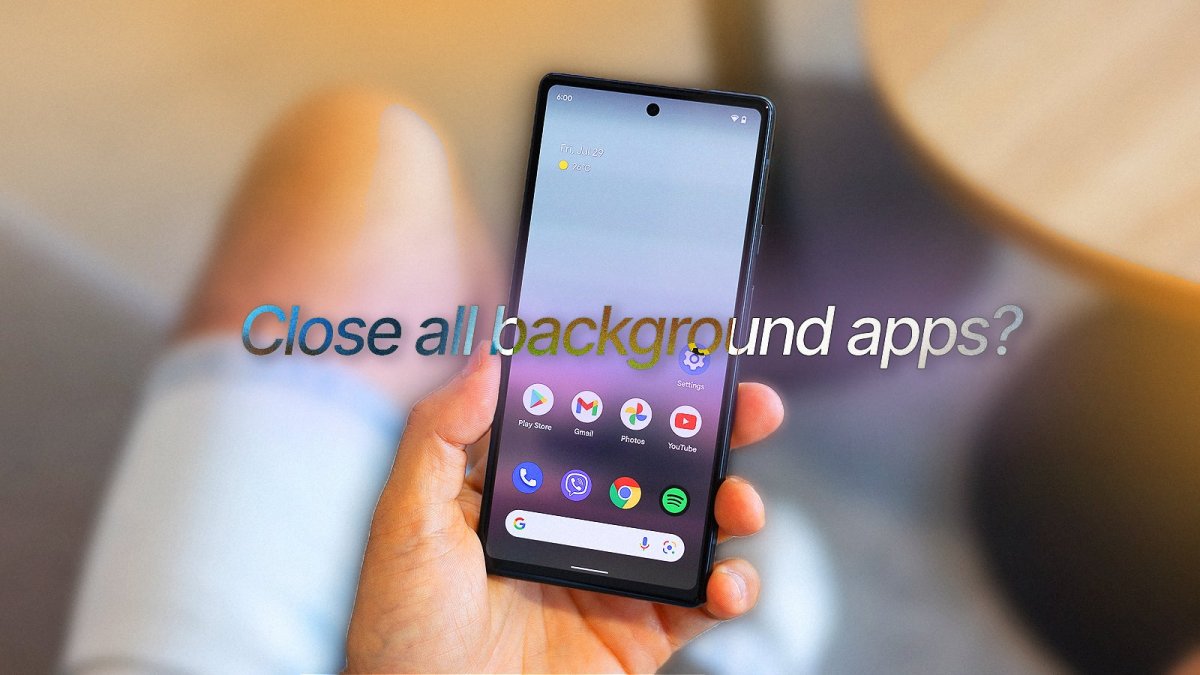
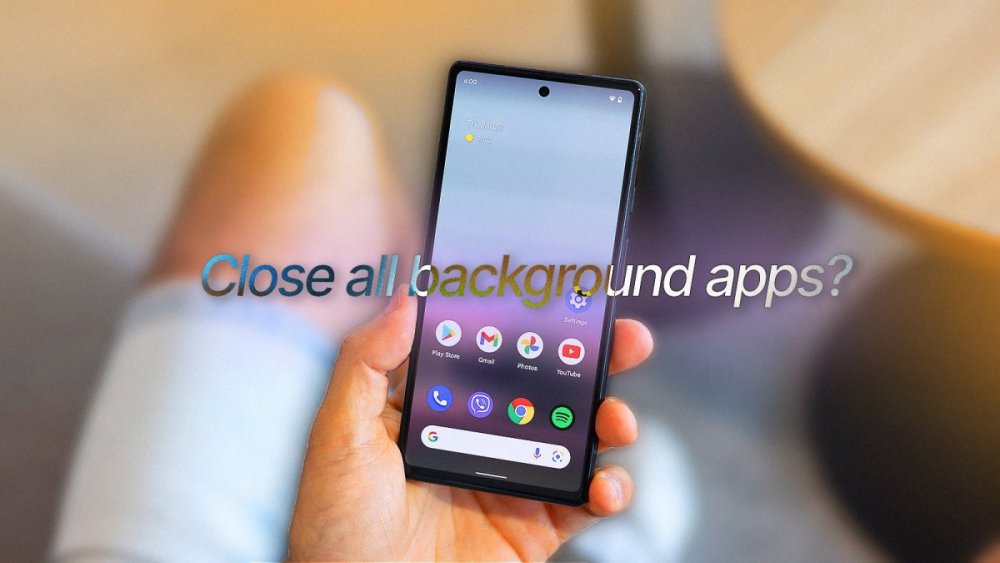
Some say that Android is optimized to perform well even if it has a bunch of apps are running in the background. Others say that it is not. I say “let’s settle this”.View the full article
-
Straight Talk announced over the weekend it had signed a multi-year agreement making Straight Talk Wireless an official partner of NASCAR.View the full article

-
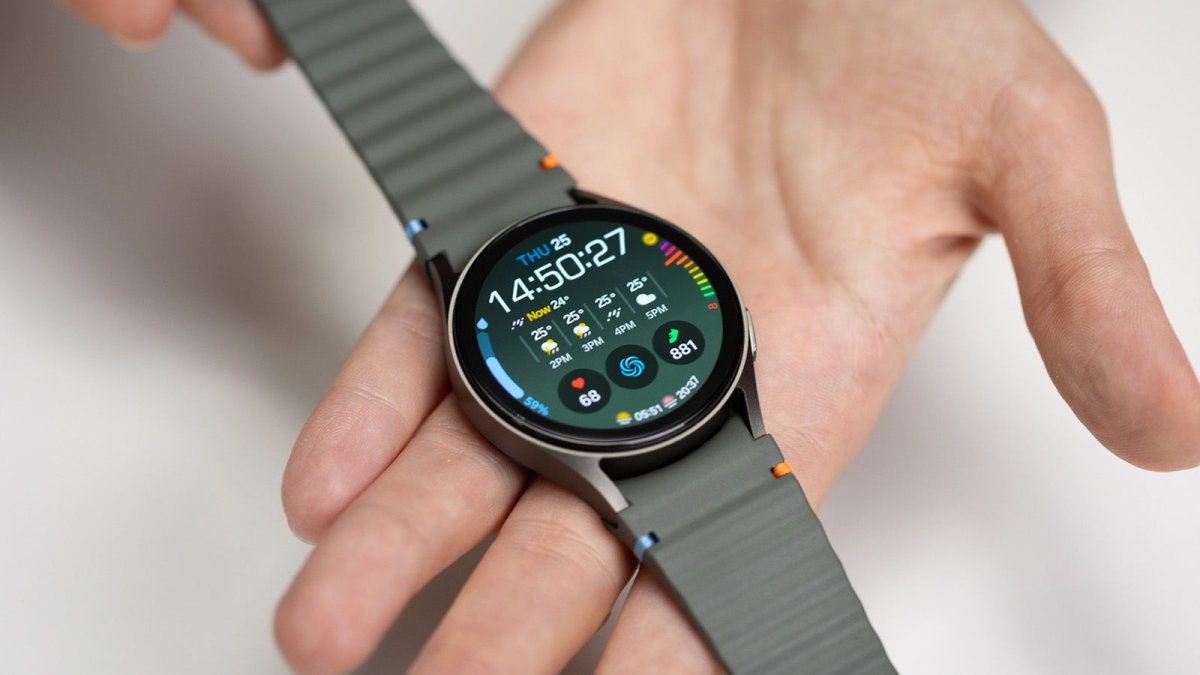
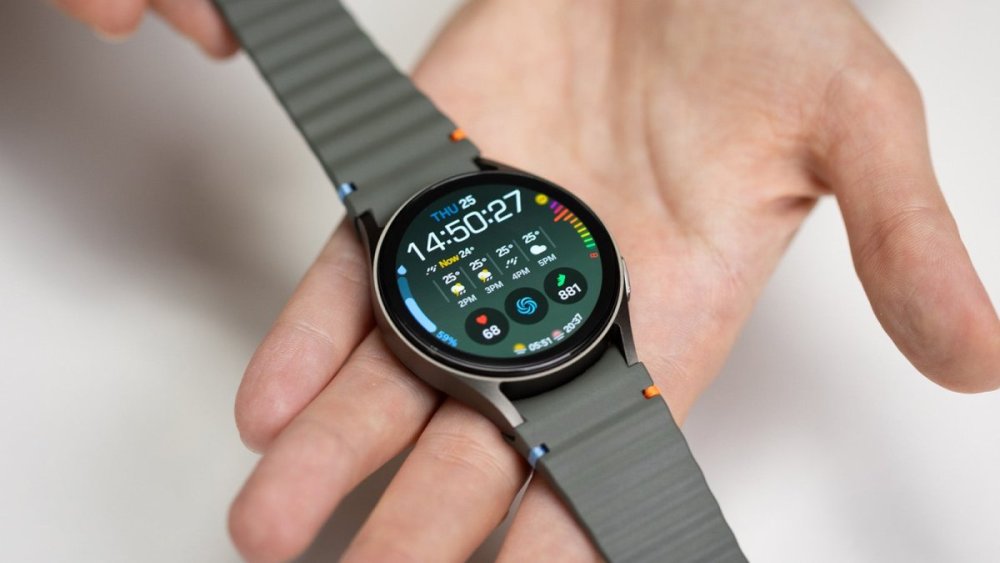
Many users complain Samsung's new Galaxy Watch 7 has some big issues with battery life...View the full article
-
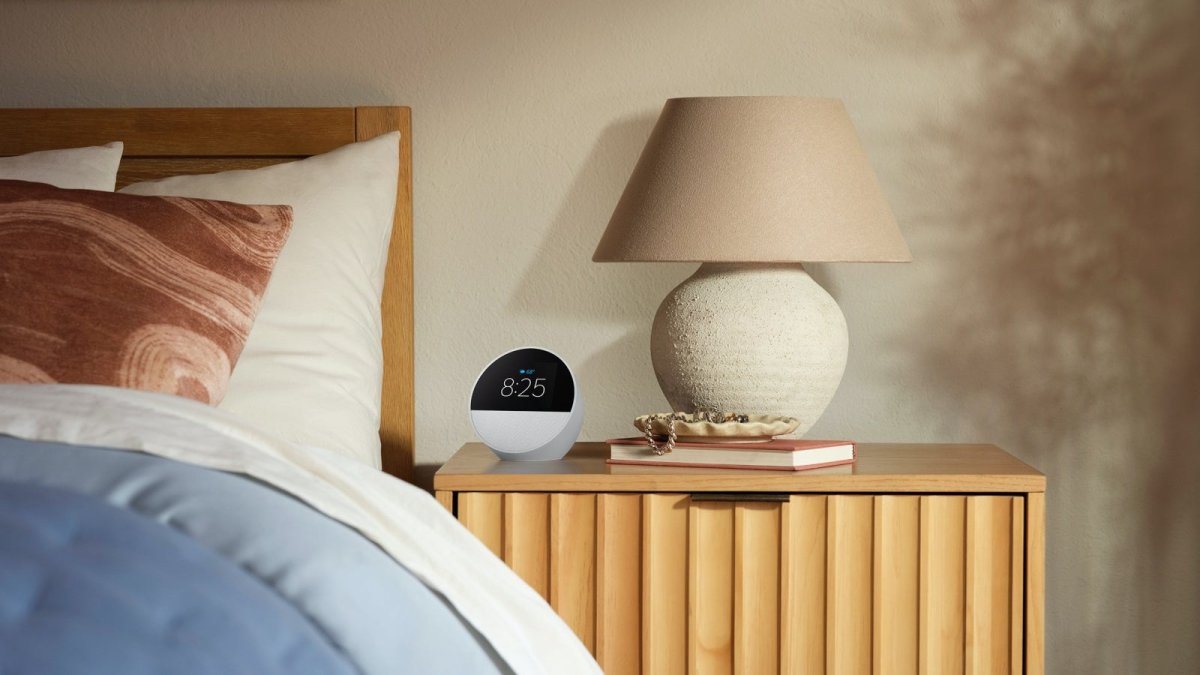
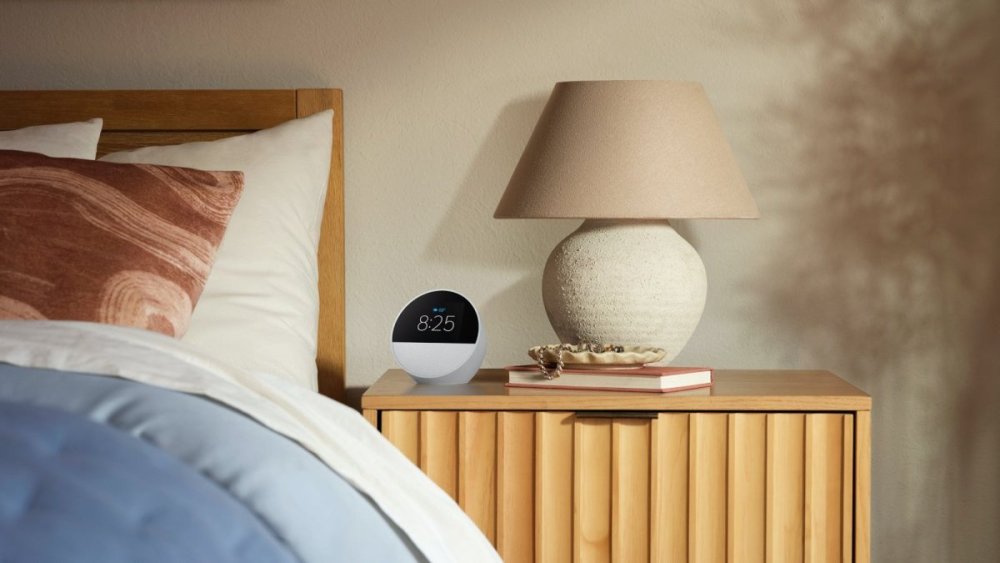
You probably don't have a lot of time to pick up Amazon's hot new Echo Spot smart alarm clock at a crazy low price of $44.99... from Best Buy rather than the e-commerce giant itself.View the full article
-
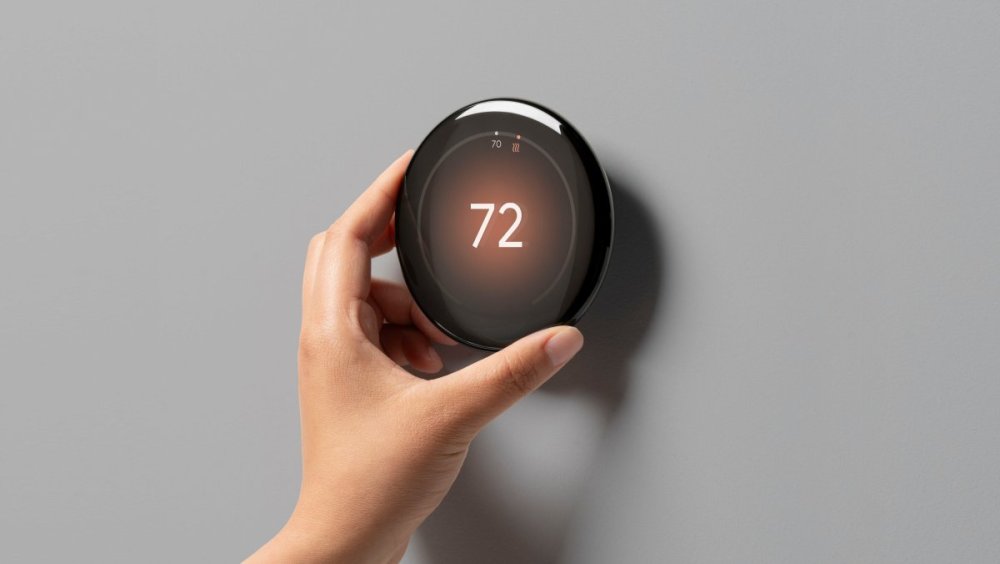
Google marketing materials have leaked for a new Nest Learning Thermostat with a borderless designView the full article
-
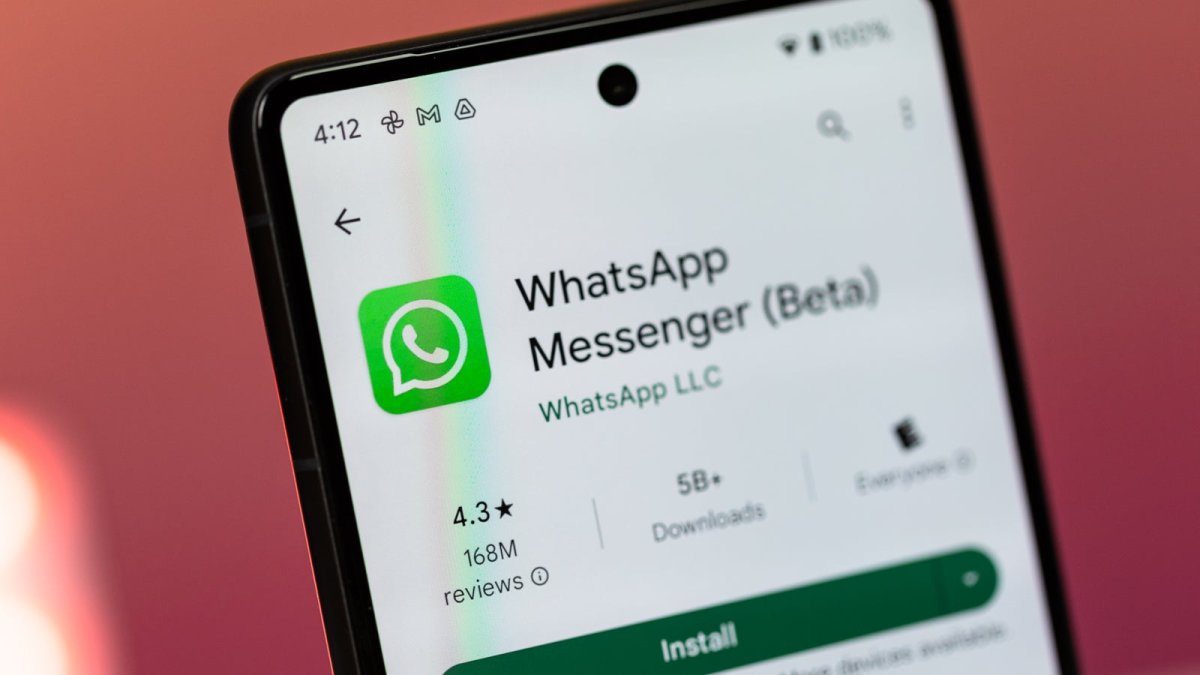
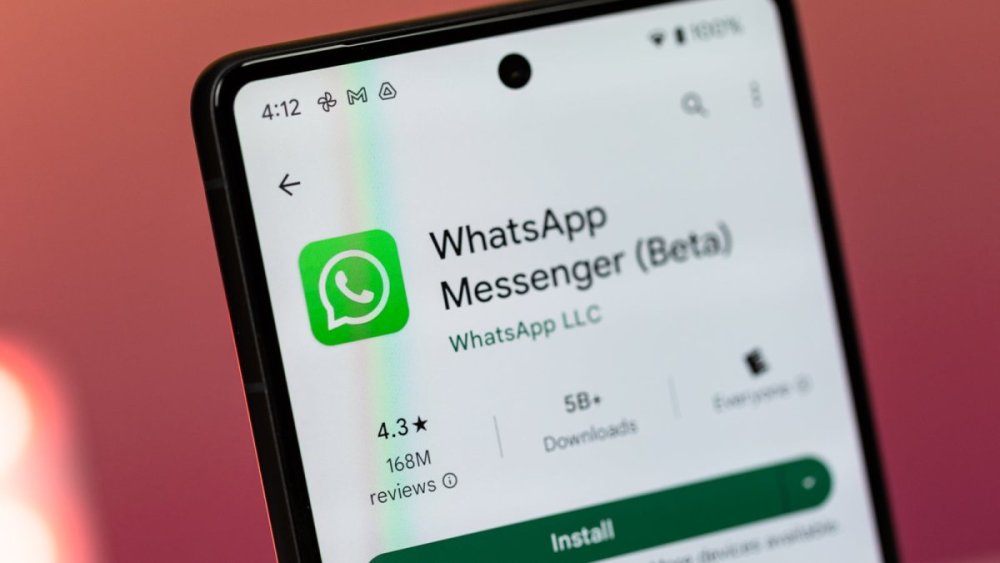
One month after being spotted, AR call effects and filters are making their way to WhatsApp beta for Android.View the full article
-
Apple is reportedly planning to assemble the Pro and Pro Max models of its upcoming iPhone 16 series in India.View the full article
-
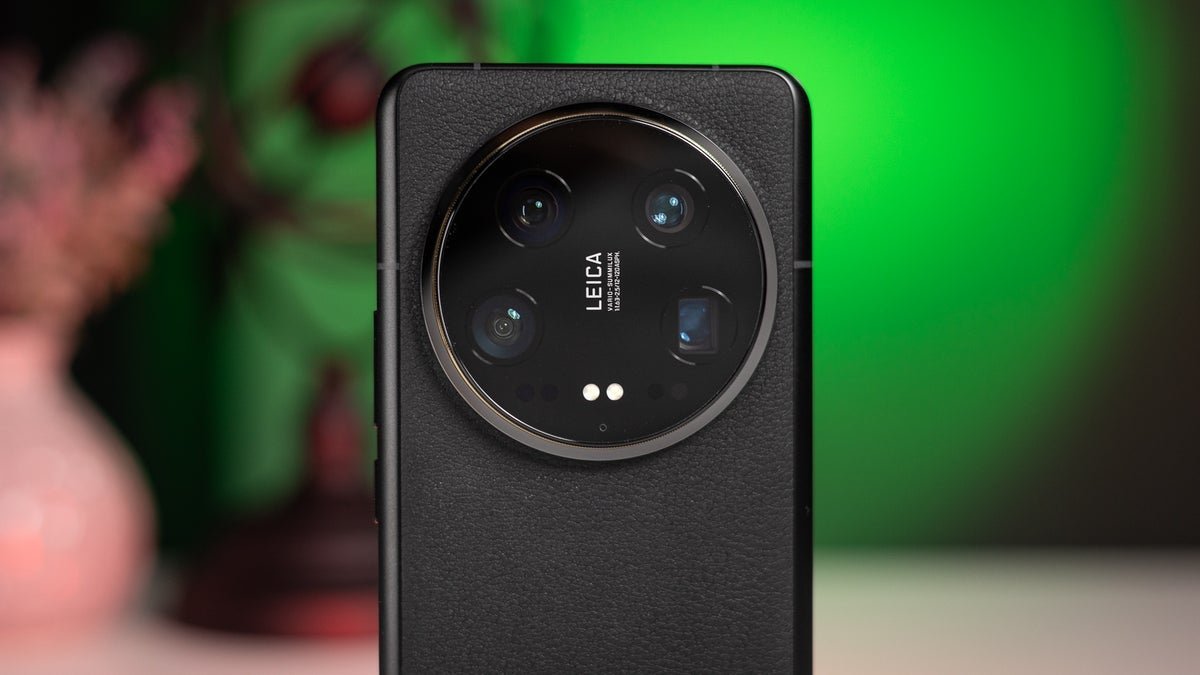
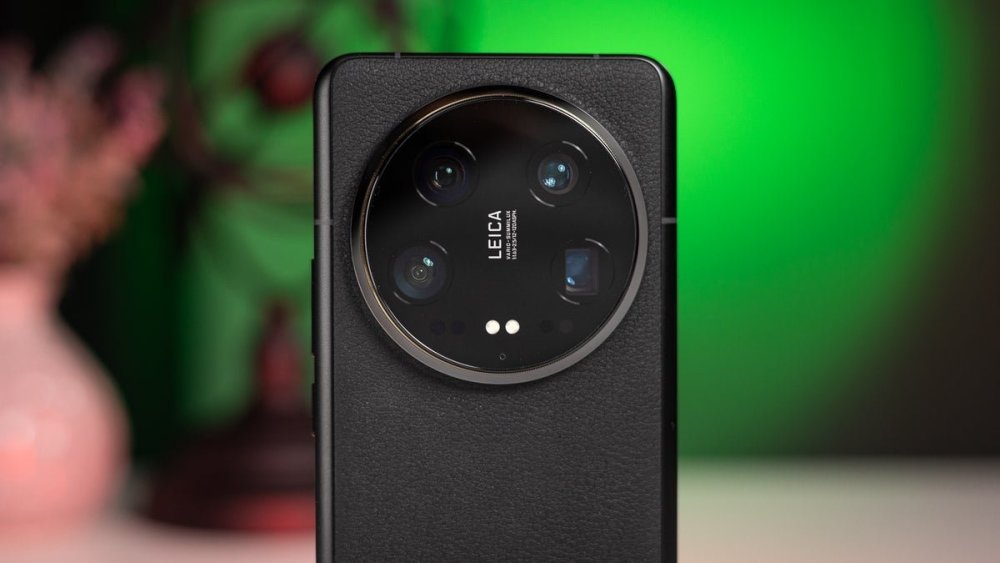
Just think about it: once upon a time, you had to invest in sturdy tripods, expensive lighting modules, proper macro lenses that could cost an arm and a leg, not to mention a dedicated camera. Now, we have smartphones with macro snappers!View the full article
-
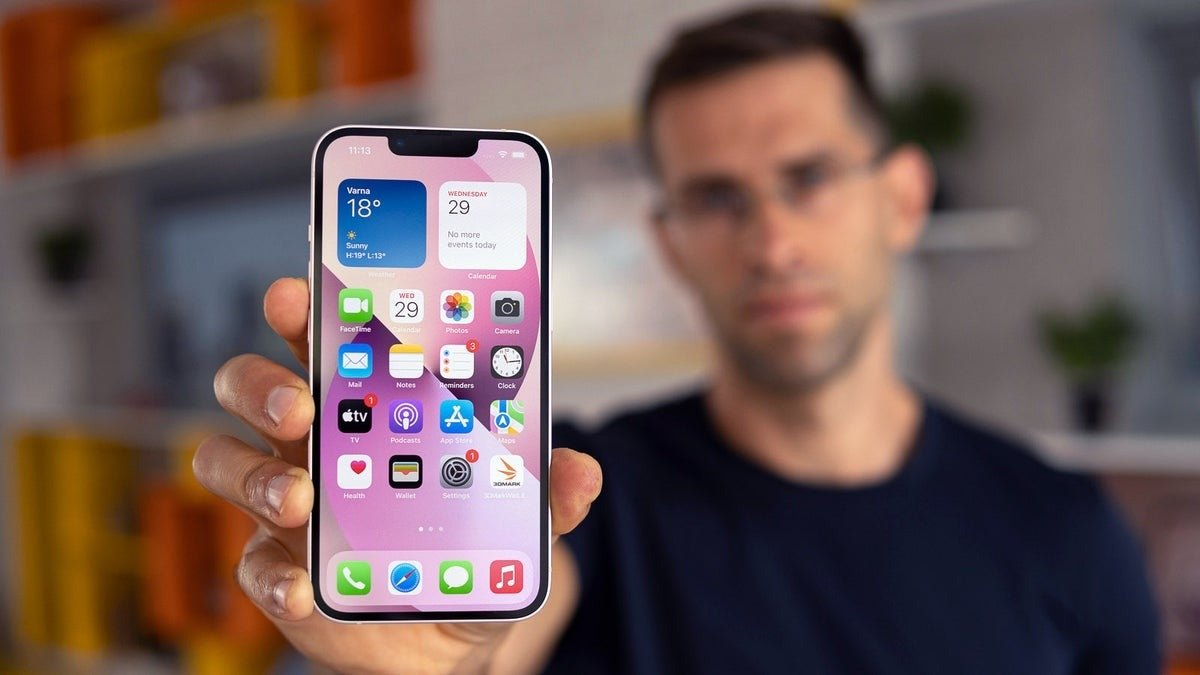
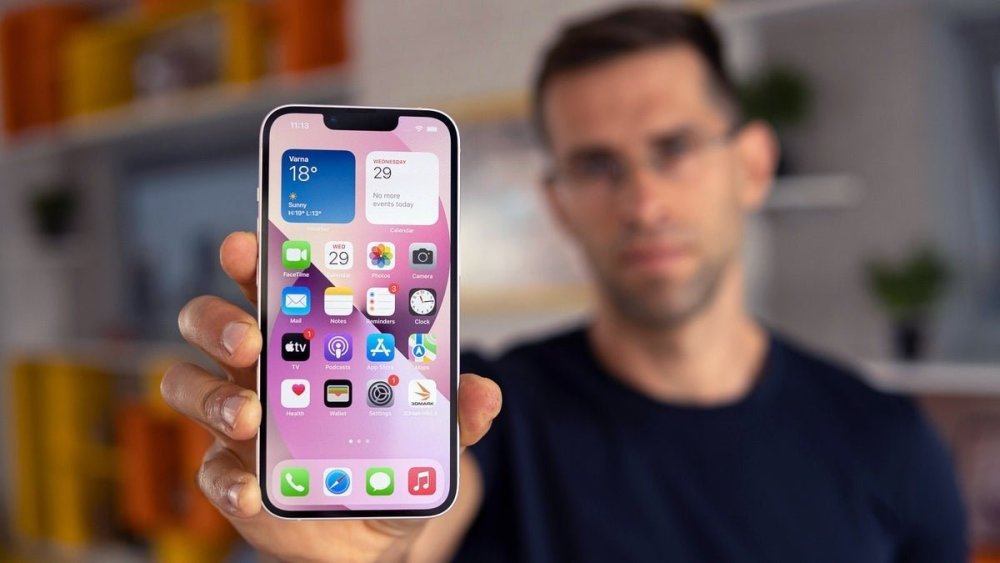
Apple has found out how to save on iPhone SE production costs.View the full article
-
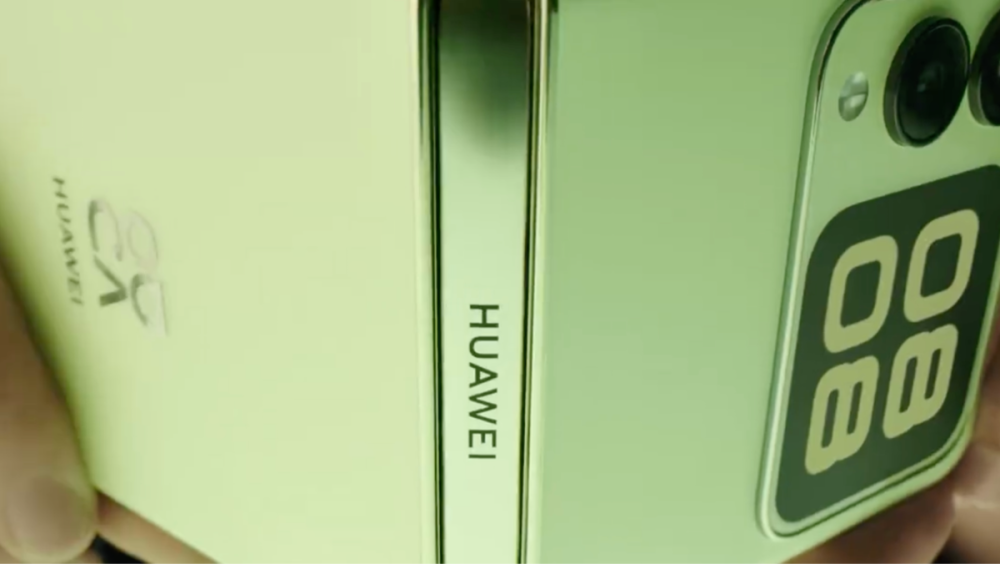
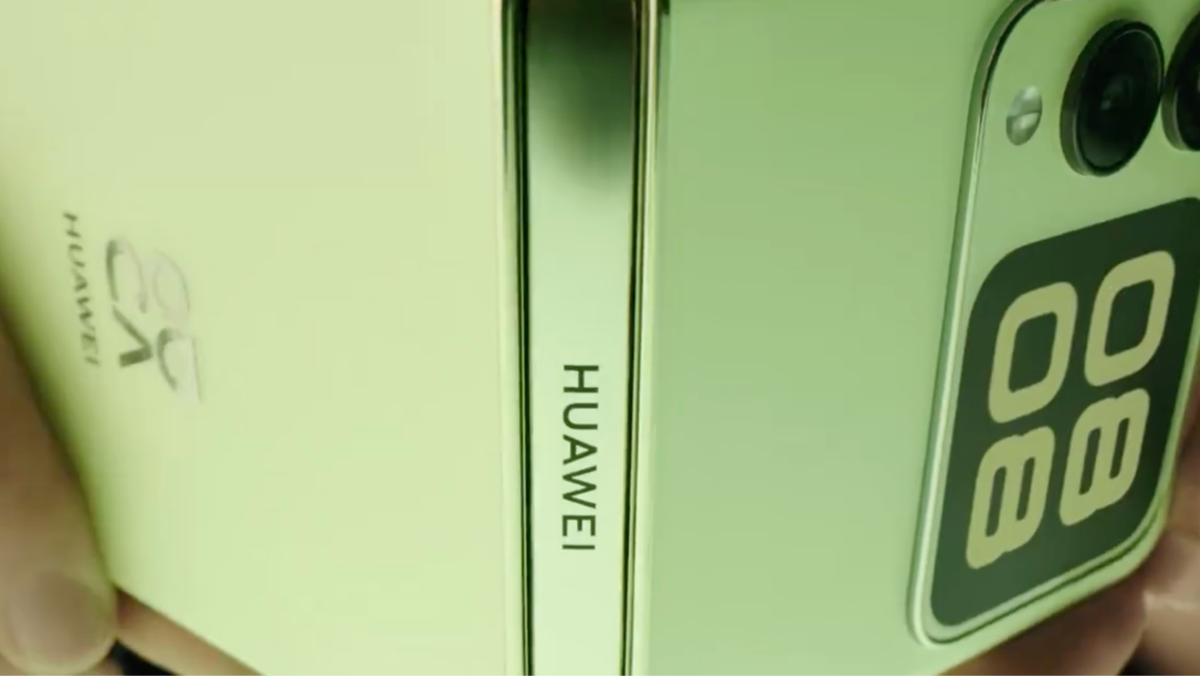
Huawei is gearing up to unveil its latest foldable phone, the Nova Flip. The company has dropped a teaser video featuring a member of the TFBoys music band flaunting the clamshell phone in a vibrant Lime green.View the full article