
th3#afk
Hall Of Fame
-
Joined
-
Last visited
Everything posted by th3#afk
-
T-Mobile recalls its own REVVL 7 Pro 5G handset from all corporate and third-party stores.View the full article

-
Apple, as expected, released iOS 17.6.1 to fix and exterminate several bugs and improve the general performance of the iPhone.View the full article

-
Youtube tests community notes-like feature to combat misinformationView the full article
-
View the full article
-
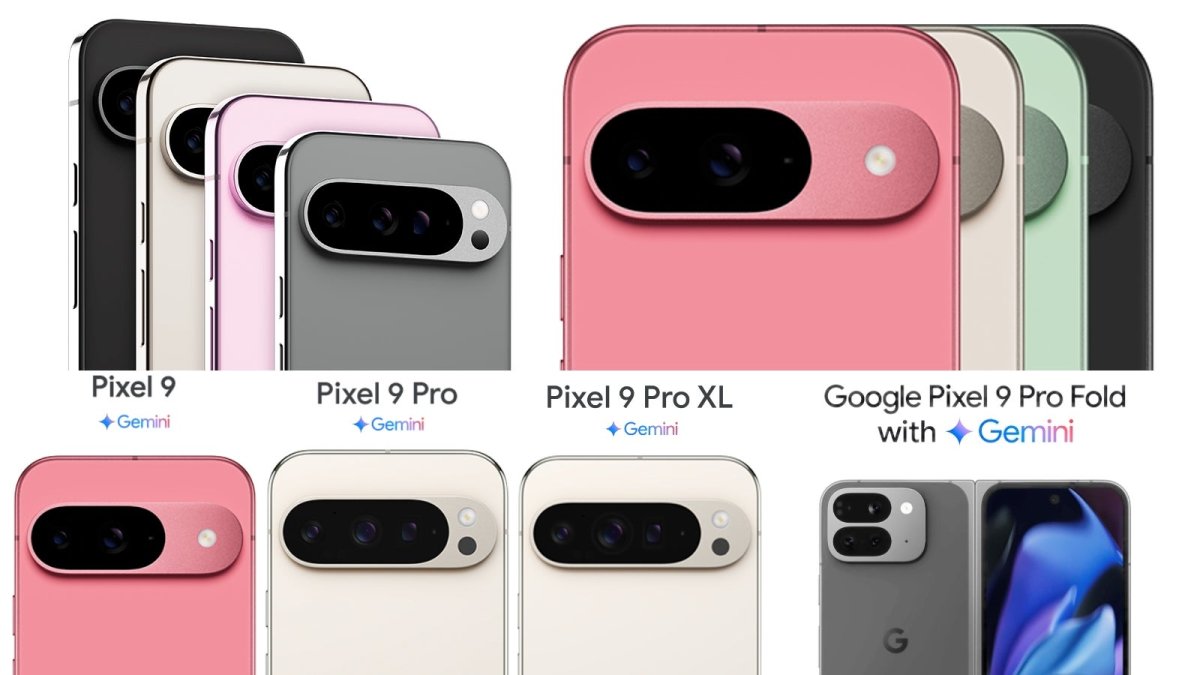
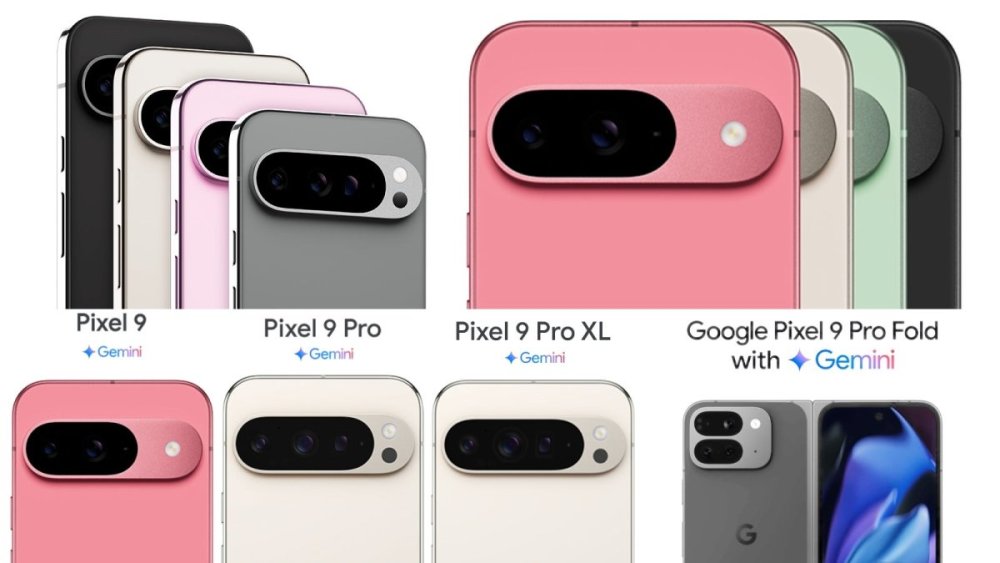
More Google Pixel 9 Series leaked images surface showcasing models, colors, and some accessoriesView the full article
-
Samsung has launched a program under which it will send experts to various countries so they can train the local technicians for more standardized repair services.View the full article
-
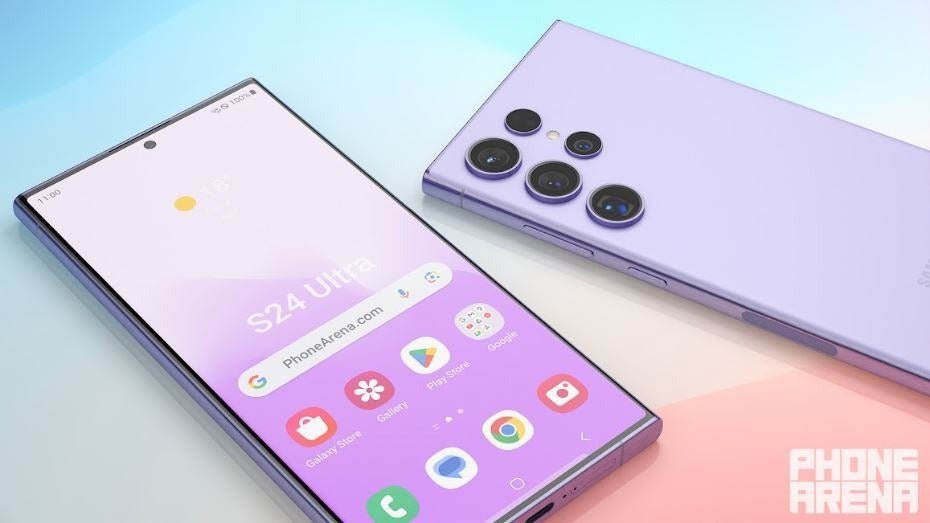
Get ready to pay more for the Pixel 9 Pro without being aware of it.View the full article

-
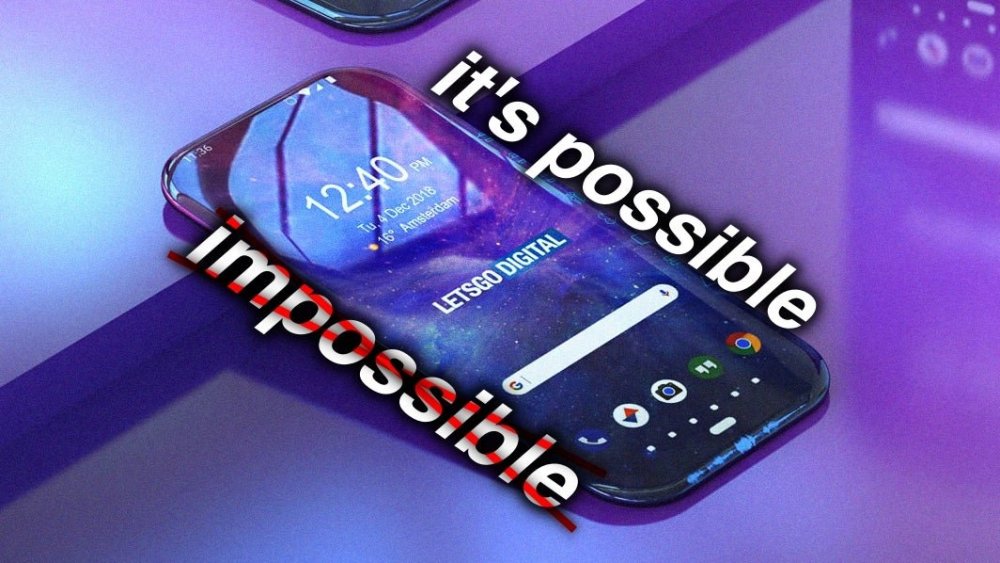
Standout design, cameras and 6,000+ mAh batteries in OnePlus 13 and Xiaomi 15 Ultra might send iPhone 16 Pro and Pixel 9 Pro back to 2023.View the full article
-
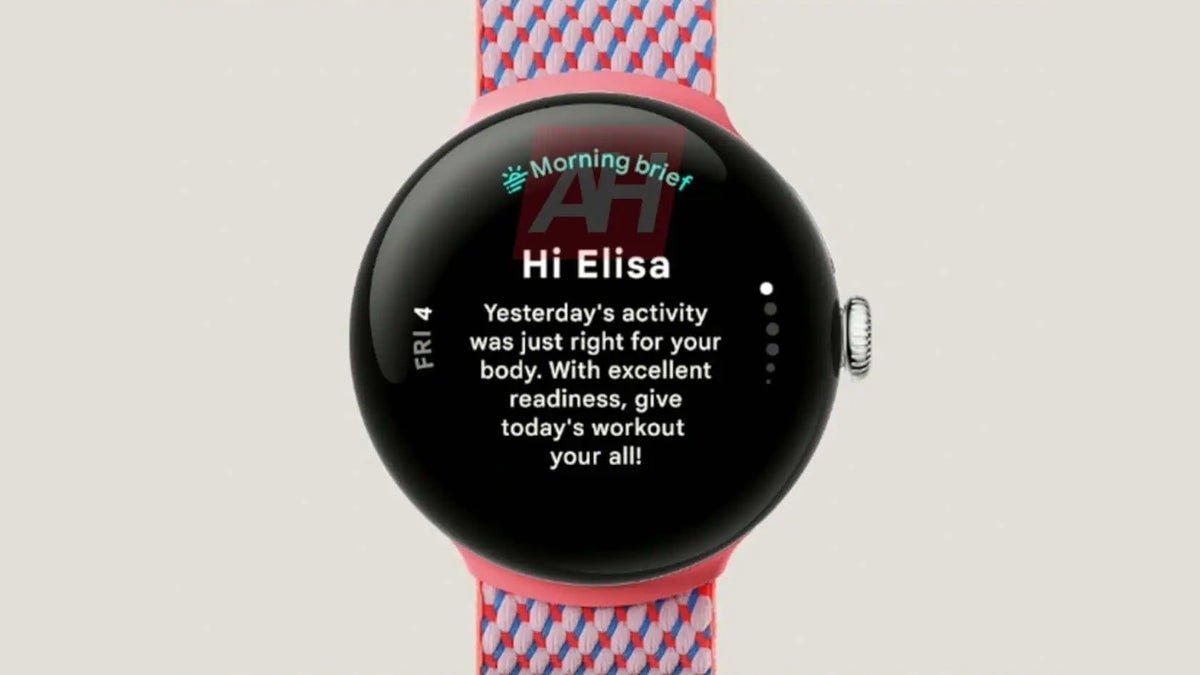
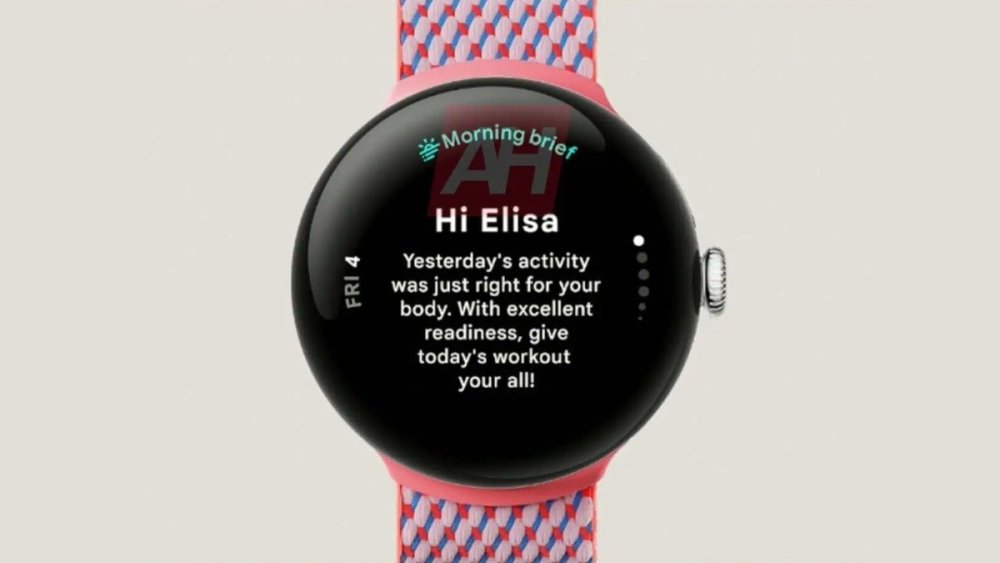
Google Pixel Watch 3 leak reveals same processor but significant display and power consumption gainsView the full article
-
[data-focus-scheme="dark"] { color-scheme: none; } Thanks for jumping in Speed Freeks Day 1 of Early Access. We had some server issues at release which caused some of you to be disconnected from matches. This has been fixed by the team with a new server roll out earlier today. As a thank you for your support and to honor the playtime you lost due to server instability we will be sending out a 1 Day Scrap Boost through our email system, the same one we send our newsletter out with. If you’ve already signed up for the newsletter you will be sent the Scrap Boost automatically. If you haven’t signed up yet fear not, it’s easy to opt in and you will also get the cute little Squig Gubbinz cosmetic topper when you follow. To sign up for the newsletter simply log into your Speed Freeks account and click the follow button. https://prismray.io/games/speedfreeks To redeem the Scrap Boost click the Redeem Code button in your profile and enter the code that was provided in the email. https://support.prismray.io/hc/en-us/articles/22351440941073-How-to-Redeem-a-Code Sincere thanks for your feedback and support, and welcome to the WAAAGH!Vezi articolul complet
-
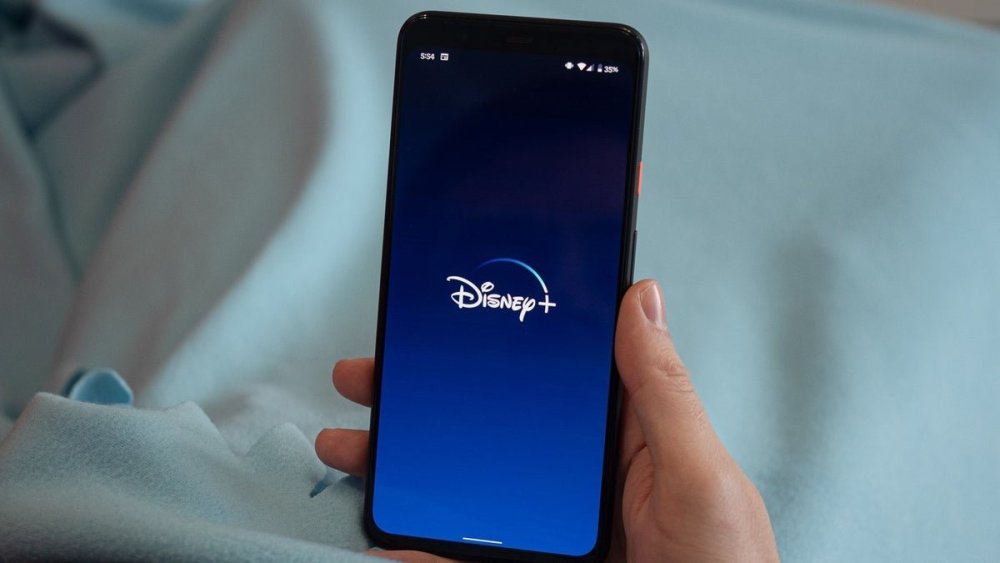
Disney+ password sharing crackdown begins next month, according to CEOView the full article
-
OnePlus Open Apex Edition is now available for pre-order with a huge $300 discount.View the full article

-
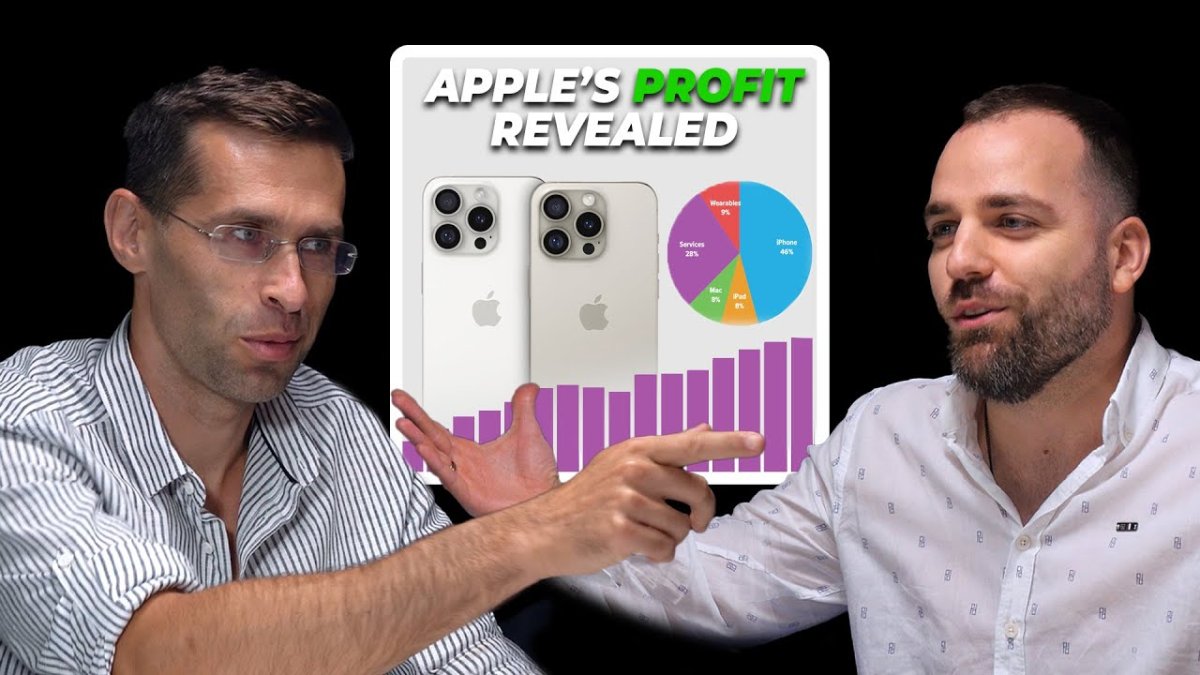
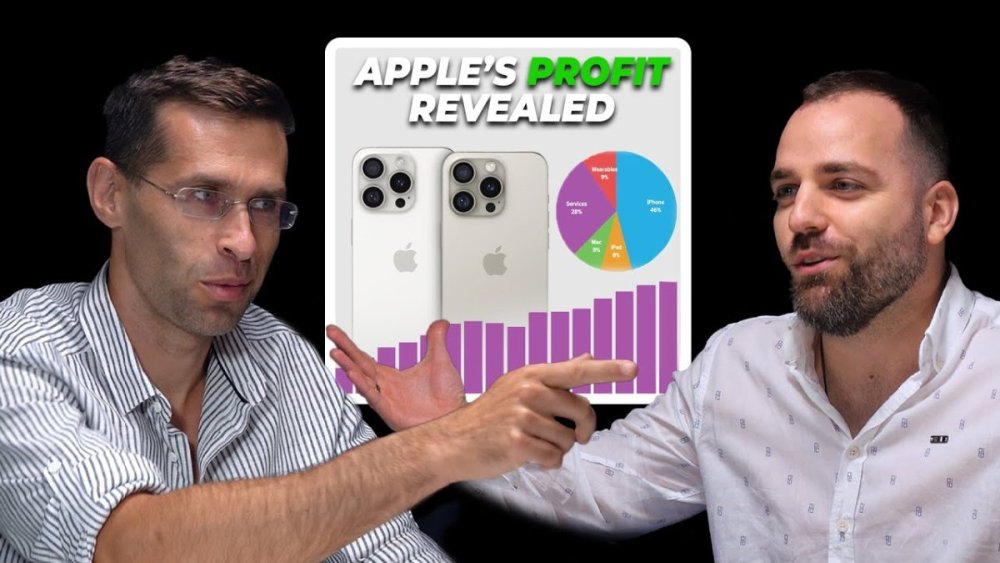
Apple, somewhat unexpectedly, delivered better-than-expected revenue numbers for its fiscal Q3, which ended on June 29, proving that its glory days may, in fact, still be ahead of it. Overall sales rose 5% to reach the mind-boggling $85.8 billion – a record result for Apple’s fiscal Q3. Read on after the video for the complete story!View the full article
-
Tim Cook's optimism stems from the belief that Apple Intelligence, Apple's latest AI initiative, will offer compelling reasons for users of older iPhone models to upgrade. However, there are some factors not to be ignored, which could mean that this enthusiasm might be misplaced.View the full article

-
Vivo’s newly unveiled V40 Series promises to elevate the mobile portrait photography experience thanks to the company’s partnership with ZEISS.View the full article

-
Fitbit Ace LTE smartwatch gets new features for kids' back-to-school health and money habitsView the full article

-
[data-focus-scheme="dark"] { color-scheme: none; } Heyo everyone, A quick message from us to say we’re back from summer break and we’ll have our first hotfix coming next week! The plan was for it to come this week, however we hit a technical snag we need to iron out first. 🙏 We’ll see you next week! - The Darktide Team Vezi articolul complet
-
[data-focus-scheme="dark"] { color-scheme: none; } https://store.steampowered.com/app/2078450 Go from Git to Gork with this Beginner's Guide! Thanks to KroTukk for showing us the way. On behalf of Caged Element and PLAION, we’z shoutin’ a big WAAAGH! Thanks for joinin’ da Kult of Speed in Warhammer 40,000: Speed Freeks! Join our community-focused game development discussions on your favorite platform: Steam Discussions Discord r/SpeedFreeks Suggest Features & Report Bugs Technical Support https://store.steampowered.com/app/2078450Vezi articolul complet
-
Dust off your car and be ready for a lifetime of a trip. Embrace a zombie-crushing cruise with Dusty Trip and the adventure it offers. Players will be put in a never-ending desert where they get to fight against zombies and bosses who are after their lives. The goal for you, however, is to survive the never-ending adventure and collect the best weapons and cars. However, on this journey of protecting yourself from zombies, help might be needed. Hence, the developers have released codes to help you quickly get better weapons and cars. So, put on your favorite country music, and it’s time to kill some zombies in Dusty Trip. Are There Any Dusty Trip Codes? Sadly, no active codes for Dusty Trip have been released yet. However, once the developers decide to release new codes for their community, we will add them to this article section. Expired Codes Since no codes have been released for Dusty Trip yet, none have expired. That said, if we have any codes in the future, we will add them here in this section. How to Redeem Codes in Dusty Trip Credit: Roblox The code update has not yet been introduced inside the Dusty Trip, so you cannot redeem codes. Furthermore, if they decide to drop the update in the future, we will add all the steps you must follow to redeem codes. How to Get More Codes Make sure you join all their social media handles to get the latest news and codes about the game. For now these handles only include their Discord Server, which will help you connect with the game community. Apart from this game’s codes, many other games in Roblox have codes you can redeem. To learn more, you can check out these articles, our articles on Heroes Awakening Codes, Super League Soccer Codes, Motorcycle Mayhem Codes, Evade Codes, and our Roblox section to know more. The post All Dusty Trip Codes appeared first on GameRiv. View the full article
-
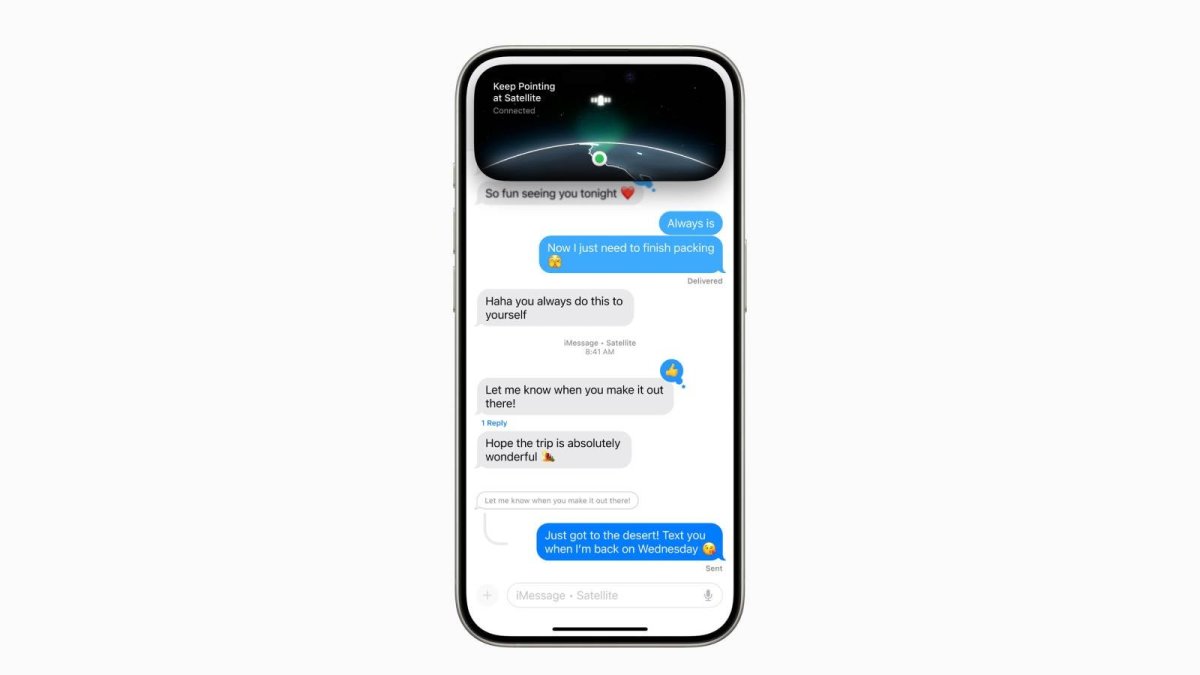
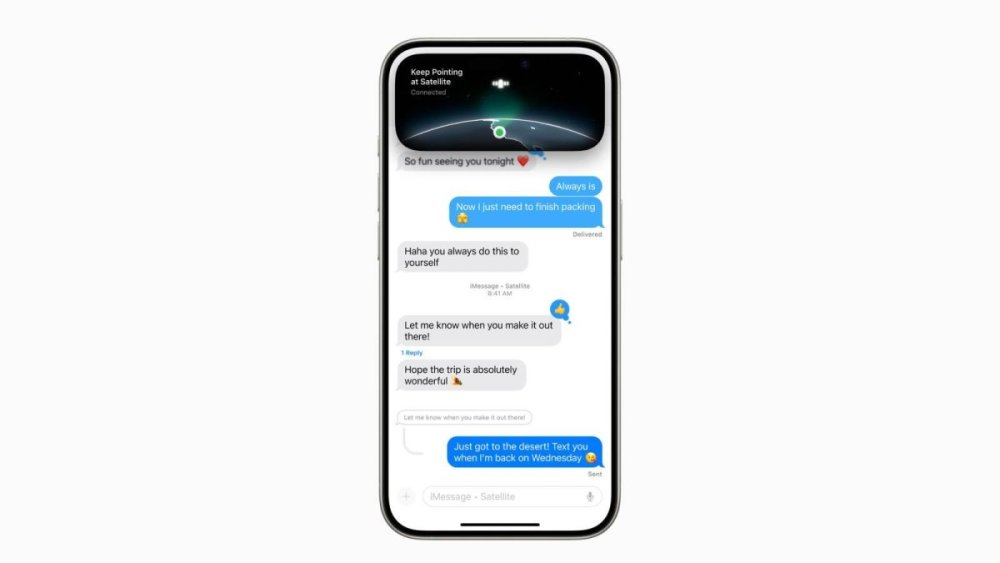
The Messages via satellite feature is now working for some iPhone users.View the full article
-
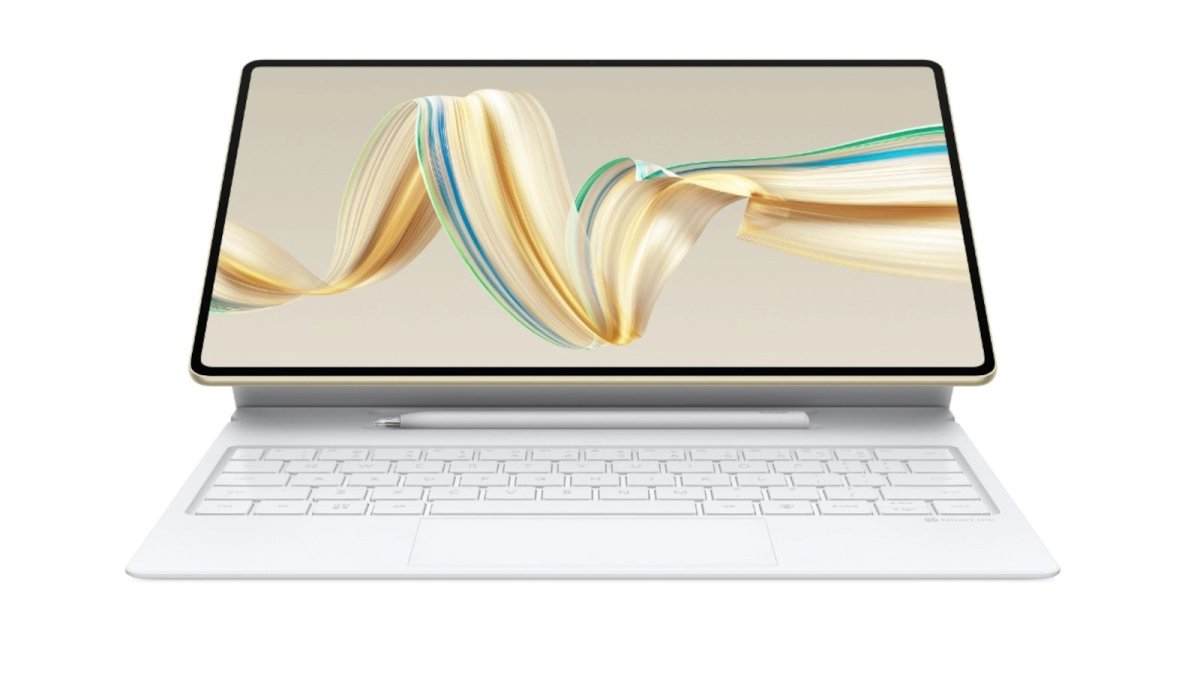
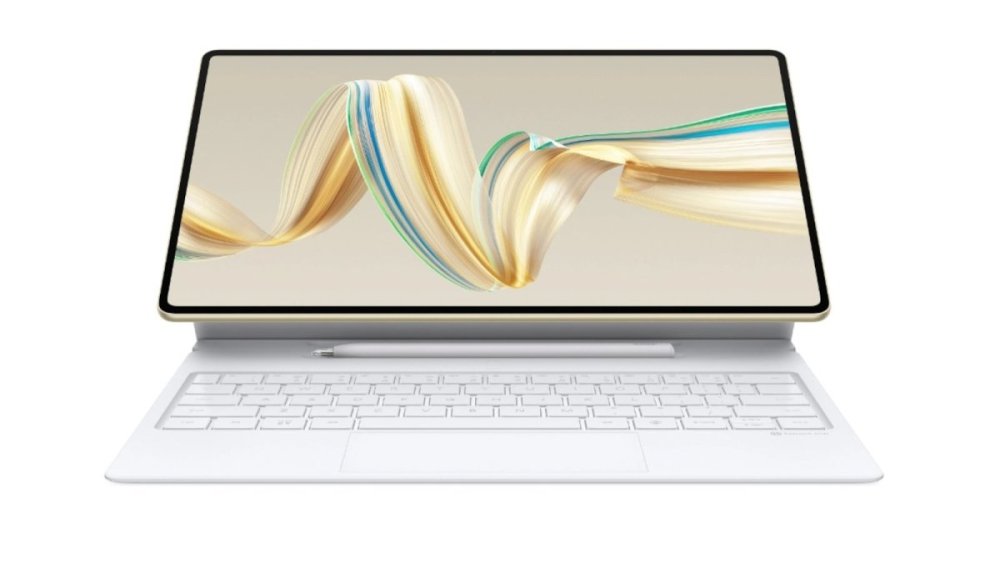
After introducing one of the thinnest flip phones on the market, the Nova Flip, earlier this week, Huawei is back with more top-of-the-line products, the MatePad Pro 12.2 (2024) and MatePad Air (2024).View the full article
-
Cameras have become the most important part of modern flagship phones. But some are better than otheres. Here are the best camera phones you can buy right now...View the full article

-
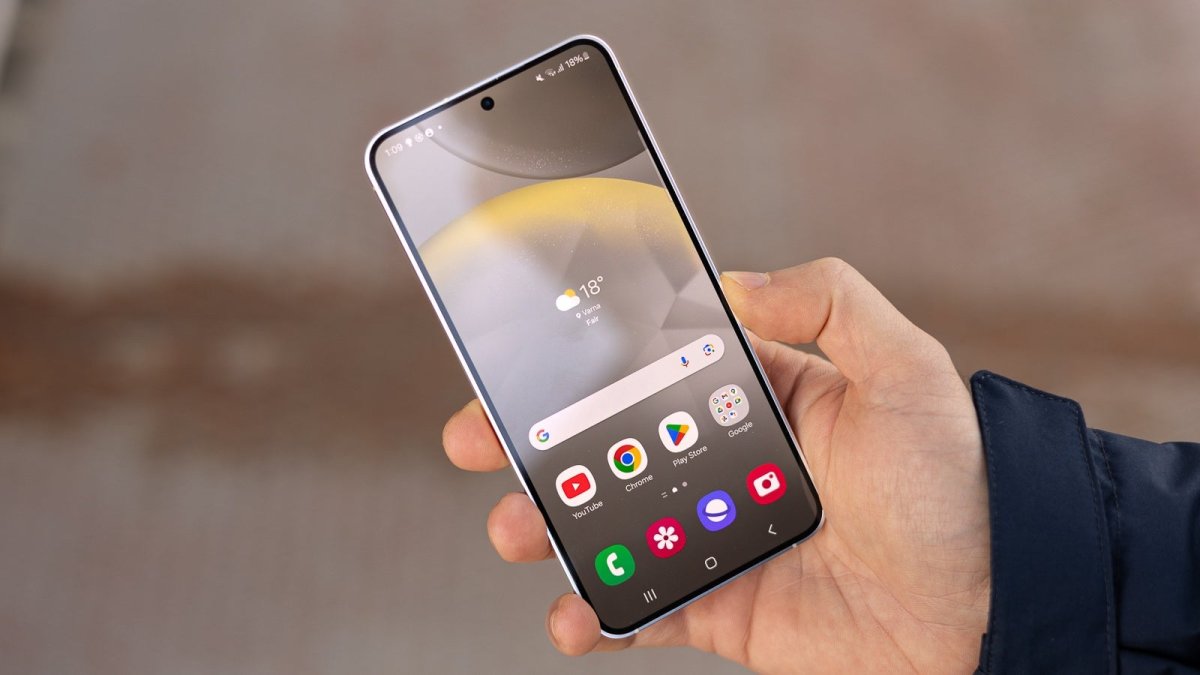
Amazon is selling Samsung's "vanilla" Galaxy S24 with 256GB storage at its lowest ever price once again, and once again, there's a good chance the huge $165 discount will not last long.View the full article

-
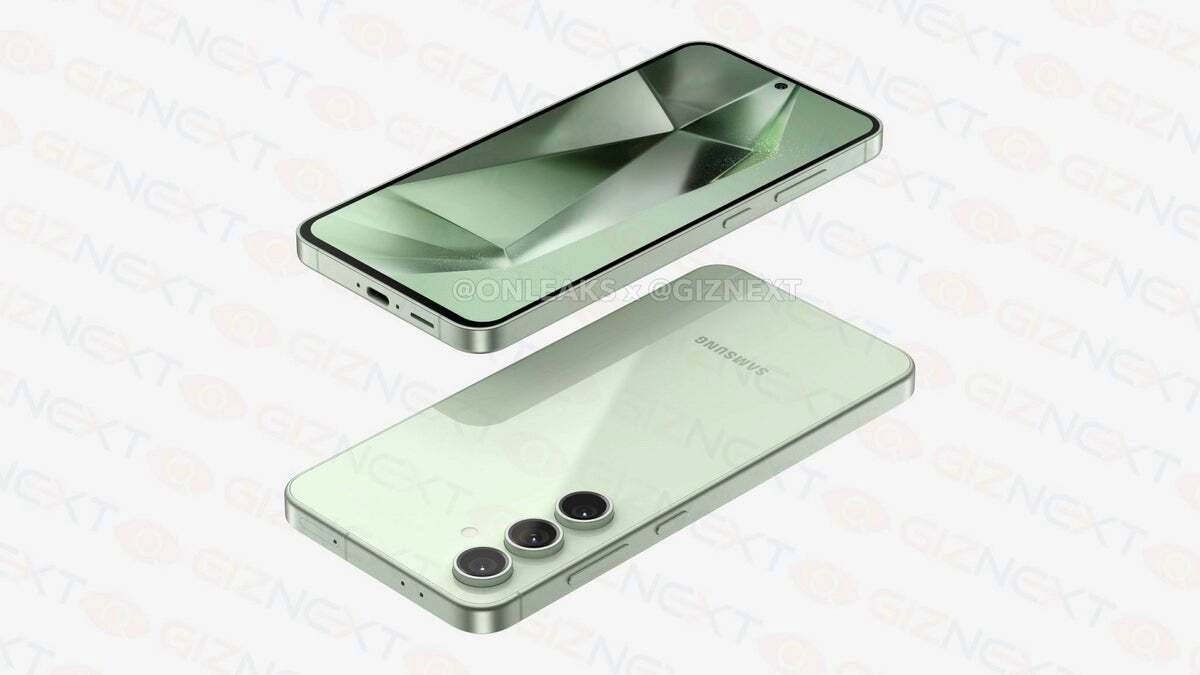
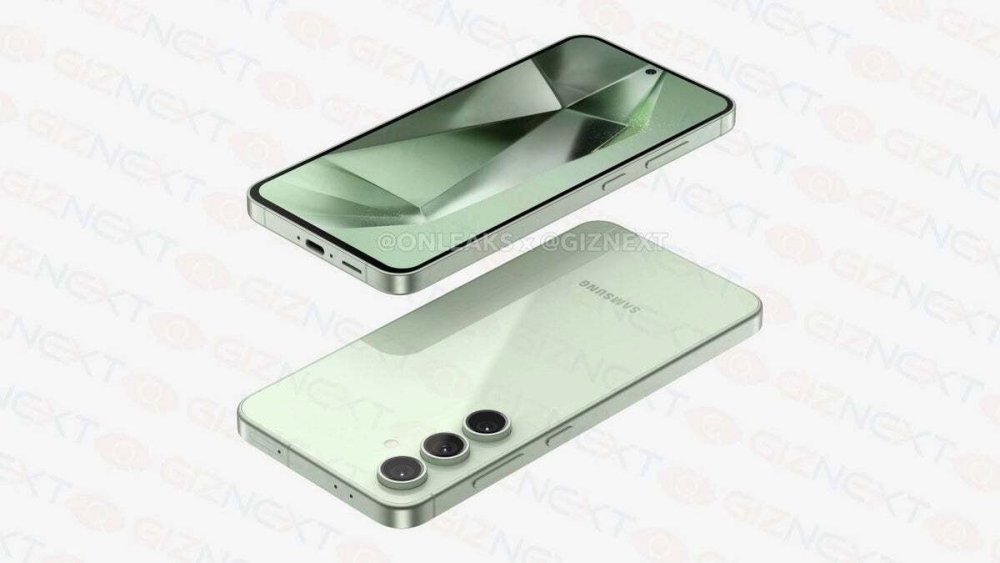
The Samsung Galaxy S24 FE has been leaking here and there for the past few months, so it was clear the phone was on the way. Now, Samsung has pretty much confirmed its existence by mentioning it on one of its websites.View the full article
-
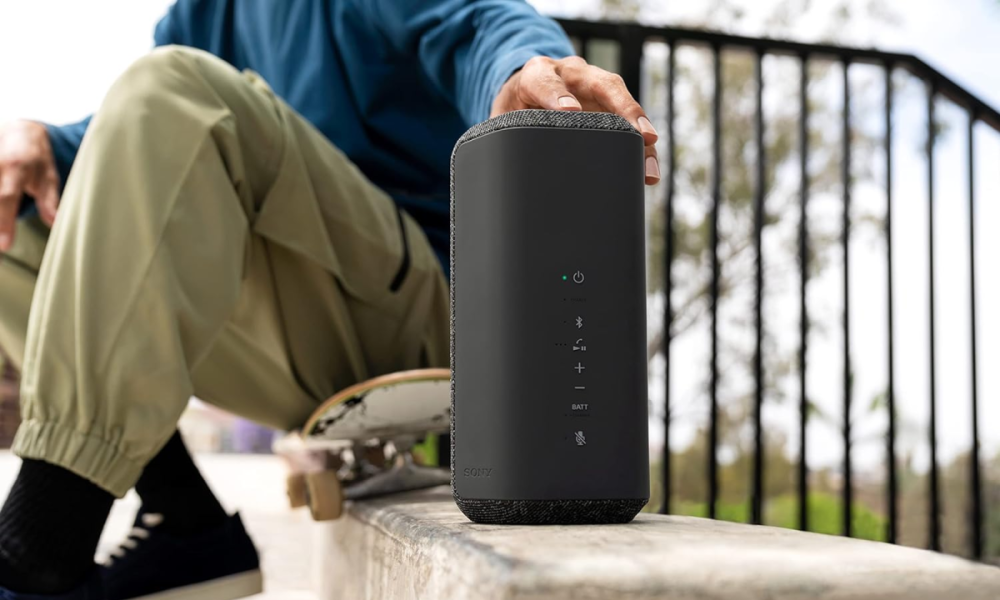
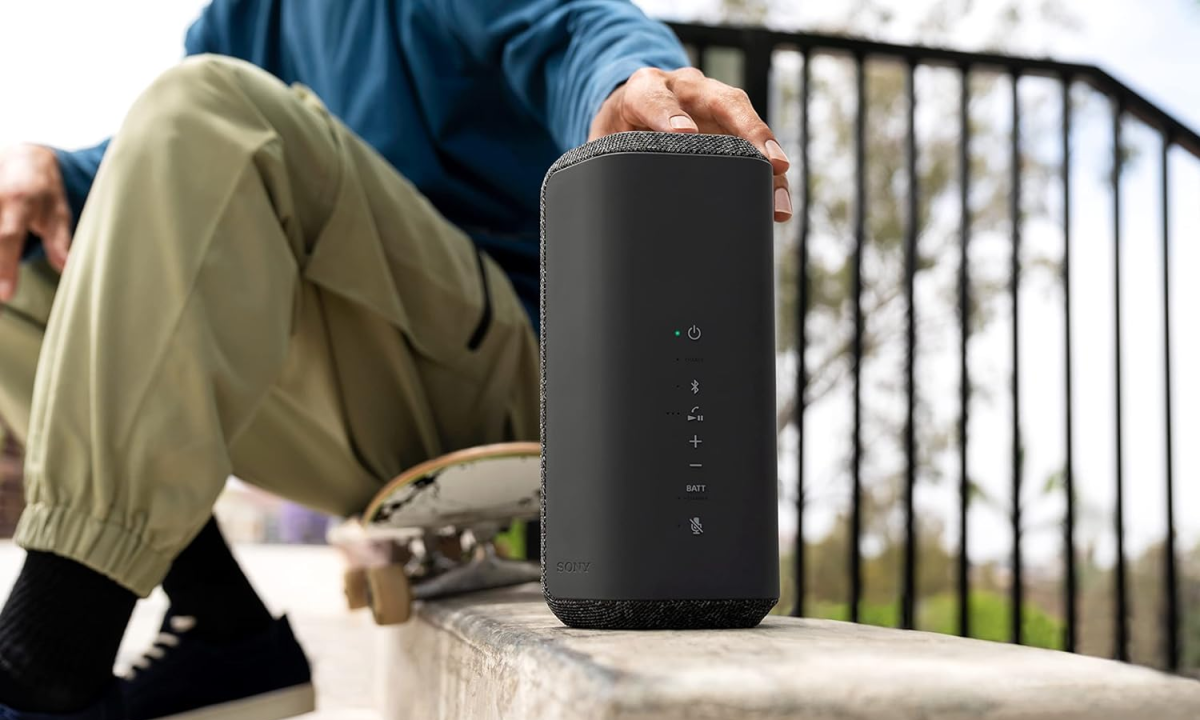
You don't have much time to act on this head-turning 41% markdown on the amazing Sony SRS-XE300. Get one at Amazon and save big!View the full article