Skip to content
View in the app

A better way to browse. Learn more.

GAMELIFE România

A full-screen app on your home screen with push notifications, badges and more.

To install this app on iOS and iPadOS
  1. Tap the Share icon in Safari
  2. Scroll the menu and tap Add to Home Screen.
  3. Tap Add in the top-right corner.
To install this app on Android
  1. Tap the 3-dot menu (⋮) in the top-right corner of the browser.
  2. Tap Add to Home screen or Install app.
  3. Confirm by tapping Install.

Life Shop Menu 1.0.0

(0 reviews)

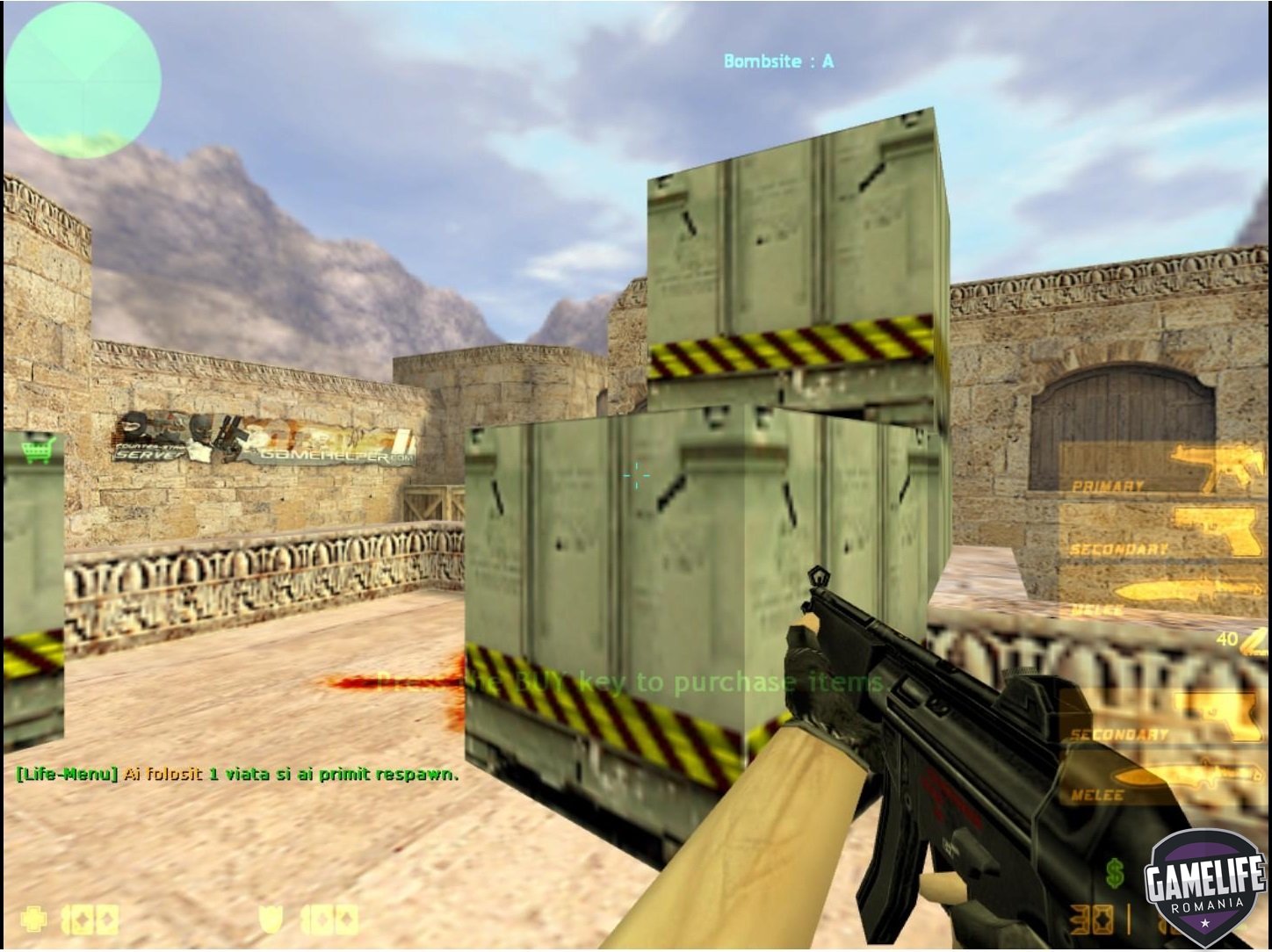
1 Screenshot

Descriere:


Cu acest plugin jucatorii isi pot cumpara viata/respawn pe server


Instalare:

  • 1. Fisierul lifeshop.amxx il puneti in addons/amxmodx/plugins
  • 2. Intrati in fisierul addons/amxmodx/configs/plugins.ini si adaugati la urma: lifeshop.amxx

3. Alti pasi necesari....


Cvar-uri (se adauga in fisierul amxmodx\configs\amxx.cfg

  • Nu are


Comenzi administrative (se tasteaza in consola si trebuie sa fiti administrator):

  • Nu are


Comenzi publice (se tasteaza in joc prin apasarea tastei Y):

  • /life
  • /vieti

Module necesare (se sterge ; din fata modulului de mai jos, acestea le gasiti in fisierul amxmodx\configs\modules.ini):

  • cnvault
  • amsandwich

User Feedback

Create an account or sign in to leave a review

There are no reviews to display.

Account

Navigation

Search

Search

Configure browser push notifications

Chrome (Android)
  1. Tap the lock icon next to the address bar.
  2. Tap Permissions → Notifications.
  3. Adjust your preference.
Chrome (Desktop)
  1. Click the padlock icon in the address bar.
  2. Select Site settings.
  3. Find Notifications and adjust your preference.