Skip to content
View in the app

A better way to browse. Learn more.

GAMELIFE România

A full-screen app on your home screen with push notifications, badges and more.

To install this app on iOS and iPadOS
  1. Tap the Share icon in Safari
  2. Scroll the menu and tap Add to Home Screen.
  3. Tap Add in the top-right corner.
To install this app on Android
  1. Tap the 3-dot menu (⋮) in the top-right corner of the browser.
  2. Tap Add to Home screen or Install app.
  3. Confirm by tapping Install.

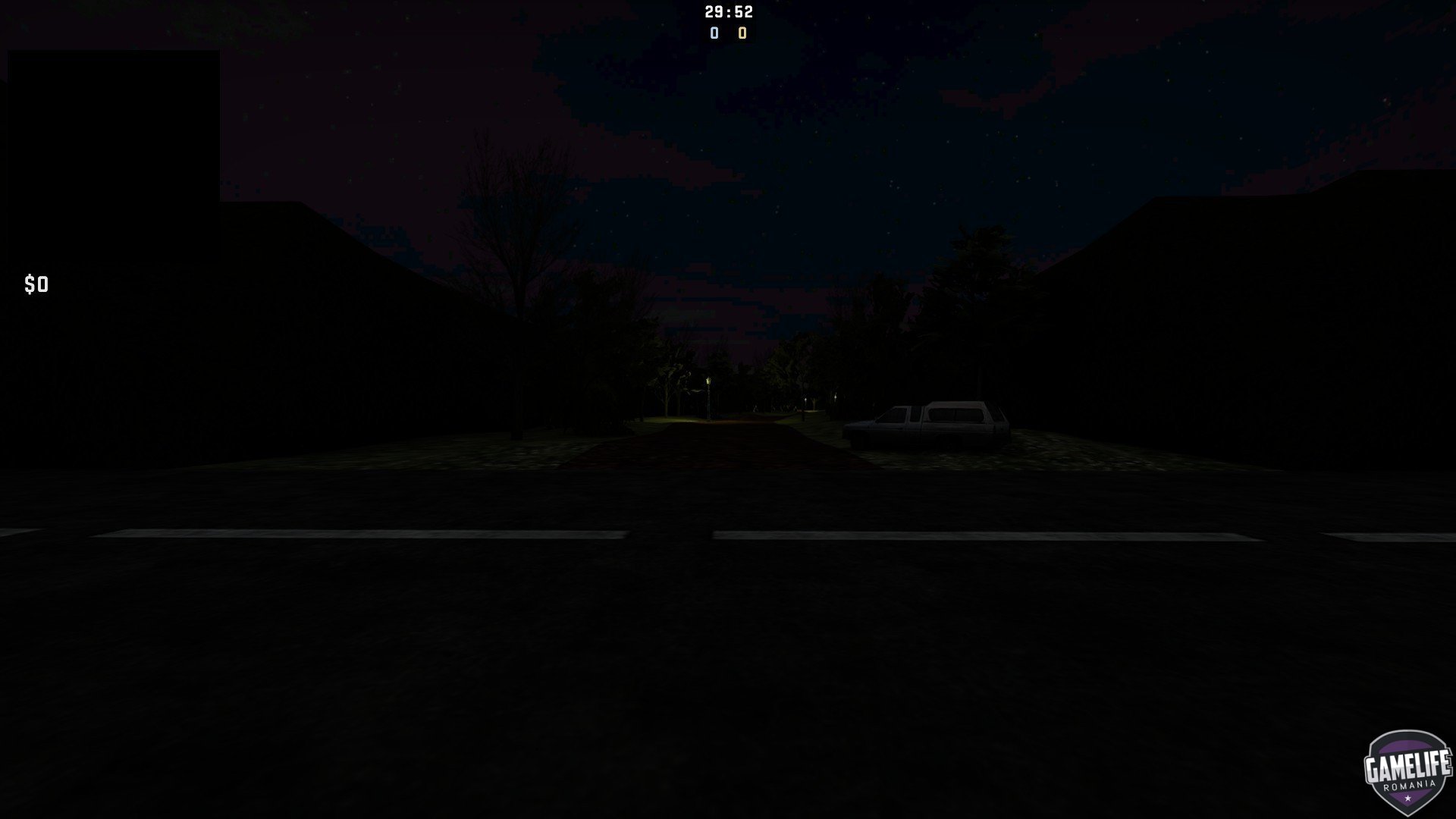
ze_The_Curse_of _Blackwater_v3b 1.0.0

(5 reviews)

4 Screenshots

Denumire Hartă: [ ze_The_Curse_of _Blackwater_v3b ]
------------------------------------------------------------------------------------------------------

Descriere: [ CS:GO map mode Zombie Escape ]
------------------------------------------------------------------------------------------------------
Game: [ Counter-Strike: CS:GO ]
Tip Hartă: [ combat ]
Sloturi: [ 32 , 64 ]
Author: [ Makvi_Ankom ]
------------------------------------------------------------------------------------------------------

Instalare : [ /home/container/csgo/maps ]
------------------------------------------------------------------------------------------------------

Module Necesare : [ Nu Necesită ]

User Feedback

You may only provide a review once you have downloaded the file.


O mapa interesanta merita jucata.


Multe ascunzatori de care poti profita !


faina harta


O harta foarte interesanta pot spune. Am jucato impreuna cu prieteni.

   2 of 2 members found this review helpful 2 / 2 members

Interesanta mapa

Account

Navigation

Search

Search

Configure browser push notifications

Chrome (Android)
  1. Tap the lock icon next to the address bar.
  2. Tap Permissions → Notifications.
  3. Adjust your preference.
Chrome (Desktop)
  1. Click the padlock icon in the address bar.
  2. Select Site settings.
  3. Find Notifications and adjust your preference.