


Skip to content
View in the app

A better way to browse. Learn more.

GAMELIFE România

A full-screen app on your home screen with push notifications, badges and more.

To install this app on iOS and iPadOS
  1. Tap the Share icon in Safari
  2. Scroll the menu and tap Add to Home Screen.
  3. Tap Add in the top-right corner.
To install this app on Android
  1. Tap the 3-dot menu (⋮) in the top-right corner of the browser.
  2. Tap Add to Home screen or Install app.
  3. Confirm by tapping Install.

Bomb Cooldown Timer

(1 review)

1 Screenshot

Plugin Description

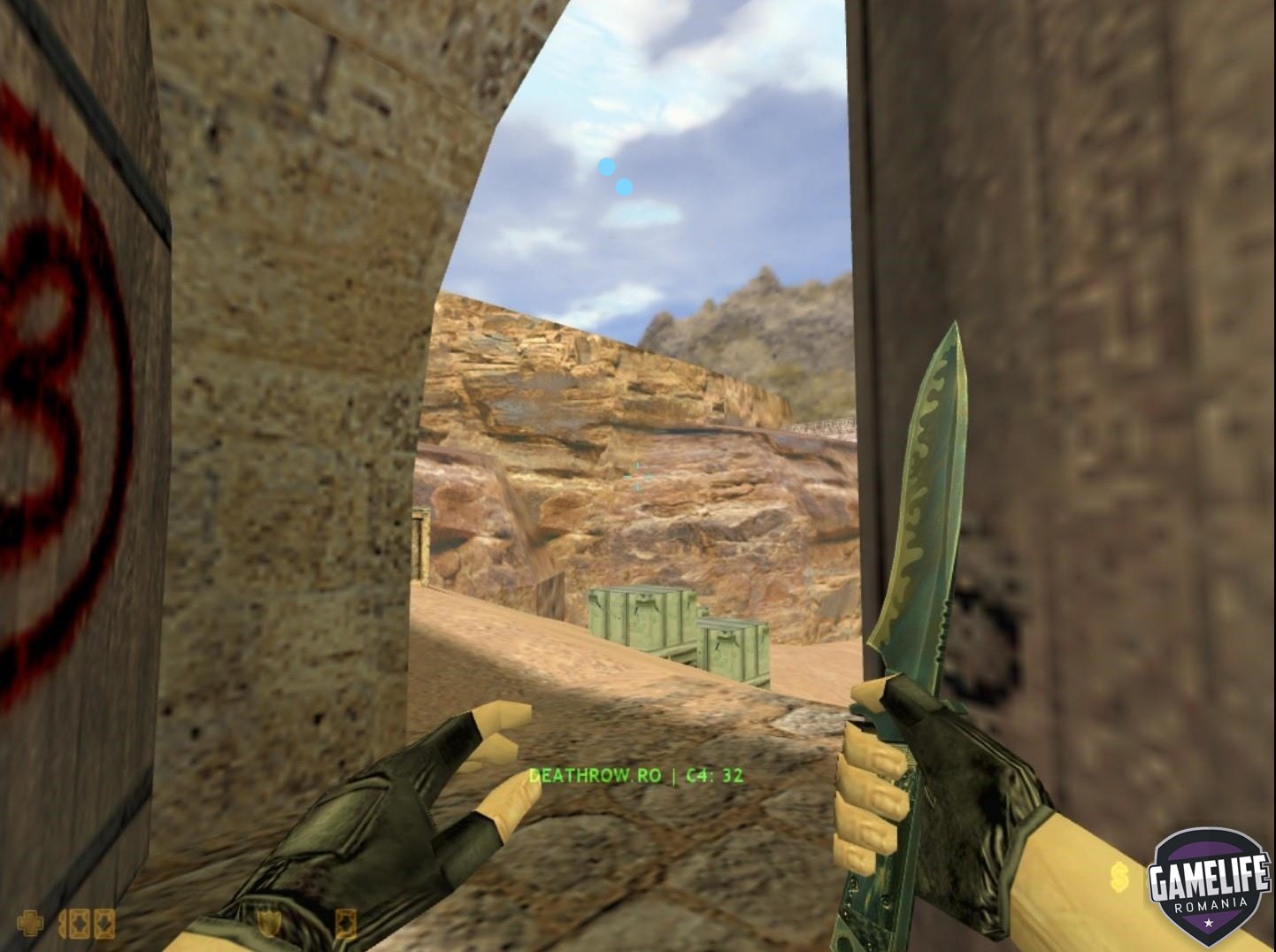
This plugin displays on your HUD the remaining time until the bomb explodes!


Installation

  1. Copy the bcd_hudtimer.sma file into: addons/amxmodx/scripting

  2. Copy the bcd_hudtimer.amxx file into: addons/amxmodx/plugins

  3. Open the file addons/amxmodx/configs/plugins.ini and add this line at the end:

    Quote

    bcd_hudtimer.amxx


  4. Follow any additional compilation or setup steps as needed.


Settings (Cvars)

  • No configurable settings in amxx.cfg


Commands

  • Admin commands: None

  • Public commands: None


Required Modules

  • Make sure the csx module is enabled in: amxmodx\configs\modules.ini (remove the semicolon ; at the beginning of the line if present)

User Feedback

Create an account or sign in to leave a review

   1 of 1 member found this review helpful 1 / 1 member

Thank You It Works

Account

Navigation

Search

Search

Configure browser push notifications

Chrome (Android)
  1. Tap the lock icon next to the address bar.
  2. Tap Permissions → Notifications.
  3. Adjust your preference.
Chrome (Desktop)
  1. Click the padlock icon in the address bar.
  2. Select Site settings.
  3. Find Notifications and adjust your preference.