We're back with another episode of our SCS On The Road series! This time, we're joined by Polish YouTuber and content creator Wujek Bohun, who we recently had the pleasure of welcoming to our offices for a tour and a chat! You may have already seen his own video from the visit on his YouTube channel, but today we're excited to share our interview with him in his own studio!
In this episode, we sat down with Wujek to learn more about his journey as a content creator, how he first got started on YouTube, and the experiences that shaped his career along the way. We also took a trip down memory lane as he shared his earliest memories of video games and how his passion for them has developed over the years.
Of course, we couldn't miss the opportunity to talk about Euro Truck Simulator 2 and American Truck Simulator! From his favourite DLCs to some of the features and improvements he'd love to see in the future, we covered plenty of interesting topics. We recommend turning on the subtitles on YouTube, as this interview was recorded in Polish.
A big thank you to Wujek Bohun for taking the time to visit us and sharing his story! We hope you enjoy this latest episode of SCS On The Road, and don't forget to drop a like and subscribe if you liked it. Until next time, keep on truckin'!


We're back with another episode of our SCS On The Road series! This time, we're joined by Polish YouTuber and content creator Wujek Bohun, who we recently had the pleasure of welcoming to our offices for a tour and a chat! You may have already seen his own video from the visit on his YouTube channel, but today we're excited to share our interview with him in his own studio!
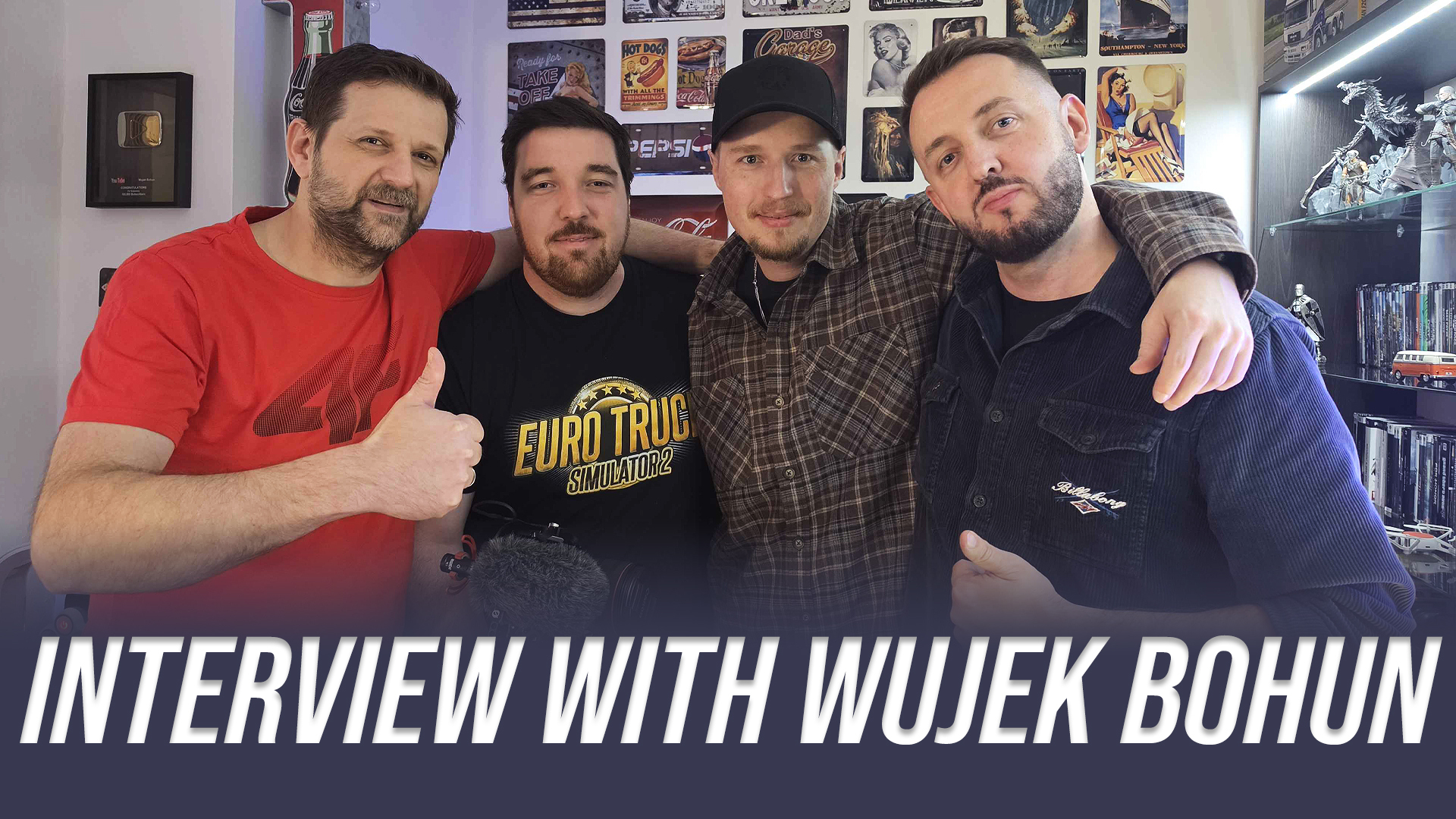
In this episode, we sat down with Wujek to learn more about his journey as a content creator, how he first got started on YouTube, and the experiences that shaped his career along the way. We also took a trip down memory lane as he shared his earliest memories of video games and how his passion for them has developed over the years.
Of course, we couldn't miss the opportunity to talk about Euro Truck Simulator 2 and American Truck Simulator! From his favourite DLCs to some of the features and improvements he'd love to see in the future, we covered plenty of interesting topics. We recommend turning on the subtitles on YouTube, as this interview was recorded in Polish.
A big thank you to Wujek Bohun for taking the time to visit us and sharing his story! We hope you enjoy this latest episode of SCS On The Road, and don't forget to drop a like and subscribe if you liked it. Until next time, keep on truckin'!
View the full article
Donator: SteamDB
Donator: SteamLadder
Steam Level Up: https://slvlup.com/r/krrna6
Steam™ Hour Boosting!: https://freehourboost.com/?r=cosminzm
https://guns.lol/cosmingl
https://gamelife.ro/buy/