The eerie mists have lifted, the candles have burned low, and the portals to Brackenreach have closed once again! Our Return to Brackenreach World of Trucks event has officially come to an end, and what a spooktacular adventure it has been!
We'd like to thank every single driver who took part in this year's Halloween celebration and helped uncover the mysteries hidden within the marshes and moonlit roads of Brackenreach.
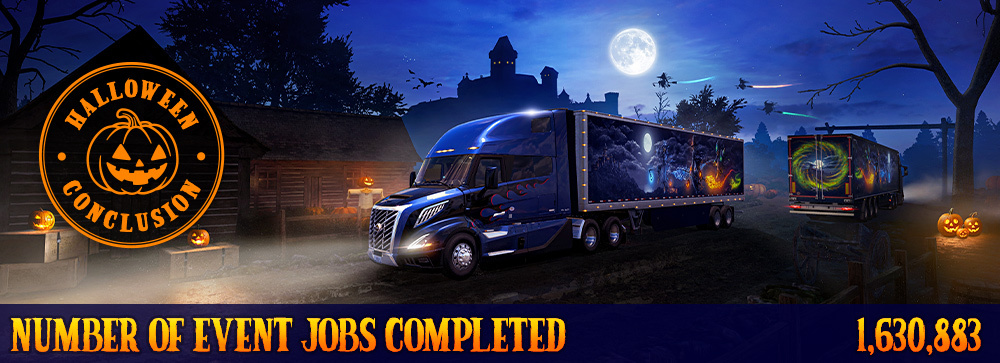
Together, our amazing community completed an incredible 1,630,883 deliveries, surpassing the community goal! Your dedication and teamwork once again proved that our #BestCommunityEver can rise to any challenge, even those from beyond the veil!
Of course, no Halloween adventure would be complete without a few treats! Drivers who completed their personal goal of 15 or more deliveries earned the mystical Wisp Lantern cabin item. Thanks to your combined efforts in completing the community goal, those who achieved their personal goal also unlocked the fabled Key to Brackenreach hanging cabin item!
But that's not all! We also recorded 120,116 visits to the mysterious Witches' House. Those brave enough to discover this hidden location unlocked the Ember Grimoire cabin item, along with last year's Spooky Horn vehicle accessory, both awarded as Steam inventory items.
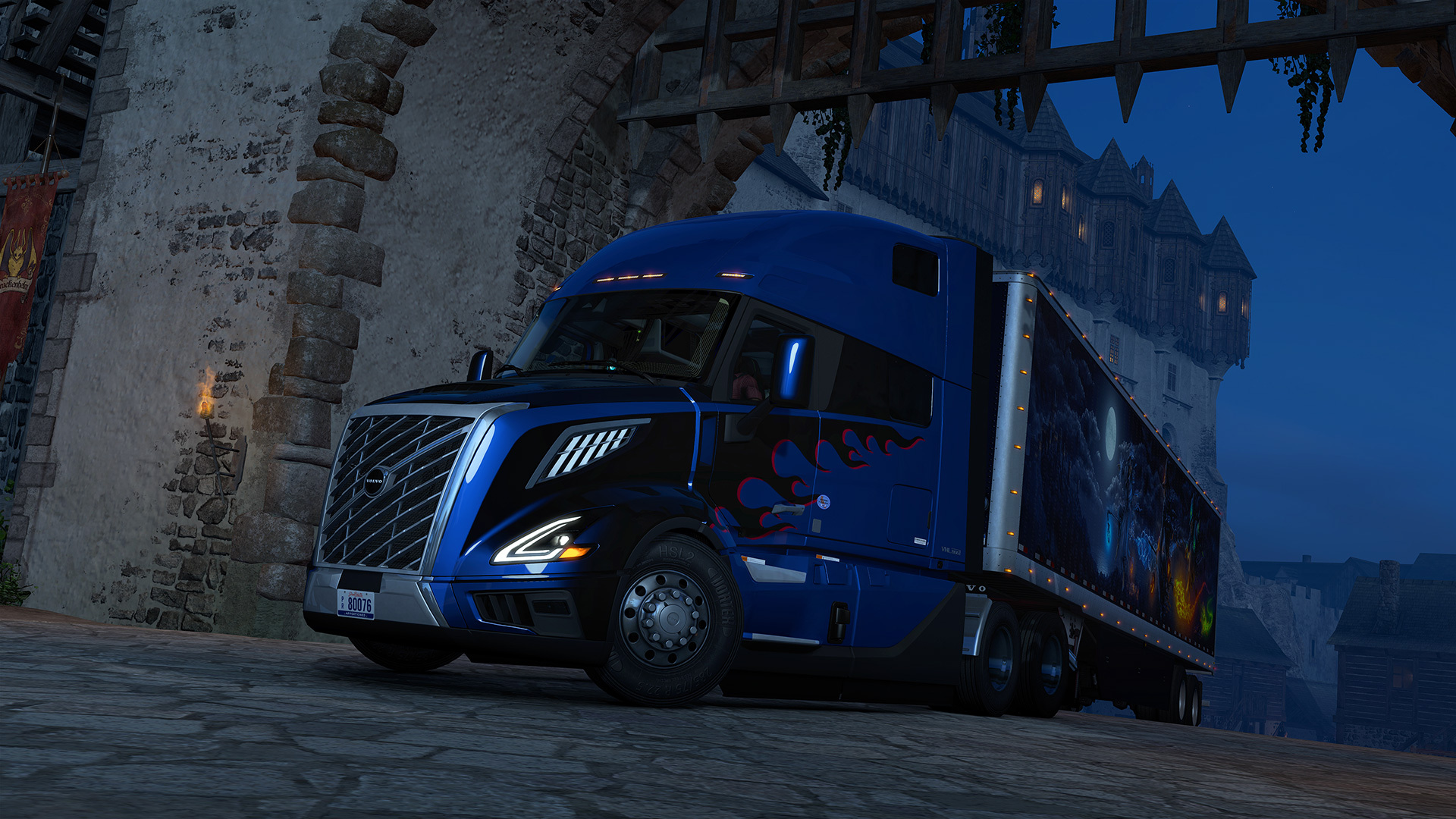
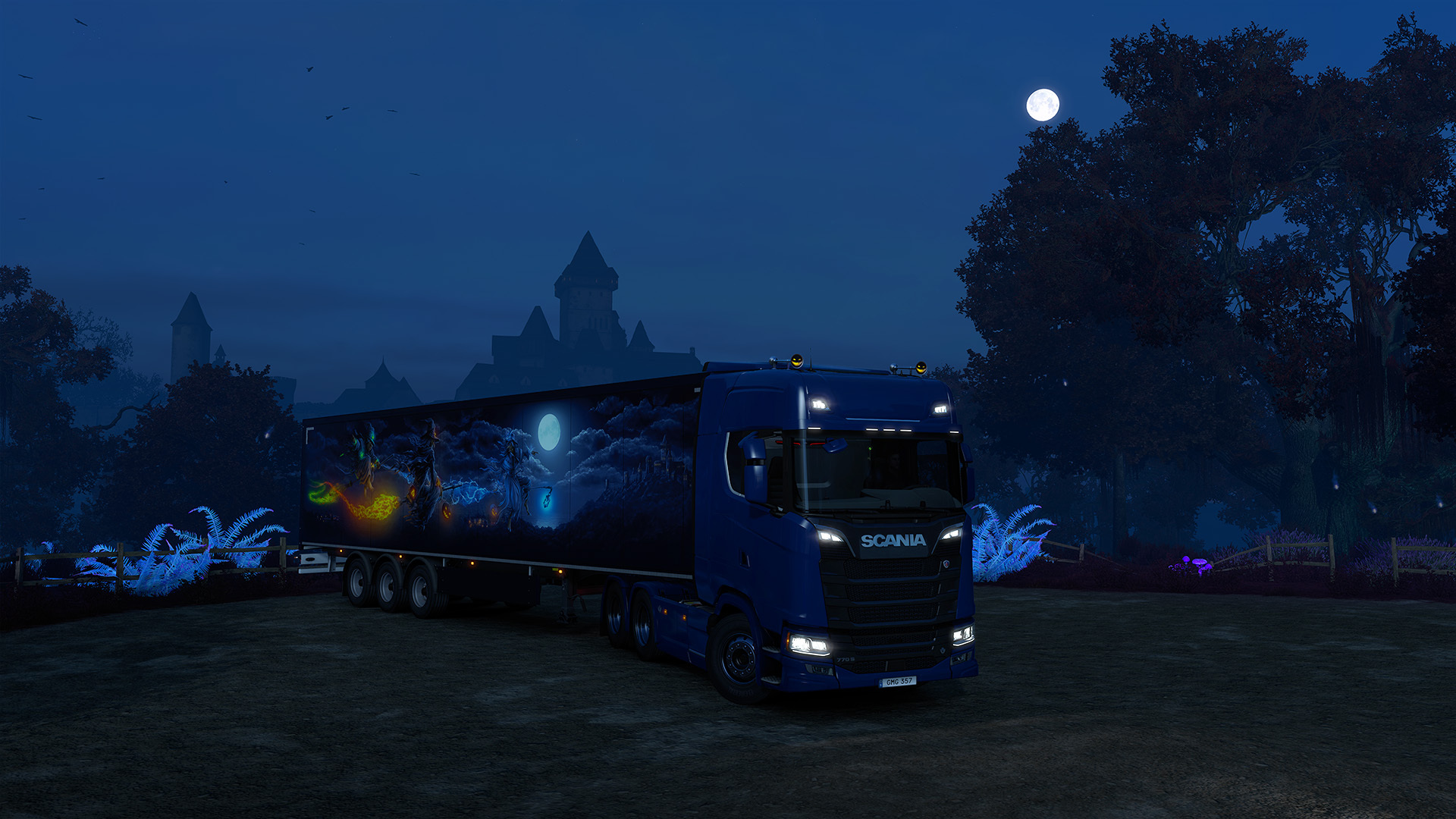
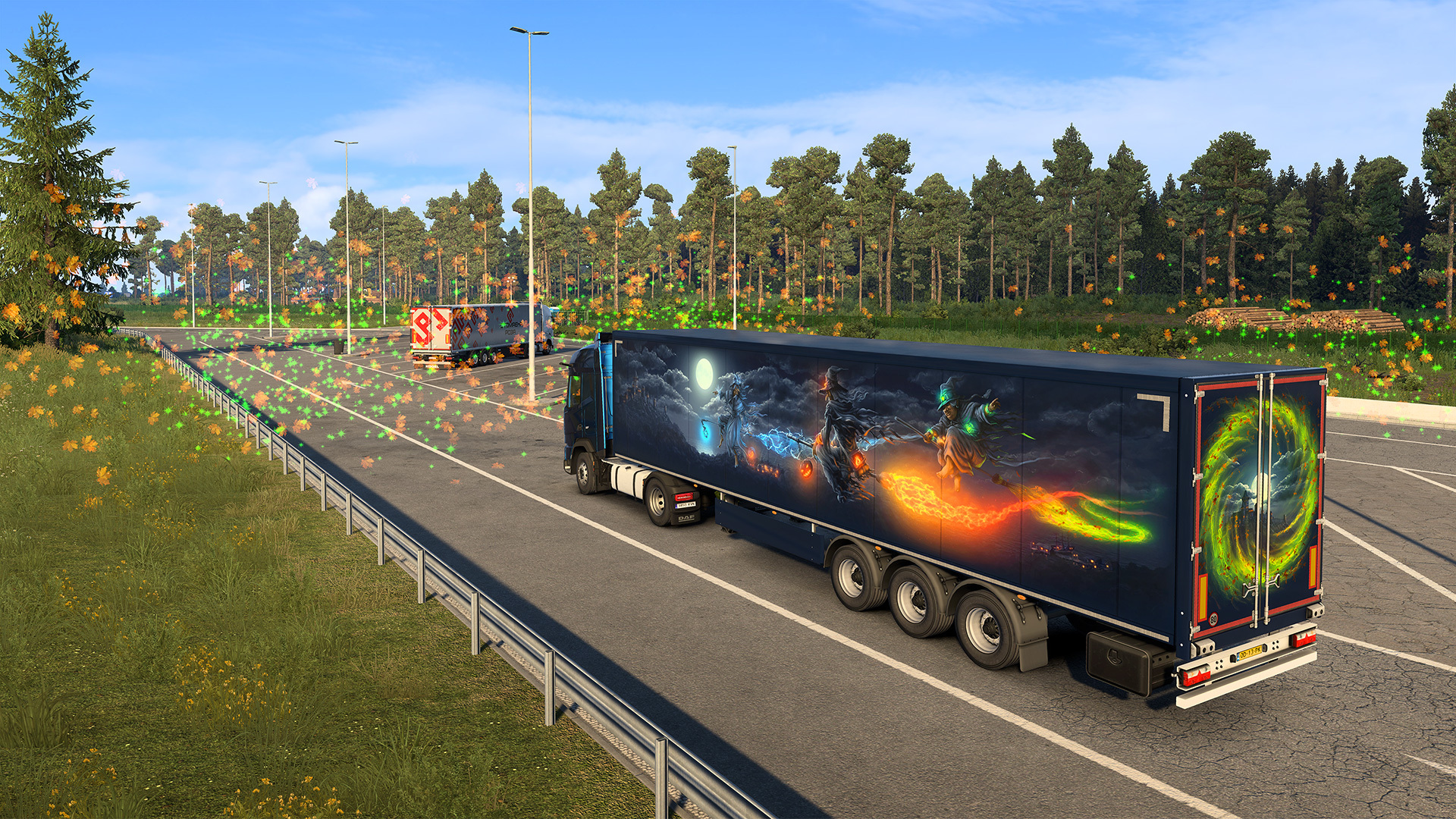
We've truly enjoyed seeing your fantastic screenshots and videos shared under #ReturnToBrackenreach. From eerie roads shrouded in mist to beautifully decorated trucks, your creativity and enthusiasm helped make this Halloween celebration one to remember!
As the last trucks make their way home and Brackenreach falls quiet once more, we hope you enjoyed your spooky adventures! Who knows what mysteries might await beyond the veil in the future?
Until then, stay tuned for more exciting events, updates, and behind-the-scenes content by following us on X, Facebook, Instagram, Bluesky, and YouTube, or by signing up for our newsletter. Thank you for joining us for our Return to Brackenreach event! Keep your headlights bright, watch out for things that go bump in the night, and happy trucking!


The eerie mists have lifted, the candles have burned low, and the portals to Brackenreach have closed once again! Our Return to Brackenreach World of Trucks event has officially come to an end, and what a spooktacular adventure it has been!
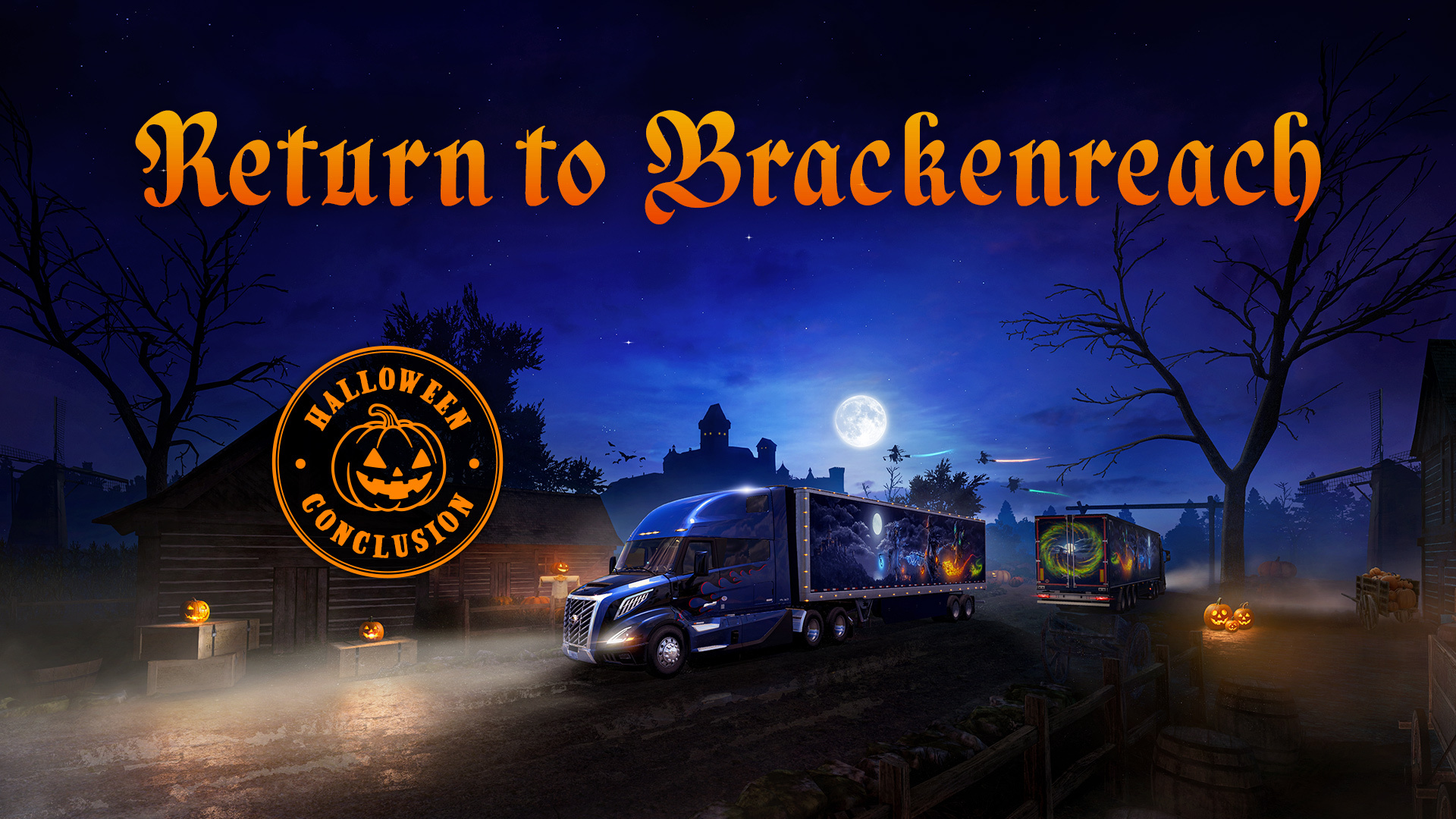
We'd like to thank every single driver who took part in this year's Halloween celebration and helped uncover the mysteries hidden within the marshes and moonlit roads of Brackenreach.
Together, our amazing community completed an incredible 1,630,883 deliveries, surpassing the community goal! Your dedication and teamwork once again proved that our #BestCommunityEver can rise to any challenge, even those from beyond the veil!
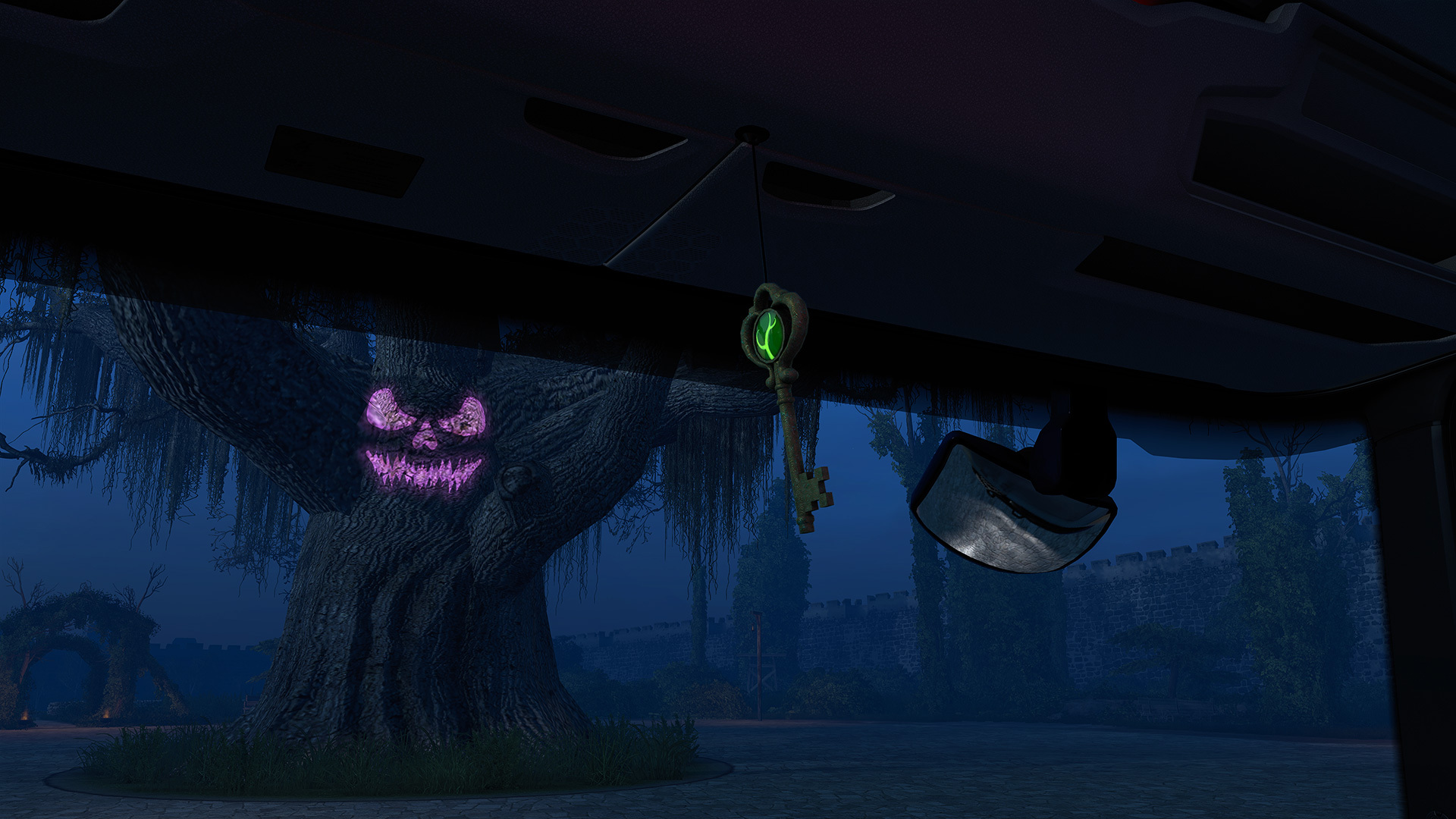
Of course, no Halloween adventure would be complete without a few treats! Drivers who completed their personal goal of 15 or more deliveries earned the mystical Wisp Lantern cabin item. Thanks to your combined efforts in completing the community goal, those who achieved their personal goal also unlocked the fabled Key to Brackenreach hanging cabin item!
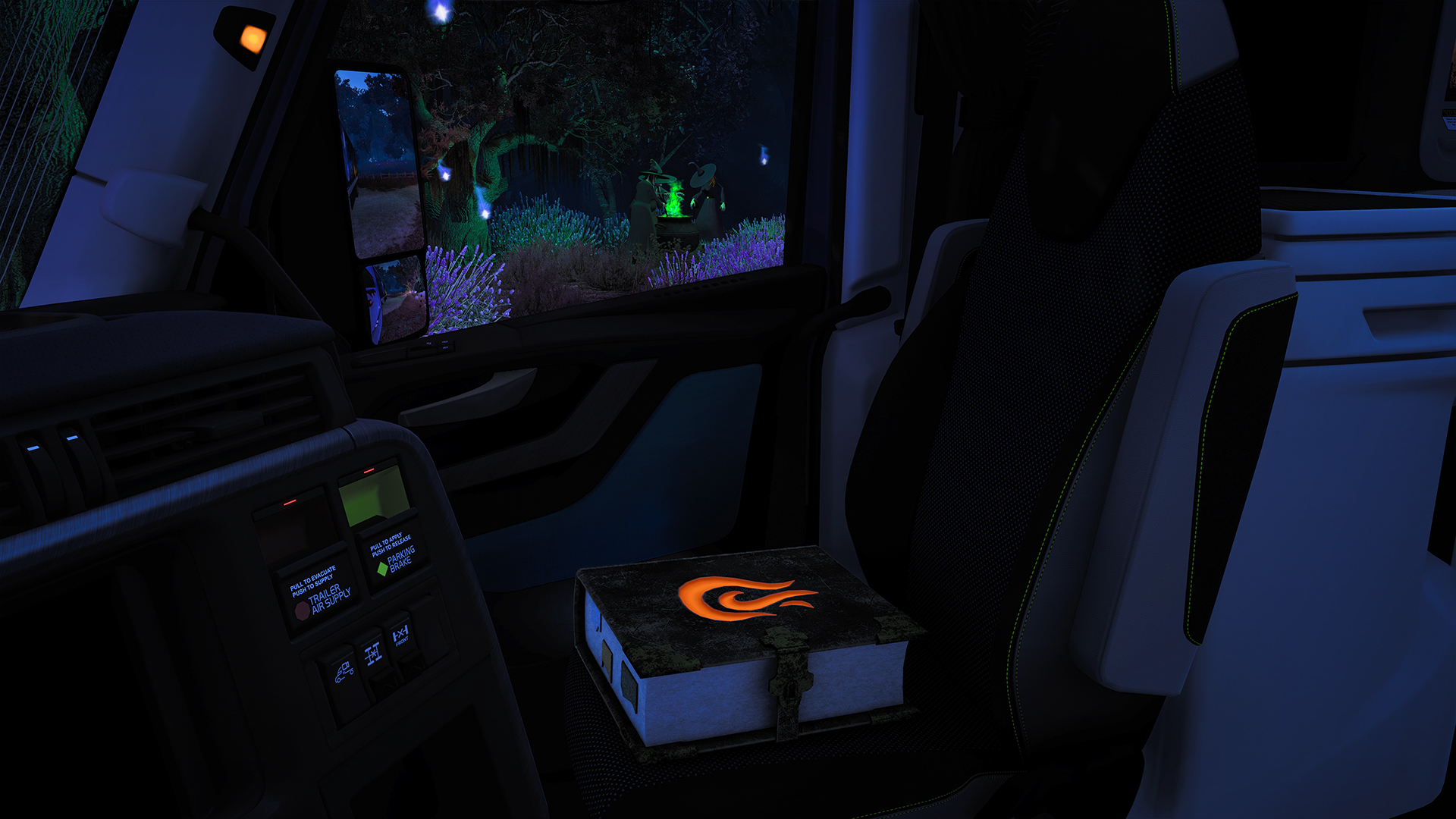
But that's not all! We also recorded 120,116 visits to the mysterious Witches' House. Those brave enough to discover this hidden location unlocked the Ember Grimoire cabin item, along with last year's Spooky Horn vehicle accessory, both awarded as Steam inventory items.
We've truly enjoyed seeing your fantastic screenshots and videos shared under #ReturnToBrackenreach. From eerie roads shrouded in mist to beautifully decorated trucks, your creativity and enthusiasm helped make this Halloween celebration one to remember!
As the last trucks make their way home and Brackenreach falls quiet once more, we hope you enjoyed your spooky adventures! Who knows what mysteries might await beyond the veil in the future?
Until then, stay tuned for more exciting events, updates, and behind-the-scenes content by following us on X, Facebook, Instagram, Bluesky, and YouTube, or by signing up for our newsletter. Thank you for joining us for our Return to Brackenreach event! Keep your headlights bright, watch out for things that go bump in the night, and happy trucking!
View the full article
Donator: SteamDB
Donator: SteamLadder
Steam Level Up: https://slvlup.com/r/krrna6
Steam™ Hour Boosting!: https://freehourboost.com/?r=cosminzm
https://guns.lol/cosmingl
https://gamelife.ro/buy/