The Improved Material System continues to make its way across our truck line-up! With the upcoming 1.62 update for Euro Truck Simulator 2 & American Truck Simulator, two more trucks will benefit from this upgrade, bringing further visual refinements to their interiors.
We hope you've been enjoying the Improved Material System and the refreshed look it brings to the interiors of our trucks! It has been great to see your reactions to these visual upgrades, and we would like to thank you for all of the comments, feedback & screenshots you have shared with us so far.
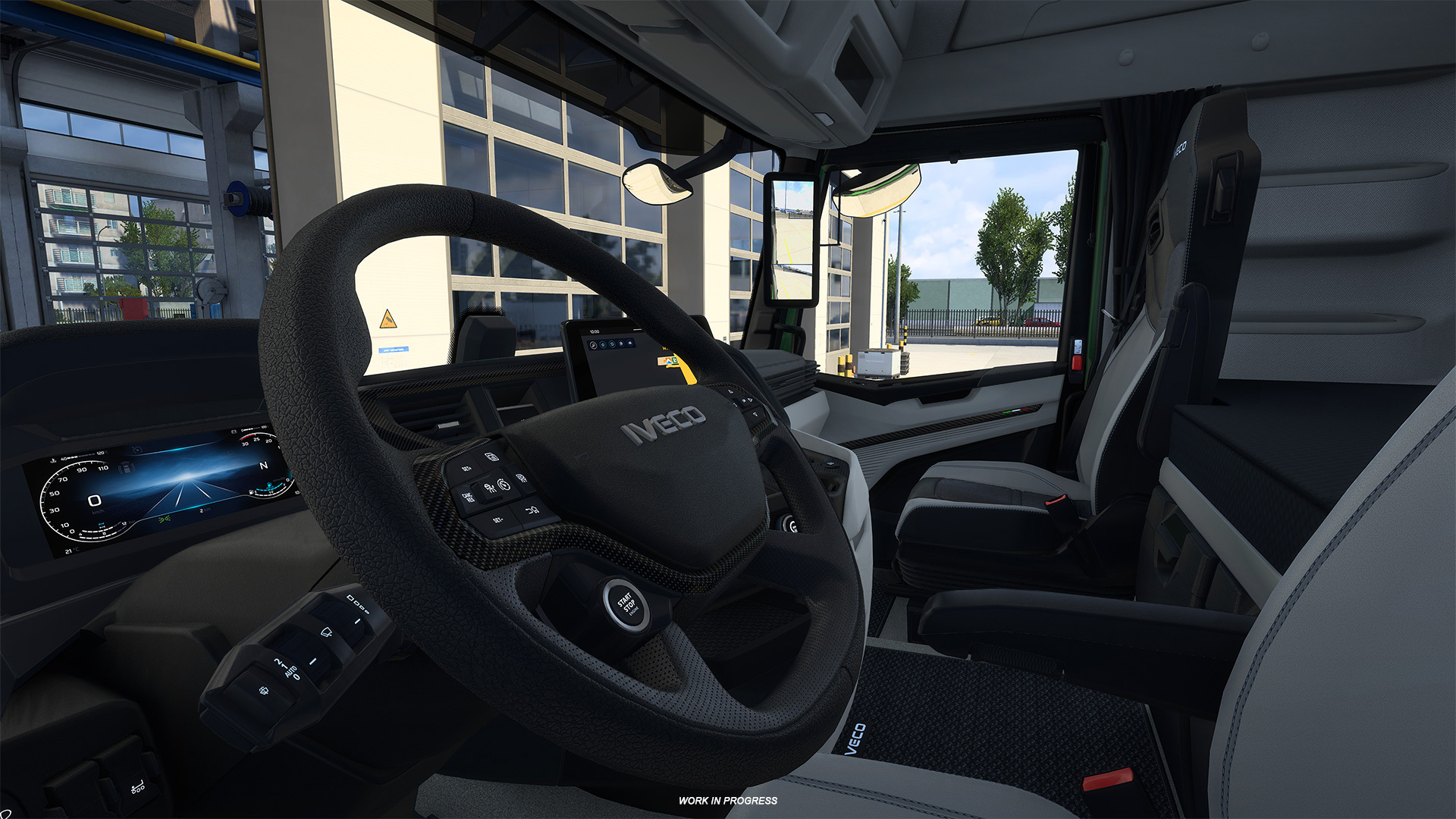
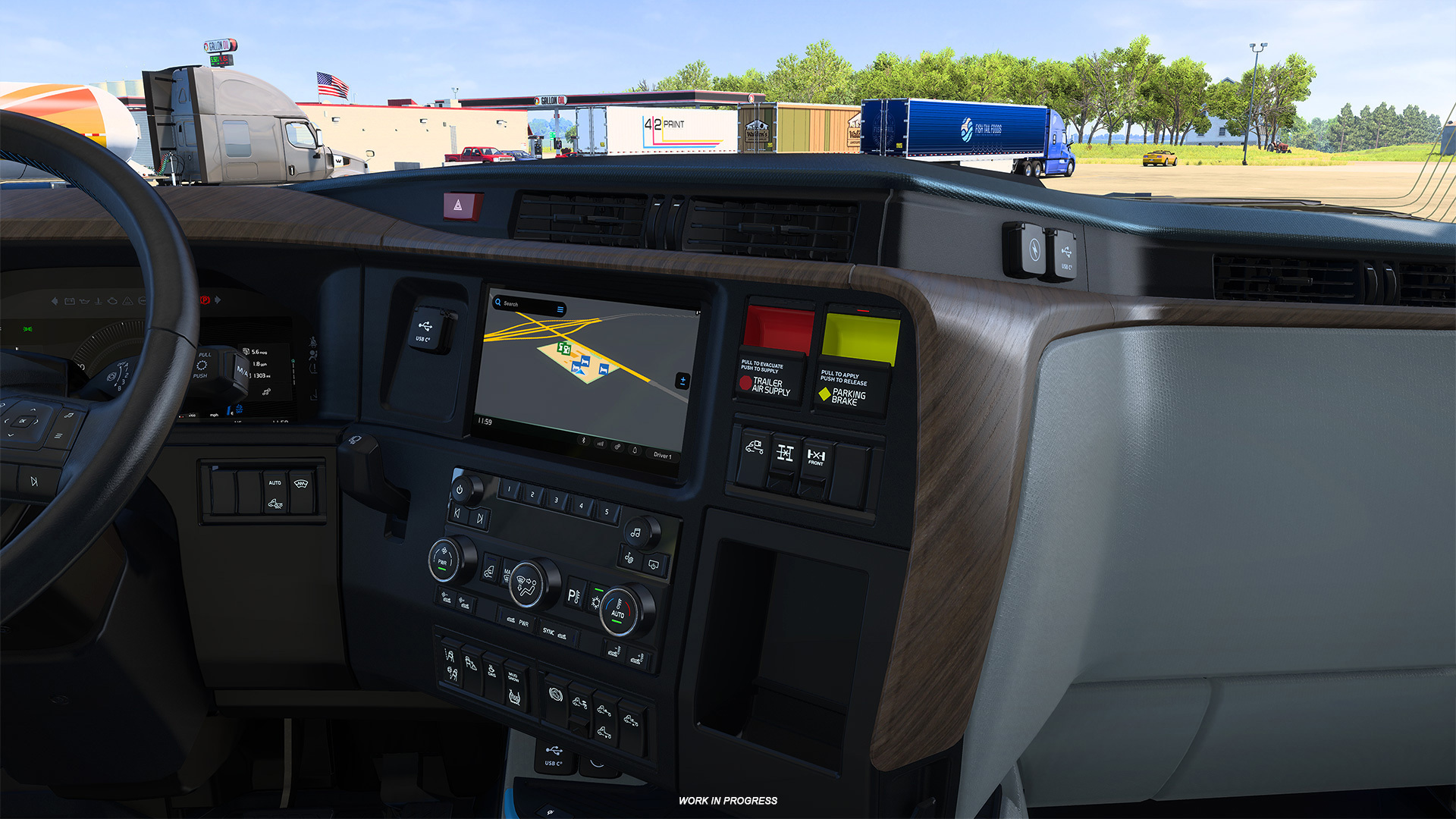
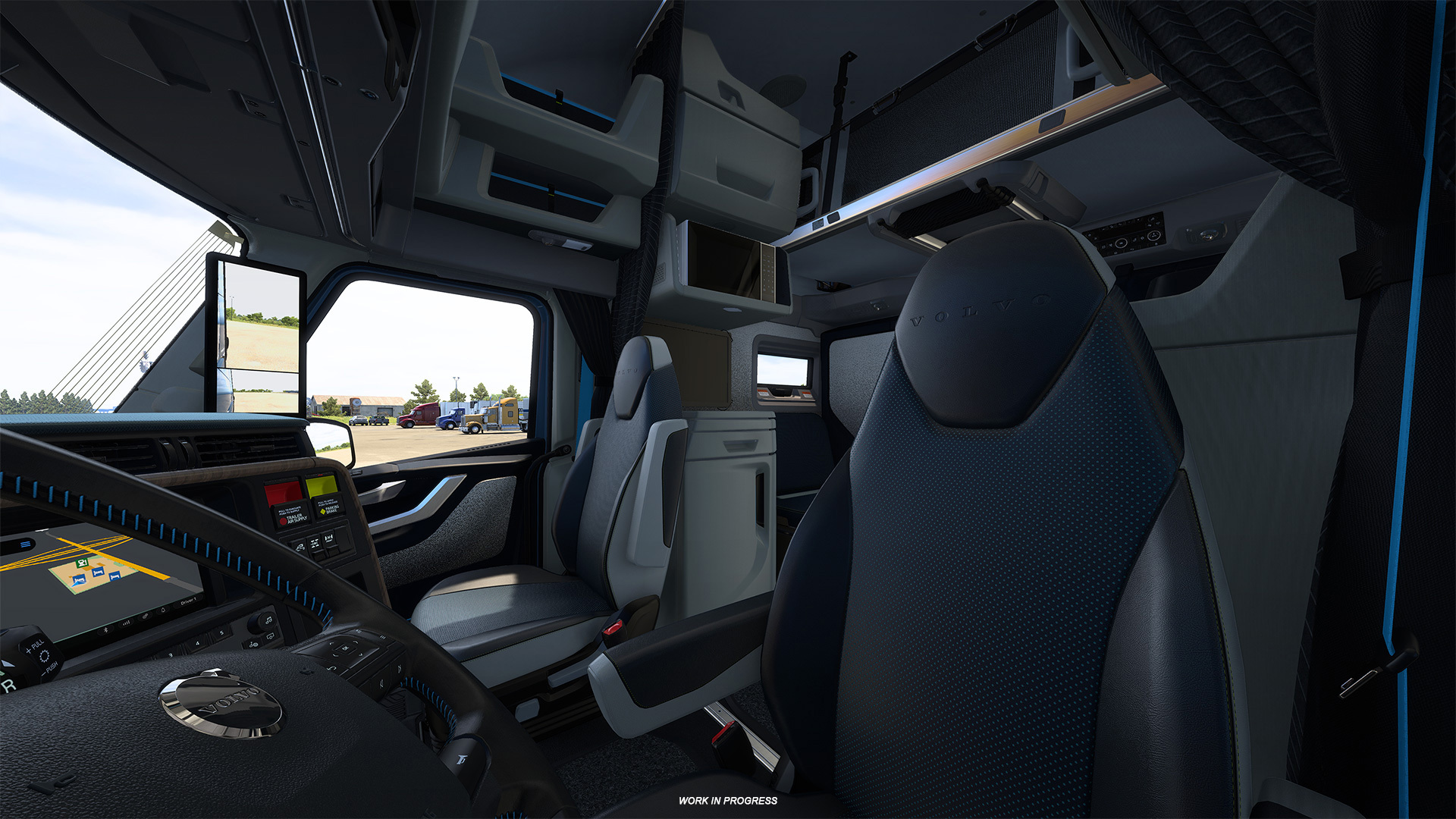
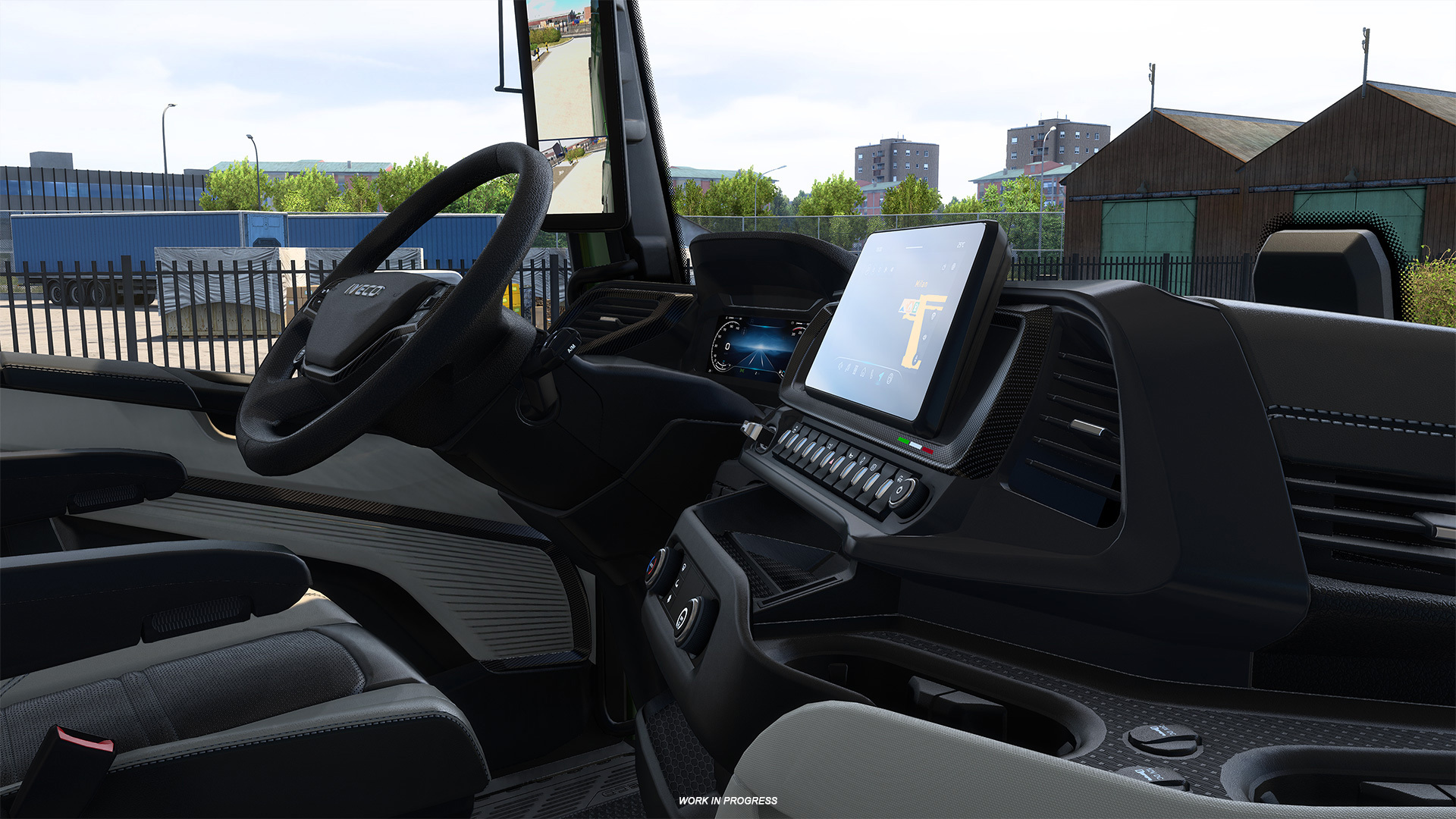
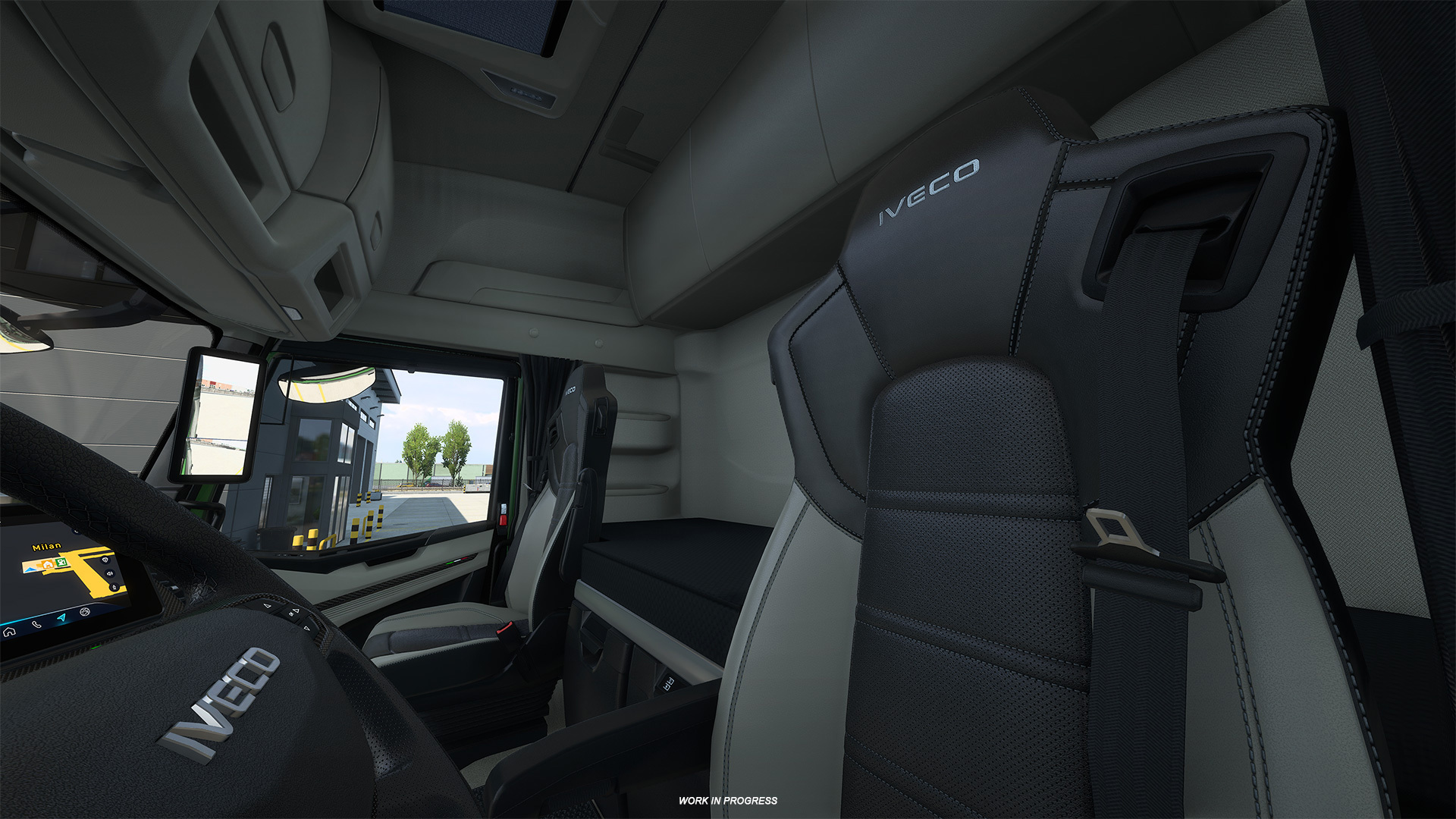
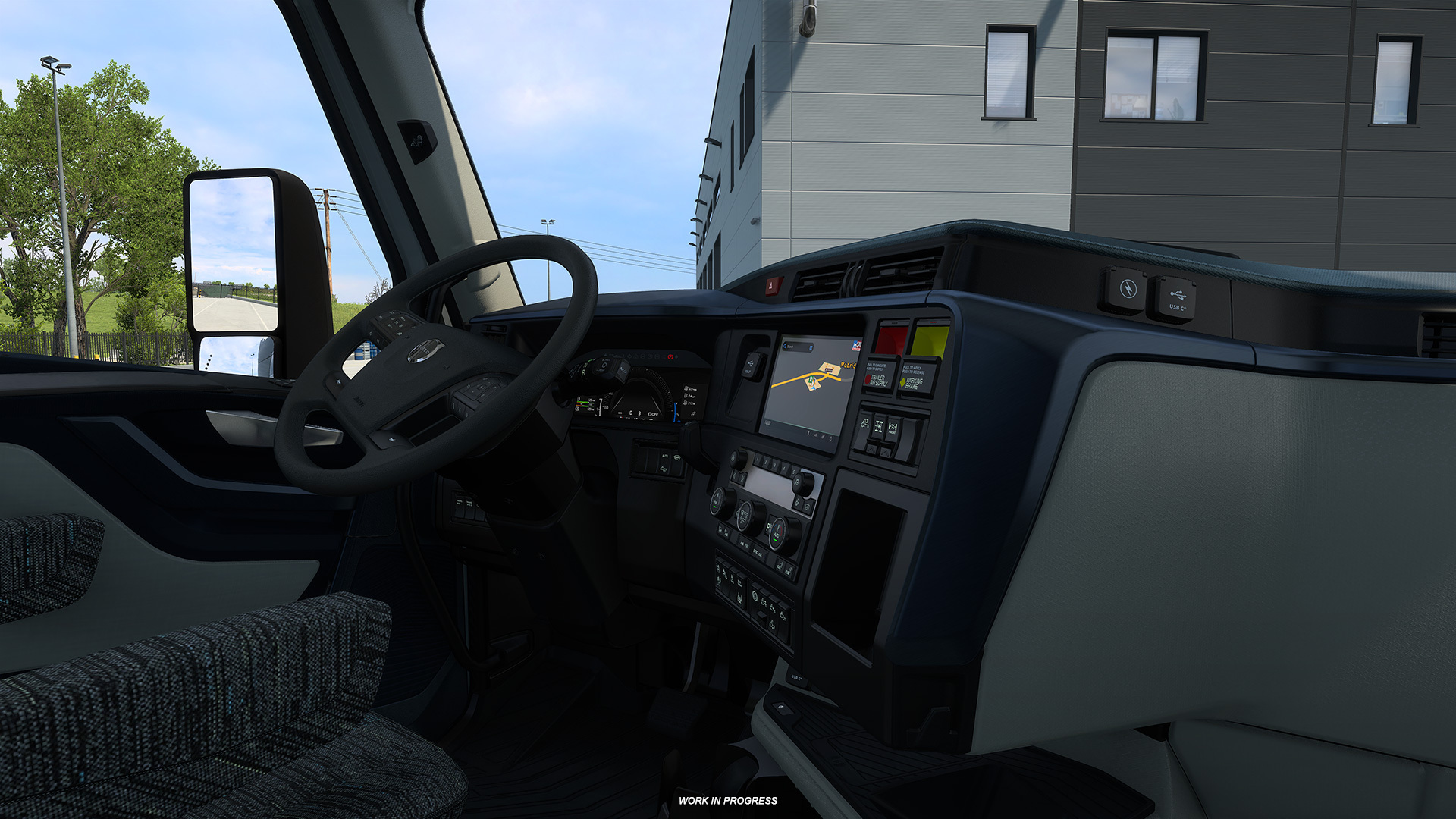
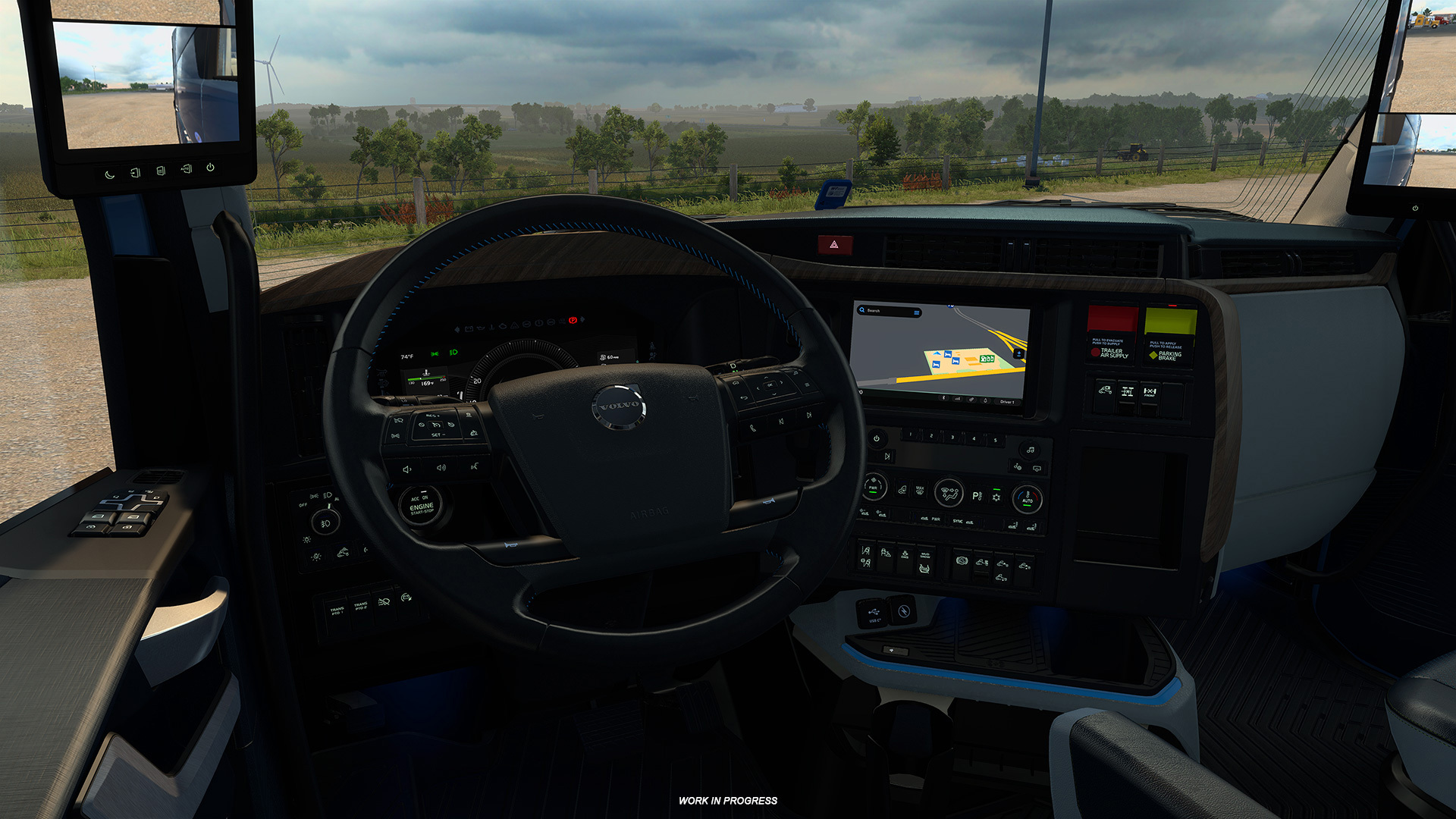
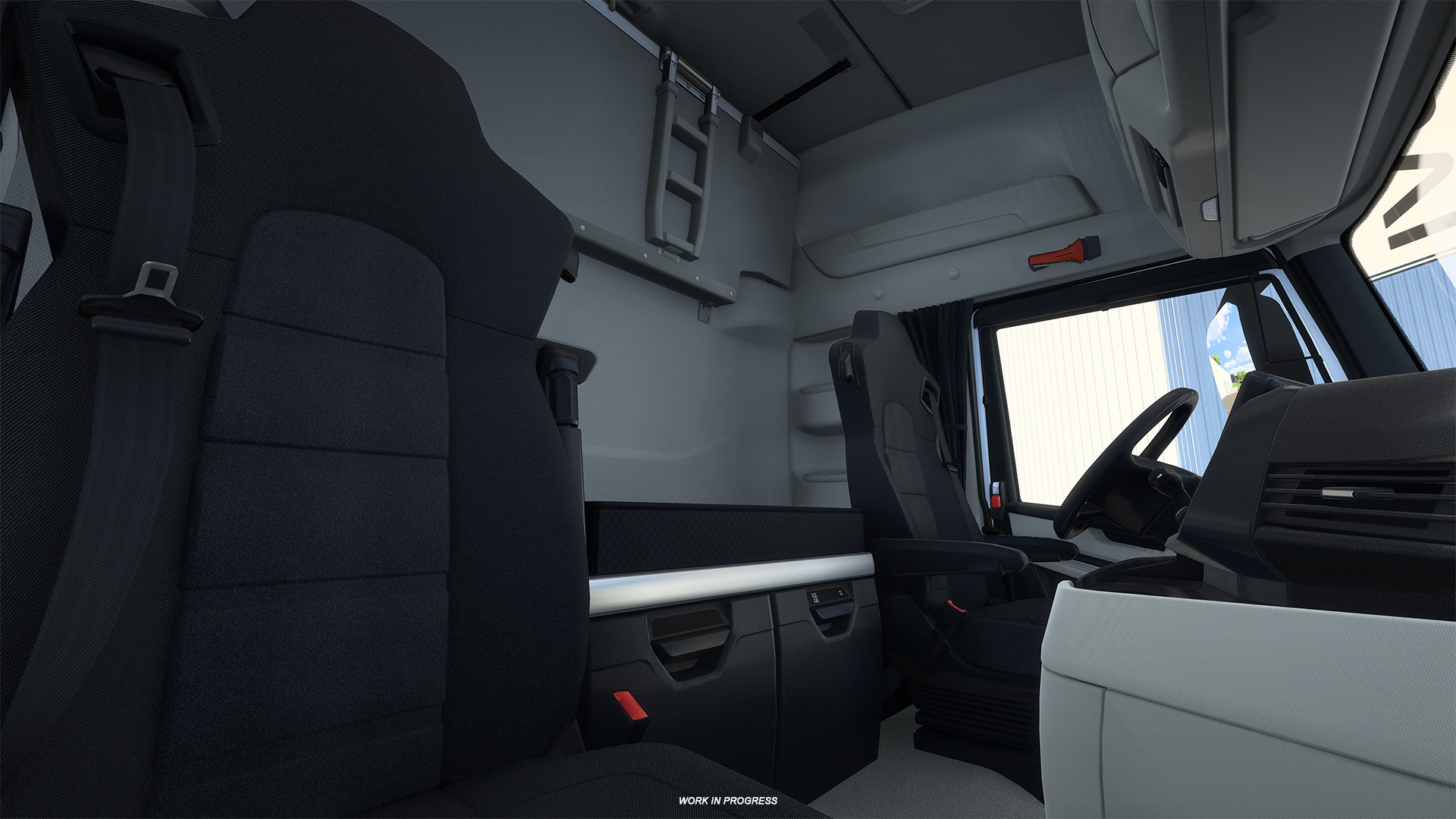
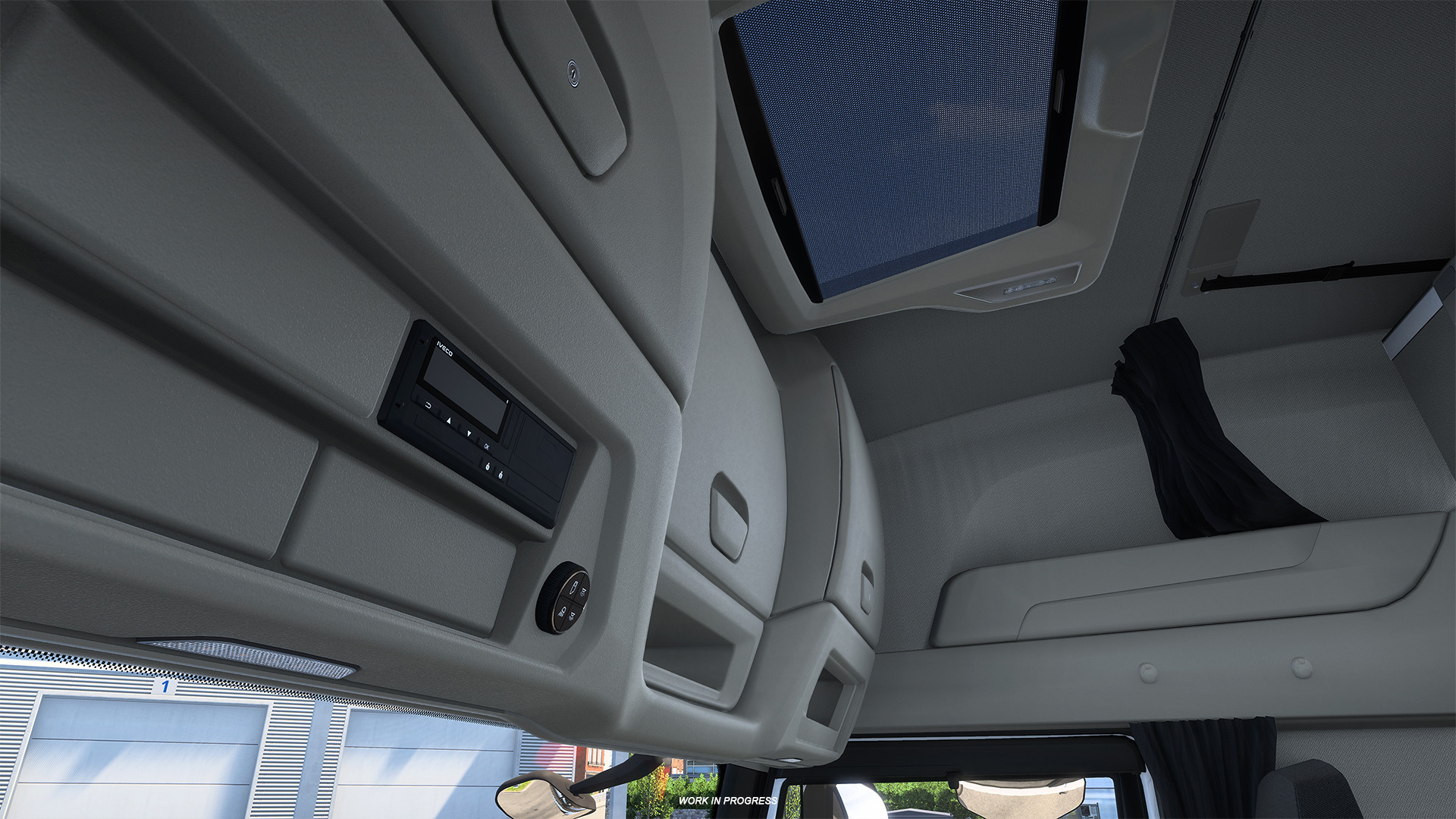
In the upcoming 1.62 update, our vehicle teams have expanded this visual improvement to the cabins of the Iveco S-Way in Euro Truck Simulator 2, and the All-New Volvo VNL in American Truck Simulator!
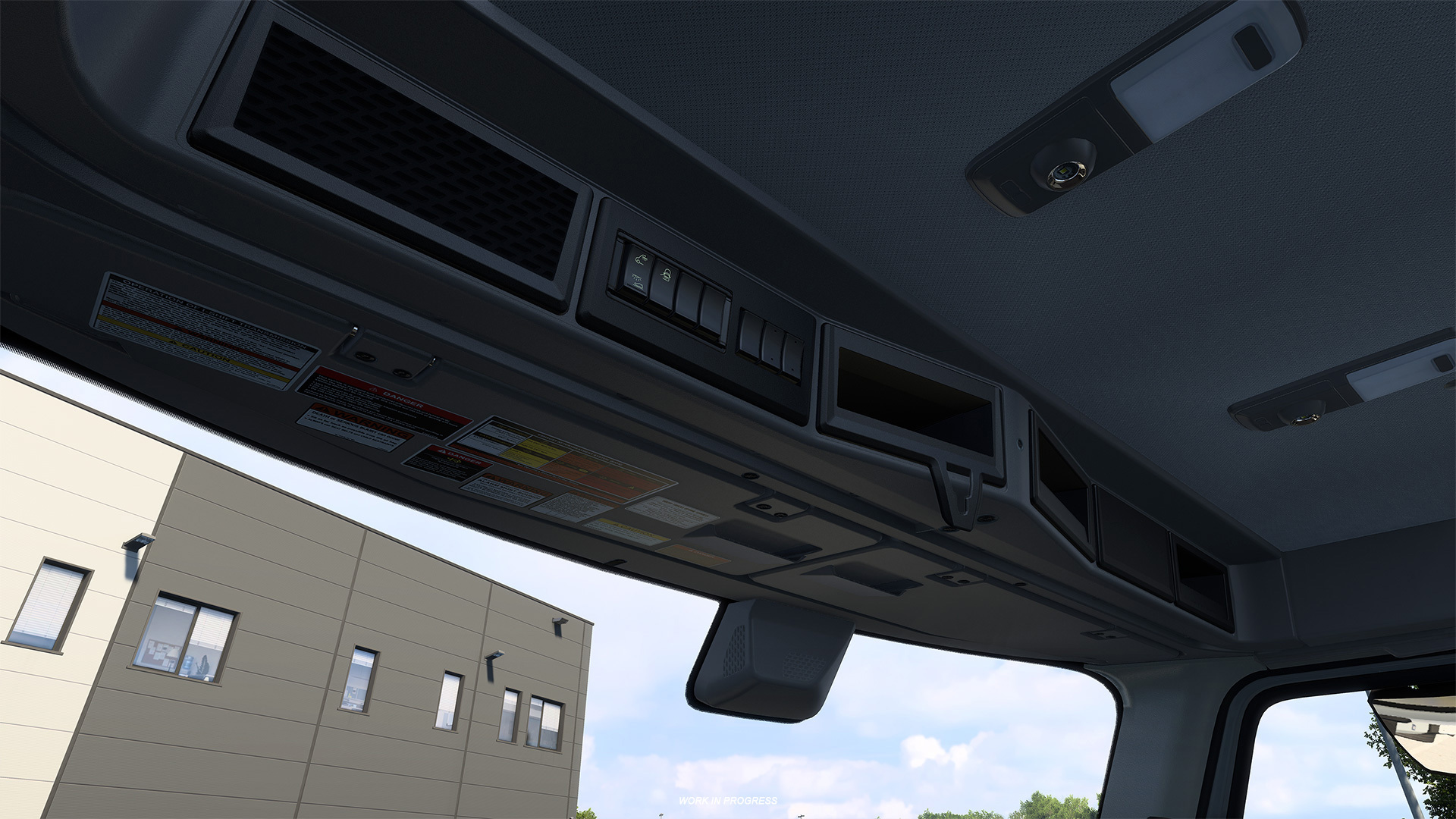
The improved material system significantly enhances the lighting and visual quality of vehicle interiors, with a particular focus on how different interior materials react to light. This results in a more detailed, readable, and visually pleasing cabin environment. It also makes the differences between materials such as leather, fabric, plastic, and metal much more apparent, even in low-light conditions.
As promised, we are gradually bringing this feature to more trucks, allowing you to enjoy beautiful cabin interiors across a wider range of vehicles. If you would like to learn more about what the process of implementing this feature on new vehicles looks like, make sure to check out our Under the Hood blog, where we spoke with colleagues working on the improved material system.
We hope you will be happy to see the improved cabin interiors in more trucks with this upcoming update! Remember to stay tuned for more news from our games by following us on our X, Facebook, Instagram, Bluesky, and YouTube. We would also appreciate it if you could sign up for our newsletter, so you can be informed. Until next time, keep on trucking!


The Improved Material System continues to make its way across our truck line-up! With the upcoming 1.62 update for Euro Truck Simulator 2 & American Truck Simulator, two more trucks will benefit from this upgrade, bringing further visual refinements to their interiors.
We hope you've been enjoying the Improved Material System and the refreshed look it brings to the interiors of our trucks! It has been great to see your reactions to these visual upgrades, and we would like to thank you for all of the comments, feedback & screenshots you have shared with us so far.
In the upcoming 1.62 update, our vehicle teams have expanded this visual improvement to the cabins of the Iveco S-Way in Euro Truck Simulator 2, and the All-New Volvo VNL in American Truck Simulator!
The improved material system significantly enhances the lighting and visual quality of vehicle interiors, with a particular focus on how different interior materials react to light. This results in a more detailed, readable, and visually pleasing cabin environment. It also makes the differences between materials such as leather, fabric, plastic, and metal much more apparent, even in low-light conditions.
As promised, we are gradually bringing this feature to more trucks, allowing you to enjoy beautiful cabin interiors across a wider range of vehicles. If you would like to learn more about what the process of implementing this feature on new vehicles looks like, make sure to check out our Under the Hood blog, where we spoke with colleagues working on the improved material system.
We hope you will be happy to see the improved cabin interiors in more trucks with this upcoming update! Remember to stay tuned for more news from our games by following us on our X, Facebook, Instagram, Bluesky, and YouTube. We would also appreciate it if you could sign up for our newsletter, so you can be informed. Until next time, keep on trucking!
View the full article
Donator: SteamDB
Donator: SteamLadder
Steam Level Up: https://slvlup.com/r/krrna6
Steam™ Hour Boosting!: https://freehourboost.com/?r=cosminzm
https://guns.lol/cosmingl
https://gamelife.ro/buy/