This Week in Destiny, we saw you all discover this thing. It's not the first time we've seen this community obsessed over something that they didn't know was there and whose meaning is yet to be found. Uh, we wonder what that might be. No, no spoilers here, just a list of topics for today. See how smooth that was?
• Prepare for The Edge of Fate reveal • Riddle me this... • New Event Home coming with Heavy Metal • Tomorrow's Answer in Trials of Osiris • And Iron Banner next week • Our first Destiny 2 vinyl is now available • Bungie Foundation and Gamers Engaged


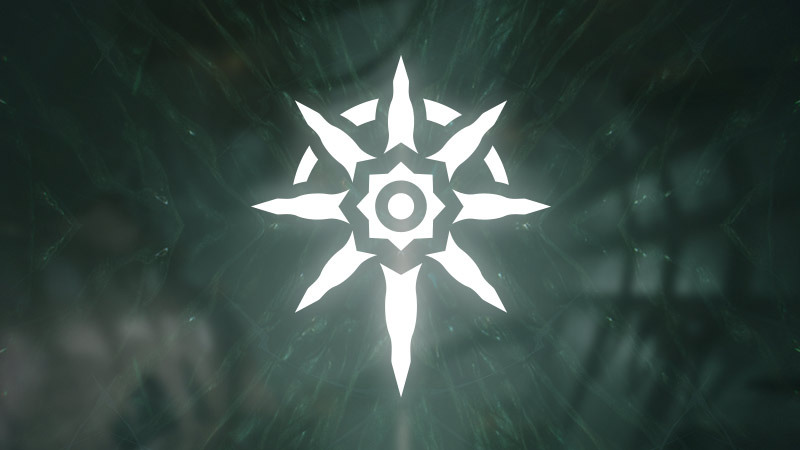
This Week in Destiny, we saw you all discover this thing. It's not the first time we've seen this community obsessed over something that they didn't know was there and whose meaning is yet to be found. Uh, we wonder what that might be. No, no spoilers here, just a list of topics for today. See how smooth that was?• Prepare for The Edge of Fate reveal
• Riddle me this...
• New Event Home coming with Heavy Metal
• Tomorrow's Answer in Trials of Osiris
• And Iron Banner next week
• Our first Destiny 2 vinyl is now available
• Bungie Foundation and Gamers Engaged
Read the rest of the TWID here.
View the full article
Donator: SteamDB
Donator: SteamLadder
Steam Level Up: https://slvlup.com/r/krrna6
Steam™ Hour Boosting!: https://freehourboost.com/?r=cosminzm
https://guns.lol/cosmingl
https://gamelife.ro/buy/