Tier 4 is on the horizon, reaching Arkesia’s western shores on October 9. We’ll soon start releasing more details on all the experiences and updates arriving, but wanted to provide a notice to the active guilds who participate in Guild Siege and Raid Matches. As players familiar with the updates made to Lost Ark in Korea may know, the Tier 4 update will herald the end of Guild Sieges and Raid Matches. The final Siege and Raid Match will take place between September 25 and October 1.
On October 2 Guild Siege and Raid Match end and players cannot apply and join anymore.
The final round of Siege Events can be held and joined between October 4 - 7.
We appreciate the passion and dedication demonstrated by many guilds who organized and participated in these systems. Guilds will continue to be a great way for groups of players to connect and build relationships in Arkesia, and some additional changes will be arriving in the Tier 4 update to help streamline that experience.
We wish you luck in the final few guild events, and we’ll see you in Arkesia!


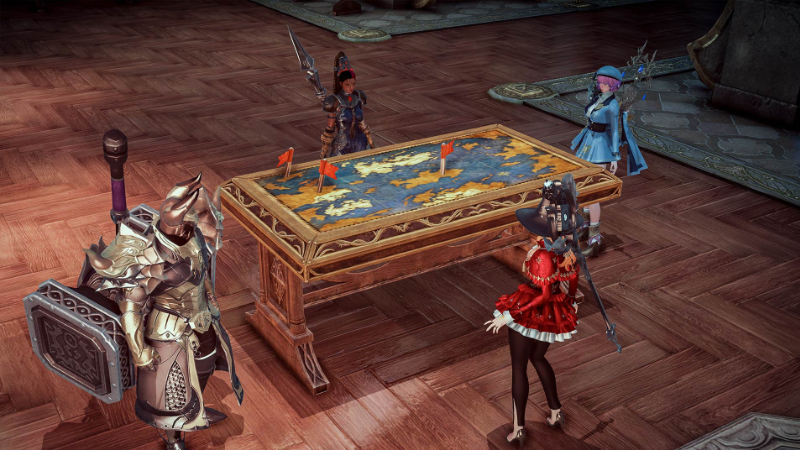
Heroes of Arkesia,Tier 4 is on the horizon, reaching Arkesia’s western shores on October 9. We’ll soon start releasing more details on all the experiences and updates arriving, but wanted to provide a notice to the active guilds who participate in Guild Siege and Raid Matches. As players familiar with the updates made to Lost Ark in Korea may know, the Tier 4 update will herald the end of Guild Sieges and Raid Matches.
The final Siege and Raid Match will take place between September 25 and October 1.
- On October 2 Guild Siege and Raid Match end and players cannot apply and join anymore.
- The final round of Siege Events can be held and joined between October 4 - 7.
We appreciate the passion and dedication demonstrated by many guilds who organized and participated in these systems. Guilds will continue to be a great way for groups of players to connect and build relationships in Arkesia, and some additional changes will be arriving in the Tier 4 update to help streamline that experience.We wish you luck in the final few guild events, and we’ll see you in Arkesia!
View the full article
Donator: SteamDB
Donator: SteamLadder
Steam Level Up: https://slvlup.com/r/krrna6
Steam™ Hour Boosting!: https://freehourboost.com/?r=cosminzm
https://guns.lol/cosmingl
https://gamelife.ro/buy/