August 9, 20242 yr Administrators Solstice returns with new armor, a new Void bow, a new event card, and more!☀ https://bung.ie/solsticeView the full article Donator: SteamDB Donator: SteamLadder Steam Level Up: https://slvlup.com/r/krrna6 Steam™ Hour Boosting!: https://freehourboost.com/?r=cosminzm https://guns.lol/cosmingl https://gamelife.ro/buy/


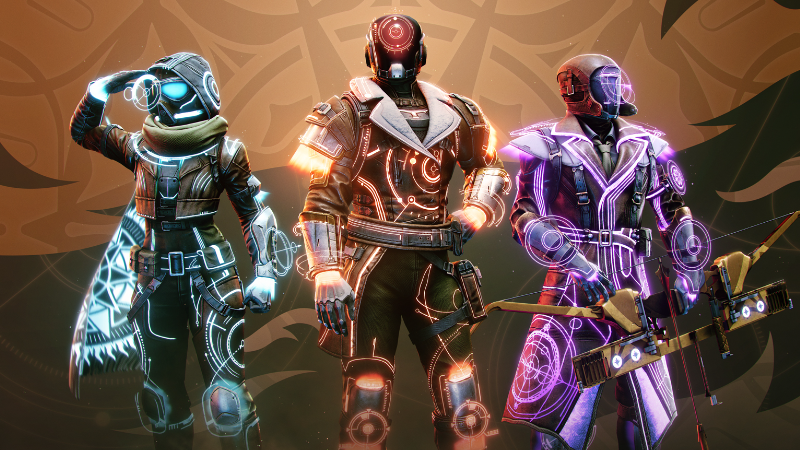
Solstice returns with new armor, a new Void bow, a new event card, and more!☀ https://bung.ie/solstice
View the full article
Donator: SteamDB
Donator: SteamLadder
Steam Level Up: https://slvlup.com/r/krrna6
Steam™ Hour Boosting!: https://freehourboost.com/?r=cosminzm
https://guns.lol/cosmingl
https://gamelife.ro/buy/