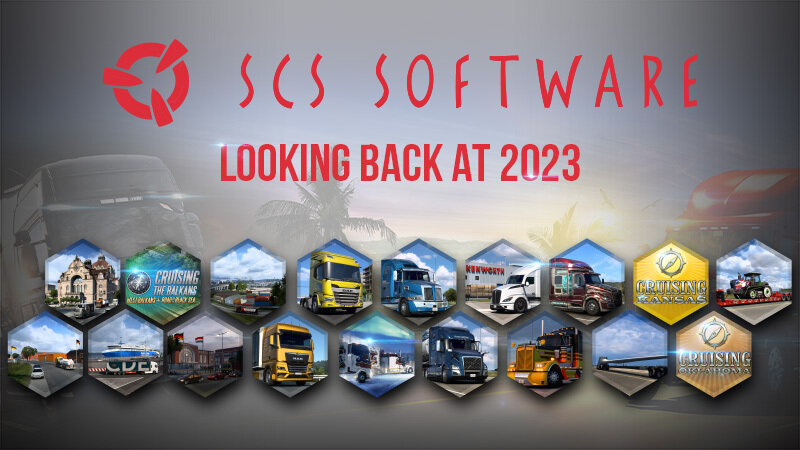
How swiftly time passes! With the year 2023 now in the rearview mirror, let's, as usual, take a moment to reflect on the journey of the past twelve months.
As we reflect on the progress of American Truck Simulator and Euro Truck Simulator 2, there's a lot to celebrate. Throughout the past year, we've introduced new map expansions, vehicles, events and features in various updates, enhancing the overall gaming experience. We're especially pleased with the strengthened partnerships with real brands, adding authenticity to our games. This collaboration made our games even more exciting in the past year, and we're eagerly looking forward to what the future holds. We believe these developments have raised the bar once again, contributing to a better gaming experience for all you truckers out there.
Make sure to check out this fantastic video that captures the journey of our games and our company throughout 2023!
We are so happy and proud to be making new content for our #BestCommunityEver! We can't wait for you to get your hands on all the new cool stuff that we will release for Euro Truck Simulator 2 and American Truck Simulator in the next year. If you are eager to get some hints of what is coming, check out our annual Christmas Special Live Stream.
Stay connected with us and all the latest information through our social media channels, make sure to follow us on X/Twitter, Instagram, Facebook, TikTok. We wish you a happy trucking in 2024!


How swiftly time passes! With the year 2023 now in the rearview mirror, let's, as usual, take a moment to reflect on the journey of the past twelve months.As we reflect on the progress of American Truck Simulator and Euro Truck Simulator 2, there's a lot to celebrate. Throughout the past year, we've introduced new map expansions, vehicles, events and features in various updates, enhancing the overall gaming experience. We're especially pleased with the strengthened partnerships with real brands, adding authenticity to our games. This collaboration made our games even more exciting in the past year, and we're eagerly looking forward to what the future holds. We believe these developments have raised the bar once again, contributing to a better gaming experience for all you truckers out there.
Make sure to check out this fantastic video that captures the journey of our games and our company throughout 2023!
We are so happy and proud to be making new content for our #BestCommunityEver! We can't wait for you to get your hands on all the new cool stuff that we will release for Euro Truck Simulator 2 and American Truck Simulator in the next year. If you are eager to get some hints of what is coming, check out our annual Christmas Special Live Stream.
Stay connected with us and all the latest information through our social media channels, make sure to follow us on X/Twitter, Instagram, Facebook, TikTok. We wish you a happy trucking in 2024!
View the full article
Donator: SteamDB
Donator: SteamLadder
Steam Level Up: https://slvlup.com/r/krrna6
Steam™ Hour Boosting!: https://freehourboost.com/?r=cosminzm
https://guns.lol/cosmingl
https://gamelife.ro/buy/