
Search the Community
Showing results for tags 'podbot'.
Found 2 results
-
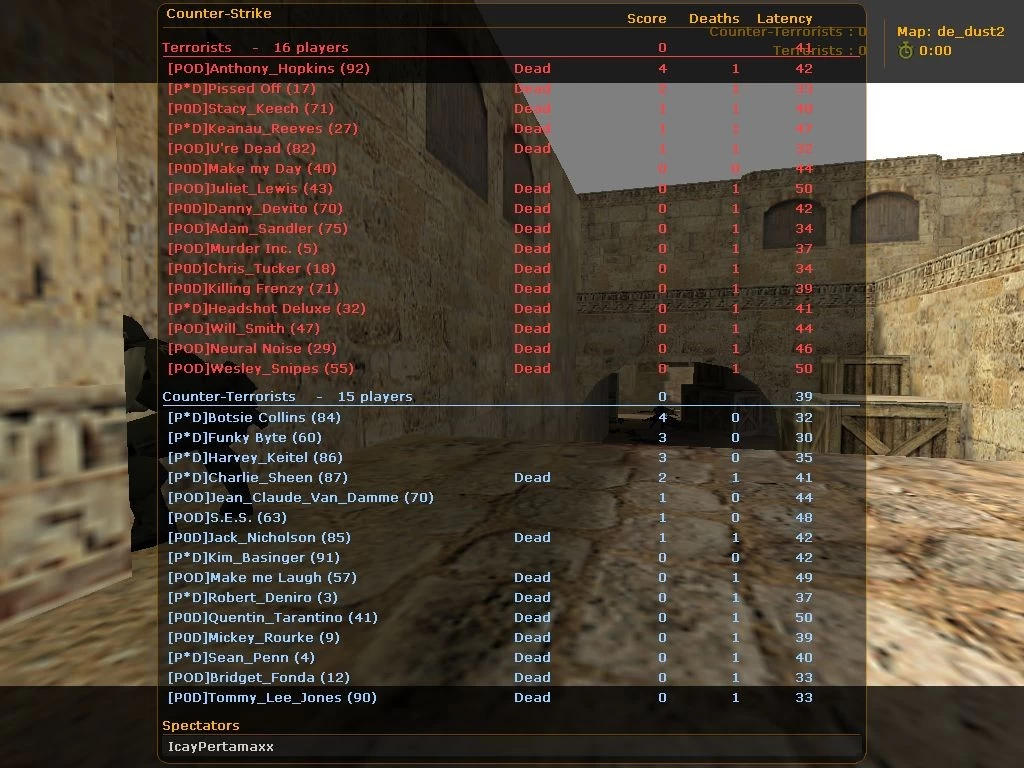
View File PodBot Counter-Strike 1.6 Description : The bots that you will download here, in addition to being one of the best bots that exist for Counter Strike, is one of the best known of its kind since they have the best AI and the highest reality index of the moment. Hear your footsteps They hear doors, windows, etc., any strange sounds that occur near them They can plant the bomb and cover it (T) while the (CT) can ask for reinforcements or help at the moment they are deactivating it. When using the radio commands, the PODBOTs will use their AI to archive these messages and if they see them well they will follow you... Depending on the radio message made, they can follow you, cover you, stay in an assigned position, etc. And a long endless number of activities that you can discover yourself. Installation Copy the podbot folder to /cstrike/addons Then on /cstrike/addons/metamod/plugins.ini put this: linux addons/podbot/podbot_mm_i386.so Change the number of bots you want to enter the server in podbot.cfg For now its set 2 bots! You have more details on podbot.cfg! Then restart the server! Submitter COSMIN Submitted 06/22/2023 Category Others
-
31 downloads
Description : The bots that you will download here, in addition to being one of the best bots that exist for Counter Strike, is one of the best known of its kind since they have the best AI and the highest reality index of the moment. Hear your footsteps They hear doors, windows, etc., any strange sounds that occur near them They can plant the bomb and cover it (T) while the (CT) can ask for reinforcements or help at the moment they are deactivating it. When using the radio commands, the PODBOTs will use their AI to archive these messages and if they see them well they will follow you... Depending on the radio message made, they can follow you, cover you, stay in an assigned position, etc. And a long endless number of activities that you can discover yourself. Installation Copy the podbot folder to /cstrike/addons Then on /cstrike/addons/metamod/plugins.ini put this: linux addons/podbot/podbot_mm_i386.so Change the number of bots you want to enter the server in podbot.cfg For now its set 2 bots! You have more details on podbot.cfg! Then restart the server!Free- 1 review
-
- 1
-

-
- podbot counter-strike 1.6
- podbot
- (and 1 more)
