


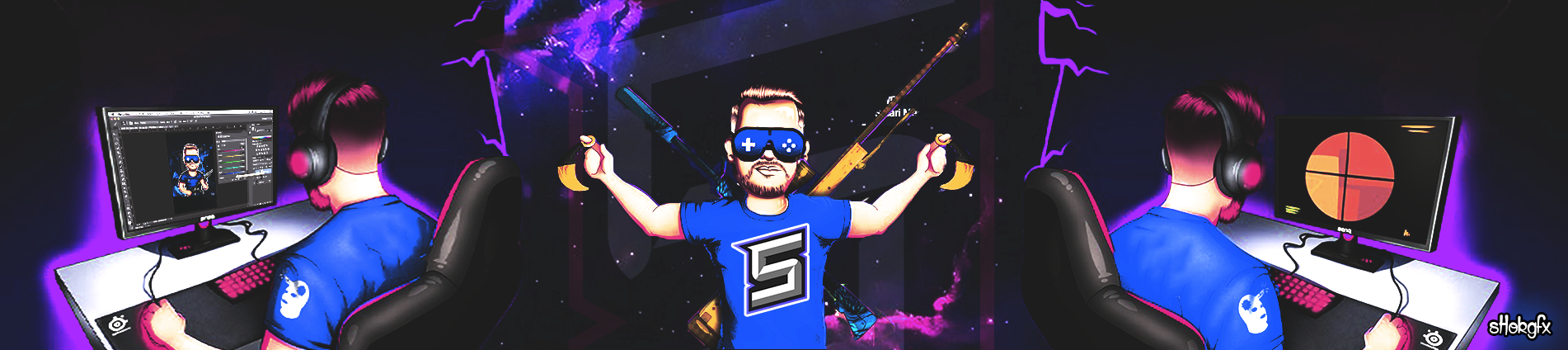

sHok gfx
Members
-
Joined
-
Last visited
Everything posted by sHok gfx
-
salutare , scuze ca ma bag nu mai m-am jucat de mult cu photoshop si am zis sa incerc si eu cate ceva sper sa iti placa si fara suparare pentru designeri ❤️
.png.956731ea3942ee354916b8cd484d4f40.png)
.png.08e3986aa61061c87dd0f7cbb27e4b92.png)
.png.ad4f7d94ef24509a5846a37ef41a4691.png)
.png.d61ba3d1ad4bbaa2a09975322c19cf7e.png)

-
-
-
-
-
@th3#afk @Alexandru Armanu@Arabu @LeoNickname : shok Nume Real : ionut Vârstă : 21 Contact : discord sHok💠 gfx#2879 , https://steamcommunity.com/id/sHokgfx/ Descrie-te în minim 10 cuvinte : o panarama , un om care stie de gluma , si cand promit ceva fac !!! De ce crezi că meriți acest grad? : Sincer imi place cea ce fac si vreau sa multumesc si alti oameni prin munca mea depusa Cea mai bună lucrare a ta (poza + .psd) : Portofoliu : Alte detalii : Ma amenintat cu bataia daca nu fac cerere 😩😩😩Numele tau : ionut Nickname : sh Varsta : 21 Ocupatia : Agent pepsi Hobby-uri : Fotbal ,design Unde locuiesti: Ploiesti Ce jocuri frecventezi cel mai mult : CSGOI , Forza , Sea of tieves , cs1.6 Cum ai auzit de www.gamelife.ro : :)) de la incep prin 2013 clanul kTa daca va zice ceva Jae Ha ma adus aici si uite am ramas aici ❤️ Ai vreun sfat pentru noi : -/-Nume : sHok Numele persoanei care primeste cadoul : Comunitatea GameLife Cadoul : https://imgur.com/a/w8TnfWa
Important Information


Account
Navigation
Search
Configure browser push notifications
Chrome (Android)
- Tap the lock icon next to the address bar.
- Tap Permissions → Notifications.
- Adjust your preference.
Chrome (Desktop)
- Click the padlock icon in the address bar.
- Select Site settings.
- Find Notifications and adjust your preference.
Safari (iOS 16.4+)
- Ensure the site is installed via Add to Home Screen.
- Open Settings App → Notifications.
- Find your app name and adjust your preference.
Safari (macOS)
- Go to Safari → Preferences.
- Click the Websites tab.
- Select Notifications in the sidebar.
- Find this website and adjust your preference.
Edge (Android)
- Tap the lock icon next to the address bar.
- Tap Permissions.
- Find Notifications and adjust your preference.
Edge (Desktop)
- Click the padlock icon in the address bar.
- Click Permissions for this site.
- Find Notifications and adjust your preference.
Firefox (Android)
- Go to Settings → Site permissions.
- Tap Notifications.
- Find this site in the list and adjust your preference.
Firefox (Desktop)
- Open Firefox Settings.
- Search for Notifications.
- Find this site in the list and adjust your preference.