



ciuMi
Members
-
Joined
-
Last visited
-
-
-
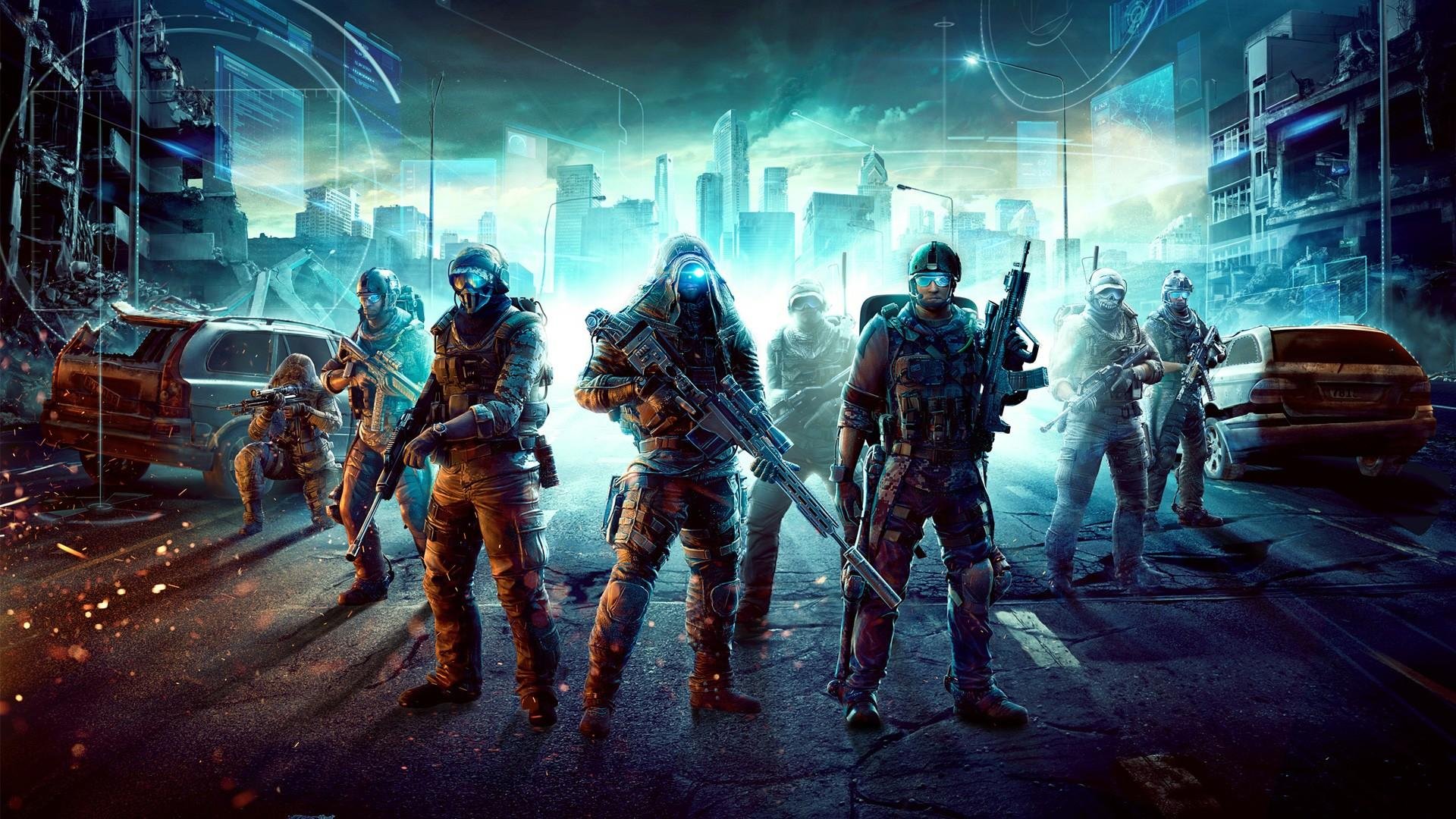
Creation type: (avatar, signature, banner, etc.) Avatar Dimensions: (avatar 150x250, sig max. 400x200) 150x250 Main text (Compulsory secondary: GameLife.Ro/ www.gamelife.ro): -[ciuMi]- Image / theme: https://www.mediafire.com/file/znxqb116l30p1ub/Ghost.gif/file Other specifications: Sa iasa ceva frumos rau de tot !! Link last application submitted: --
-
Tip creatie: Avatar Dimensiuni: 150x250 Text principal (Secundar obligatoriu: GameLife.Ro/ www.gamelife.ro) : Ciumi.z0x1r Imagine/tematica: https://imgur.com/UuY9TWY Alte precizari: Vreau ceva frumos, sa vedem ce puteti 🙂 Link ultima cerere depusa: Este prima 🙂
-
Username / Nickname : eL'Ciumi Varsta :23 Ocupatia :murator, electrician Hobby-uri : pescuit, games Unde locuiesti: Roma Ce jocuri frecventezi cel mai mult : assassin's creed odiseey, god of war, spidwr man ..etc etc Cum ai auzit de www.gamelife.ro : o postare de la bătrânul th3#afk Ce te-a determinat sa iti faci cont : th3#afk Ai vreun sfat pentru noi : sa fim pe cat de mult ca prima data cand am intrat aici ps: ciumi vs garcea 😂😂😂

