C4 TAKER v1.09
(For lack of a better name)
Description:
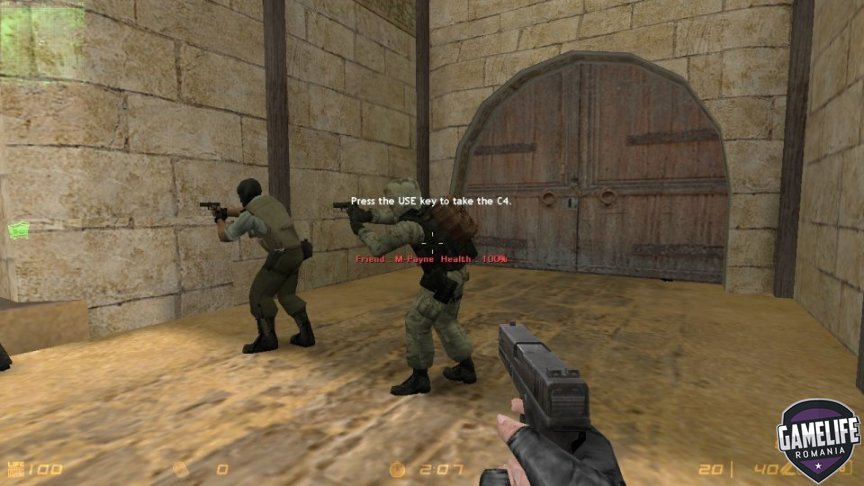
Enables you to take the C4 from a teammate by aiming at him/her and pressing the USE key. (default 'E')
This is especially useful when playing with bots either for gameplay or debug purposes...
Requires:
amxmodx | fakemeta_util | hamsandwich
CVARs:
-
c4t_admin_only [default 1] - limits the plugin for admin use only. Set to '0' so that everyone can take the C4. Set to '2' and admin gets the C4 automatically every start of a round.
-
c4t_take_from_humans [default 0 ]- set to '1' to enable to take C4 from human players
-
c4t_max_distance [default 120] - max distance for the take
-
c4t_hud [default 5] - number of instances the HUD Message appears. Set to '0' to disable. Can be set to '9999...'.
Notes:
-
Only Admins can take C4 by default
-
Max distance of the HUD message are the same which means it may serve as an indicator of sorts.
-
HUD message appears for certain amount of instances (set by a cvar) for each human player. After that it is disabled.
-
Based off joaquimandrade's and ConnorMcLeod's "EasyWeaponsTrade" plugin.


Create an account or sign in to leave a review
There are no reviews to display.