Amidst all the TI announcements and Crownfall conclusions, you might not have noticed that the humble Dota 2 Workshop is busier than ever. With a community of talented artists contributing lots of new stuff that we shipped throughout the year, sales of community-generated Workshop content generated more revenue for contributors in 2024 than any year since 2015—and that community of talented artists could also include you!
That's right: We're once again inviting all workshop contributors to spin up some new sets for any of your favorite heroes—including two newcomers who have been waiting eagerly in the wings to join the cosmetic fun. Artists can also include submissions for both Ringmaster and Kez, who are now enabled in the workshop.
To be considered, we request that all submissions be on the Dota 2 Workshop by the end of day on April 6th, 2025 PDT. Please make sure to mark your work with the "Spring 2025" tag when tendering items to the Workshop to ensure they aren't overlooked. (As usual, please avoid concepts involving human skulls, blood, and gore.)
Dota fans everywhere are of course encouraged to regularly visit the Workshop and vote through the Queue to ensure your voices are heard in the hunt for the treasures of tomorrow.



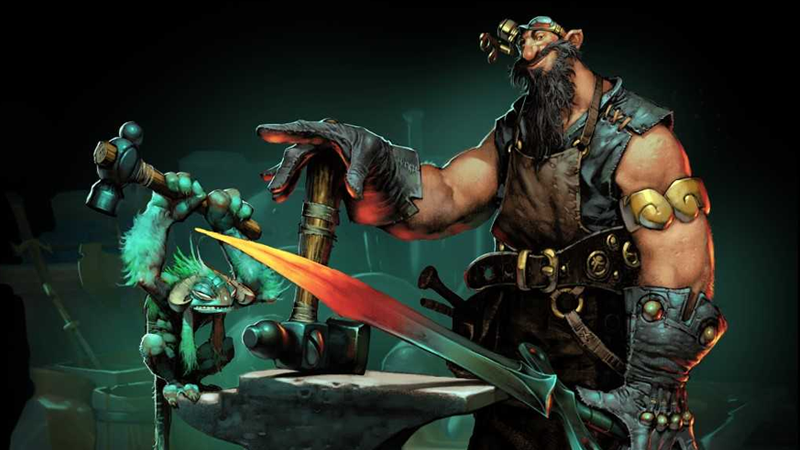
Amidst all the TI announcements and Crownfall conclusions, you might not have noticed that the humble Dota 2 Workshop is busier than ever. With a community of talented artists contributing lots of new stuff that we shipped throughout the year, sales of community-generated Workshop content generated more revenue for contributors in 2024 than any year since 2015—and that community of talented artists could also include you!That's right: We're once again inviting all workshop contributors to spin up some new sets for any of your favorite heroes—including two newcomers who have been waiting eagerly in the wings to join the cosmetic fun. Artists can also include submissions for both Ringmaster and Kez, who are now enabled in the workshop.
To be considered, we request that all submissions be on the Dota 2 Workshop by the end of day on April 6th, 2025 PDT. Please make sure to mark your work with the "Spring 2025" tag when tendering items to the Workshop to ensure they aren't overlooked. (As usual, please avoid concepts involving human skulls, blood, and gore.)
Dota fans everywhere are of course encouraged to regularly visit the Workshop and vote through the Queue to ensure your voices are heard in the hunt for the treasures of tomorrow.
View the full article