Watch as limbs fly off from a single cut of your energy blade!
You are Blink, a teleporting robot
who is the newest “looprunner” gladiator to compete in the Crashloop, a deadly roguelike tournament to the death. Die and reawaken in an endless loop, leap over lava pools, avoid turret fire, and take down waves of enemy defendroids.
Battle your fellow looprunners for a chance to fight the Captain in the Hyperdome,
and claim his power for yourself! In between runs, get to know the other looprunners and learn the secrets of Crashloop. Take sides in their rivalries. Let your sword do the talking to win their favor.
Defeat other looprunners to claim their Turbofists!
Shoot flames, launch shurikens, slow time, summon zombies and more! Upgrade the turbofists with power from other defeated looprunners to become unstoppable.
Swing lots of different weapons to find your favorite style
. Two handed spears, a katana, an axe and shield? If you’re daring, fight with your bare metal fists!
Feel the power of voxel destruction. Learn to wield your laser sword.
The Hyperdome awaits
!
Descrierea conținutului pentru adulți indisponibilă.
System Requirements
Windows
Minimum:
Requires a 64-bit processor and operating system
OS:
Windows 10
Processor:
Intel i5-4590 or equivalent
Memory:
8 GB RAM
Graphics:
Nvidia GTX 970 or equivalent
Storage:
5 GB available space
Sound Card:
Any
VR Support:
SteamVR or OpenXR; full support for Valve Index, Meta Quest 2 / 3 / 3S / Pro



Genre: Action , Indie
About This Game
Sword fight with killer robots in VR!
Watch as limbs fly off from a single cut of your energy blade!
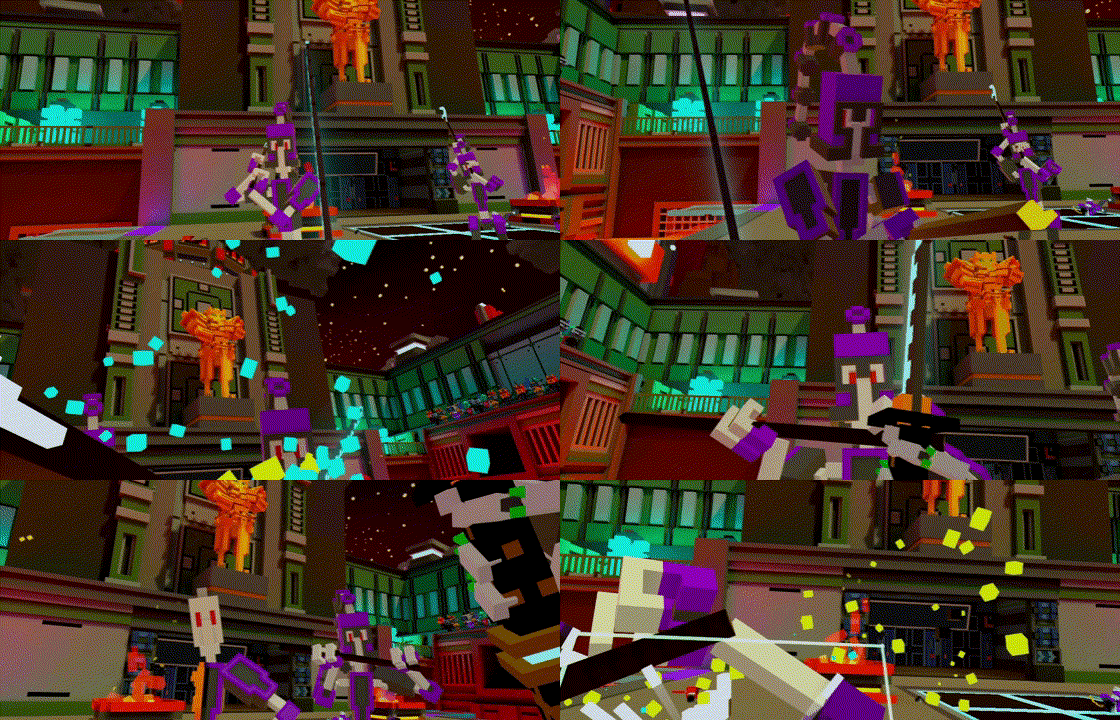
You are Blink, a teleporting robot who is the newest “looprunner” gladiator to compete in the Crashloop, a deadly roguelike tournament to the death. Die and reawaken in an endless loop, leap over lava pools, avoid turret fire, and take down waves of enemy defendroids.
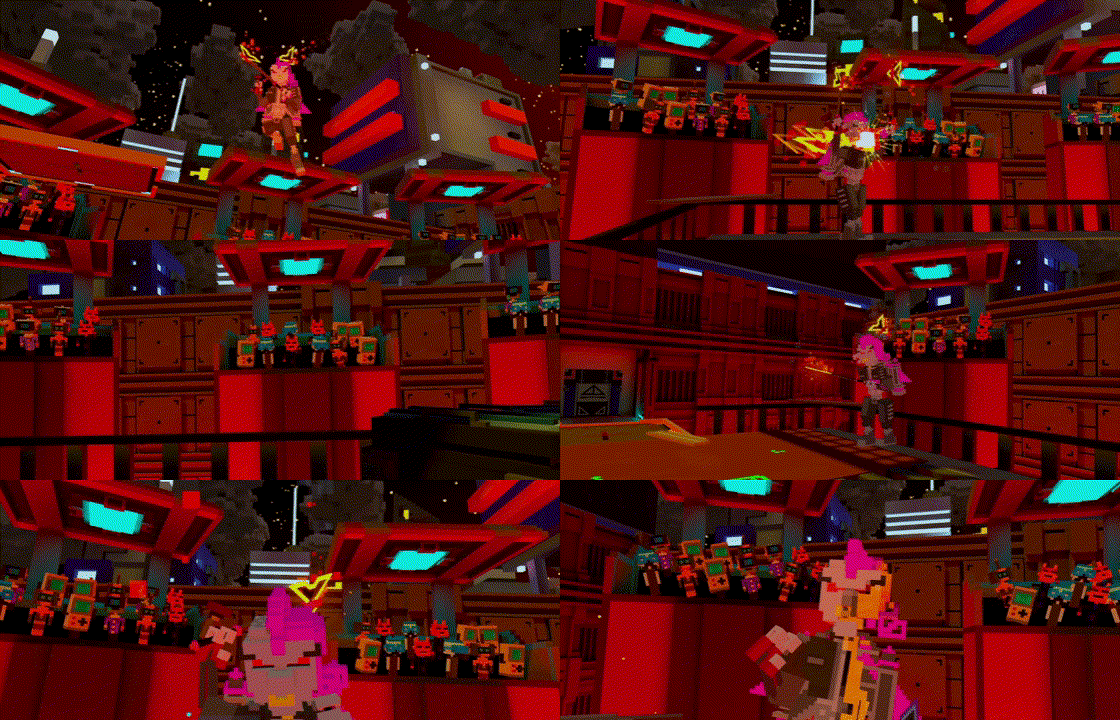
Battle your fellow looprunners for a chance to fight the Captain in the Hyperdome, and claim his power for yourself! In between runs, get to know the other looprunners and learn the secrets of Crashloop. Take sides in their rivalries. Let your sword do the talking to win their favor.
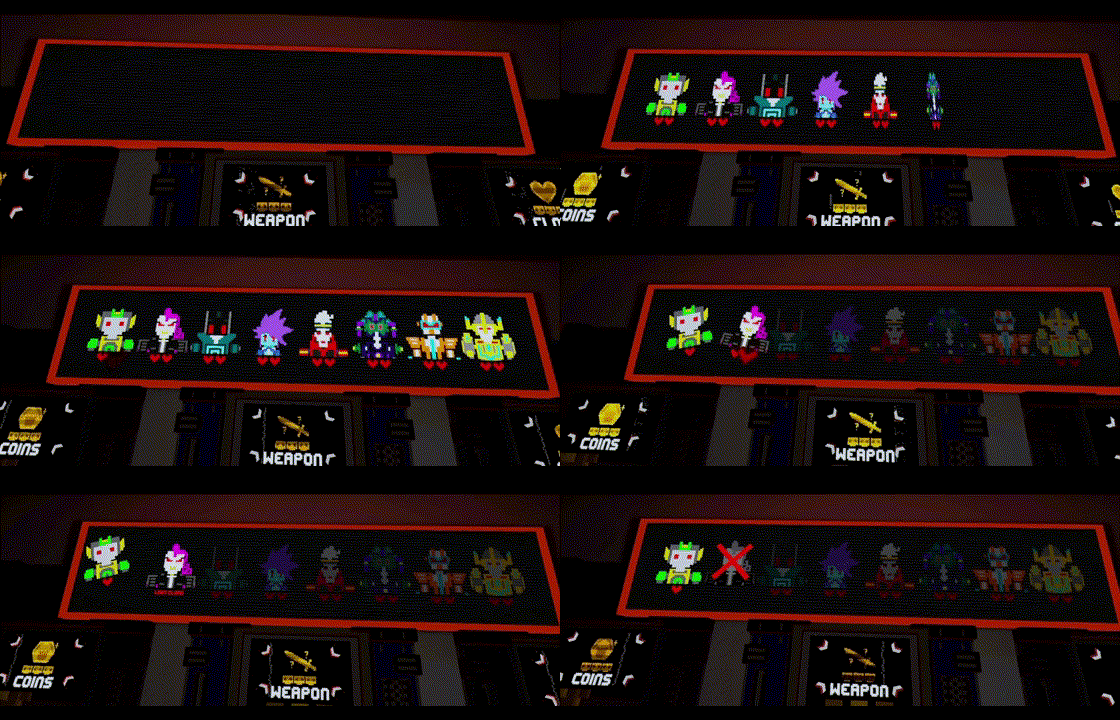
Defeat other looprunners to claim their Turbofists! Shoot flames, launch shurikens, slow time, summon zombies and more! Upgrade the turbofists with power from other defeated looprunners to become unstoppable.
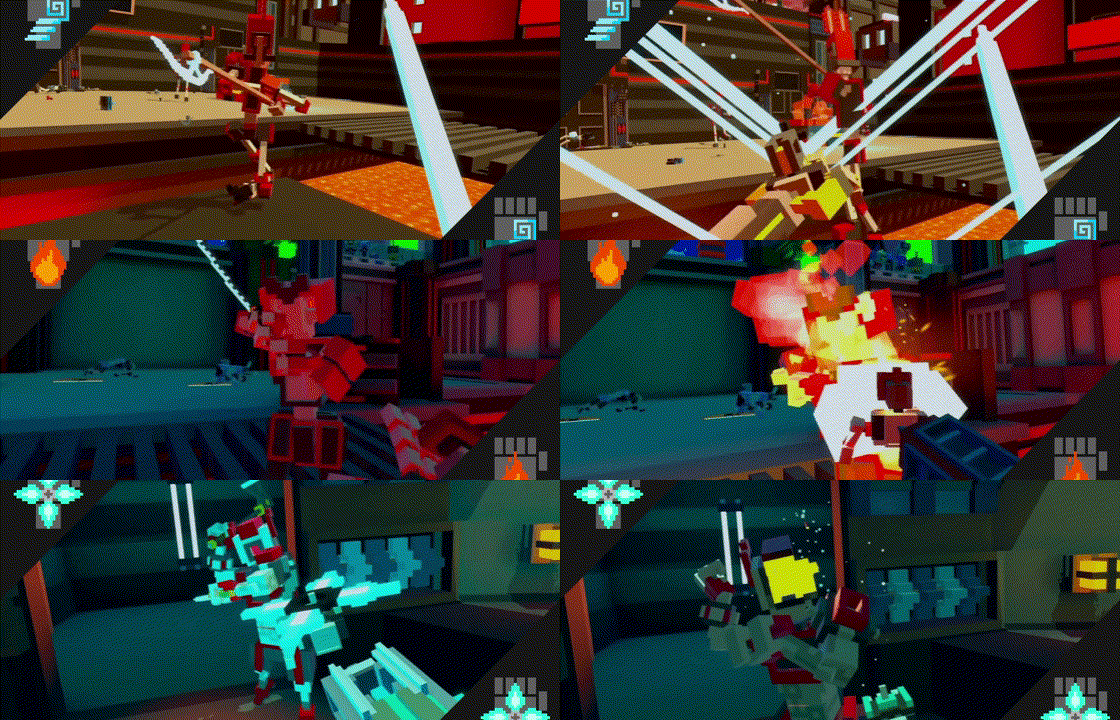
Swing lots of different weapons to find your favorite style . Two handed spears, a katana, an axe and shield? If you’re daring, fight with your bare metal fists!
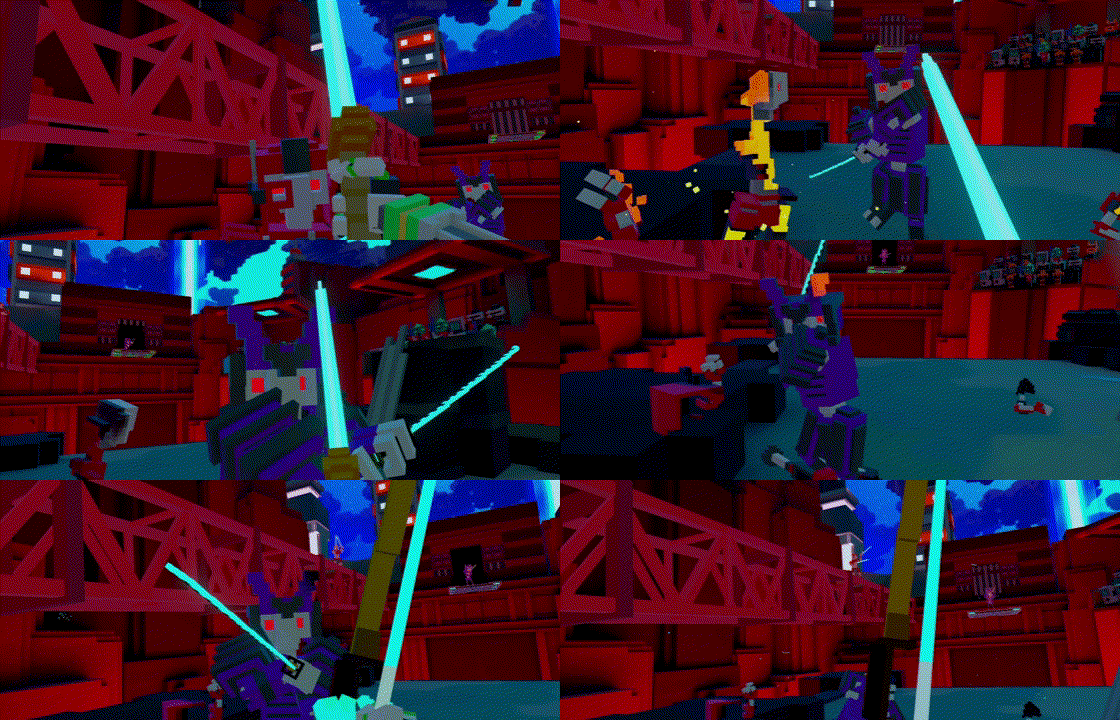
Feel the power of voxel destruction. Learn to wield your laser sword. The Hyperdome awaits !
System Requirements
Windows
View the full article