Girls und Panzer universe returns to World of Tanks. The renowned Team-Ankou from Oarai Girls’ High School and the formidable crews from Jatkosota High School and Kuromorimine Girls’ High School continue their tank battles!
EU: October 31, 2024 at 10:00 CET (UTC+1) till November 7, 2024 at 10:00 CET (UTC+1) NA: October 31, 2024 at 02:00 PT | 04:00 CT | 05:00 ET till November 7, 2024 at 02:00 PT | 04:00 CT | 05:00 ET ASIA: October 31, 2024 at 17:00 (UTC+8) till November 7, 2024 at 17:00 (UTC+8)
Show off your Sensha-dō skills in a series of thrilling missions to earn customizations and collect tokens. Trade your tokens in the themed token store, filled to the brim with Girls und Panzer goodies including exclusive voiced commanders and 2D styles!
Roll out alongside unique vehicles inspired by Girls und Panzer, and explore all the themed customization items and crew members before this time-limited event ends!



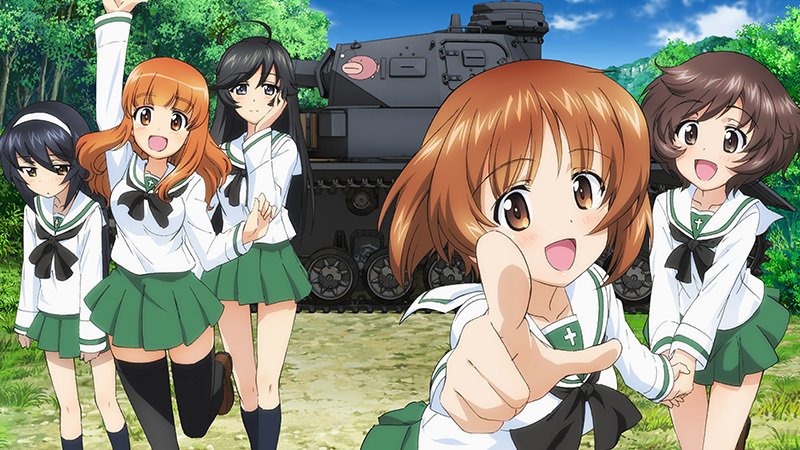
Commanders!Girls und Panzer universe returns to World of Tanks. The renowned Team-Ankou from Oarai Girls’ High School and the formidable crews from Jatkosota High School and Kuromorimine Girls’ High School continue their tank battles!
NA: October 31, 2024 at 02:00 PT | 04:00 CT | 05:00 ET till November 7, 2024 at 02:00 PT | 04:00 CT | 05:00 ET
ASIA: October 31, 2024 at 17:00 (UTC+8) till November 7, 2024 at 17:00 (UTC+8)
Roll out alongside unique vehicles inspired by Girls und Panzer, and explore all the themed customization items and crew members before this time-limited event ends!
LEARN MORE
© GIRLS und PANZER Finale Projekt
View the full article