Skip to content
View in the app

A better way to browse. Learn more.

GAMELIFE România

A full-screen app on your home screen with push notifications, badges and more.
To install this app on iOS and iPadOS
  1. Tap the Share icon in Safari
  2. Scroll the menu and tap Add to Home Screen.
  3. Tap Add in the top-right corner.
To install this app on Android
  1. Tap the 3-dot menu (⋮) in the top-right corner of the browser.
  2. Tap Add to Home screen or Install app.
  3. Confirm by tapping Install.

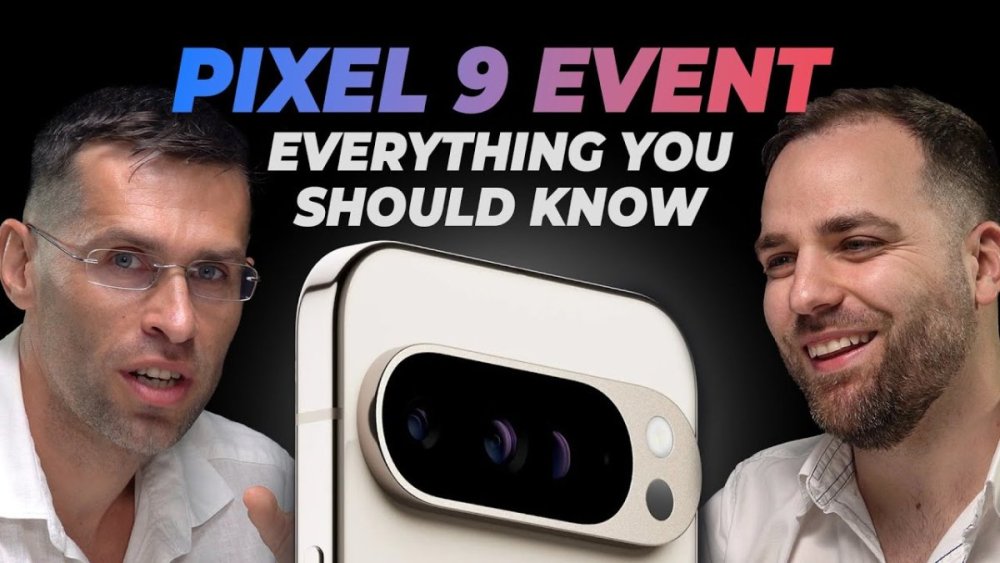
Pixel 9 "didn't have to copy" the iPhone's design to be Android's iPhone | PA Show E14

  • Administrators

rssImage-76534ec5062df734413d649e56020995.jpeg

Google has just announced its new Pixel line-up for 2024, consisting of the Pixel 9, 9 Pro, 9 Pro XL, 9 Pro Fold, Pixel Watch 3 (in two sizes) and Pixel Buds Pro 2. We go live to debate the good, the bad, and the ugly in all of these new AI-infused products...

View the full article

„Poveștile bune rămân. Cuvintele potrivite le dau viață.”

Fost redactor Descopera.ro
Fost redactor Descopera.net
Administrator • Jurnalul unui Visător

Canal youtube : https://www.youtube.com/gabytzuspecial

Grup muzica : https://www.facebook.com/groups/muzica2025

Blog personal : https://www.facebook.com/jurnalulunuivisator


Featured Replies

No posts to show

Create an account or sign in to comment

Recently Browsing 0

  • No registered users viewing this page.

Account

Navigation

Search

Search

Configure browser push notifications

Chrome (Android)
  1. Tap the lock icon next to the address bar.
  2. Tap Permissions → Notifications.
  3. Adjust your preference.
Chrome (Desktop)
  1. Click the padlock icon in the address bar.
  2. Select Site settings.
  3. Find Notifications and adjust your preference.