July 22, 20242 yr Administrators Are you ready for One UI 7 and the super colorful icons that it might bring? If the rumor that we're about to discuss turns out to be true, Galaxy owners are about to get iridescent icons at the tips of their fingers.View the full article „Poveștile bune rămân. Cuvintele potrivite le dau viață.” Fost redactor Descopera.ro Fost redactor Descopera.net Administrator • Jurnalul unui Visător Canal youtube : https://www.youtube.com/gabytzuspecial Grup muzica : https://www.facebook.com/groups/muzica2025 Blog personal : https://www.facebook.com/jurnalulunuivisator


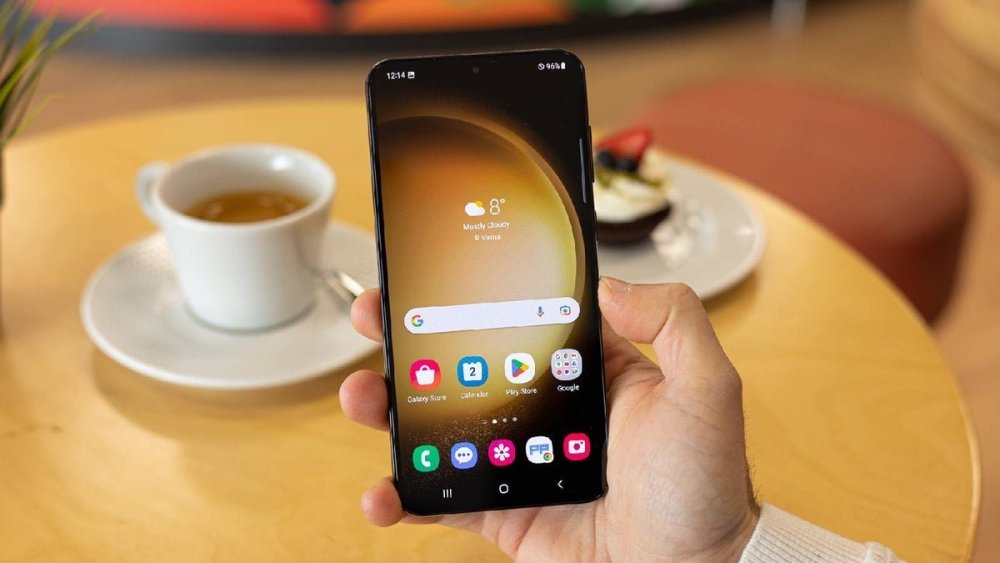
Are you ready for One UI 7 and the super colorful icons that it might bring? If the rumor that we're about to discuss turns out to be true, Galaxy owners are about to get iridescent icons at the tips of their fingers.View the full article
Fost redactor Descopera.ro
Fost redactor Descopera.net
Administrator • Jurnalul unui Visător
Canal youtube : https://www.youtube.com/gabytzuspecial
Grup muzica : https://www.facebook.com/groups/muzica2025
Blog personal : https://www.facebook.com/jurnalulunuivisator