Unbroken is a Sports Simulation Roleplay Action Game with Kick Thai Boxing Elements. One of your Martial Arts Friend are missing you travel to the last place where he was seen. You will be quite surprised and humiliated there, you have to fight your way through all the opponents to get clarity, everything seems to be against you, good luck. Create a newbie and become a superstar, get the Champion Belt or the Golden cup and fight your way to the top.
Fighting Full contact Kick Thai Boxing
It will be necessary to learn new Techniques
One key Combinations
Improve Statistics such as: Stamina, Strength etc.
Earn Money to challenge the next Opponent
Several Cities, Mini Games, Prison, Street fights, Credit Shark, Secret Places etc.
Special Power Hits and really Bad Damage on both side
Blocking, Counterattack and Dodge will always be your Friend
Perform training on different Locations
Earn 16 Special Skills and 11 Combinations
Realistic Blood and Bruises
Train and get realistic Muscles as you progress
You are a fighter, show that you are, and no one will laugh anymore Land your strikes before your Opponent get a chance to attack but keep your Eyes on your Stamina Bar. Special Skills and One Key Combinations cooldown are available and can be earned via Training or Secret Places. Send your Opponent to the Ground with a Technically Knockout and you will be on the safe side.


About This Game
Unbroken is a Sports Simulation Roleplay Action Game with Kick Thai Boxing Elements.
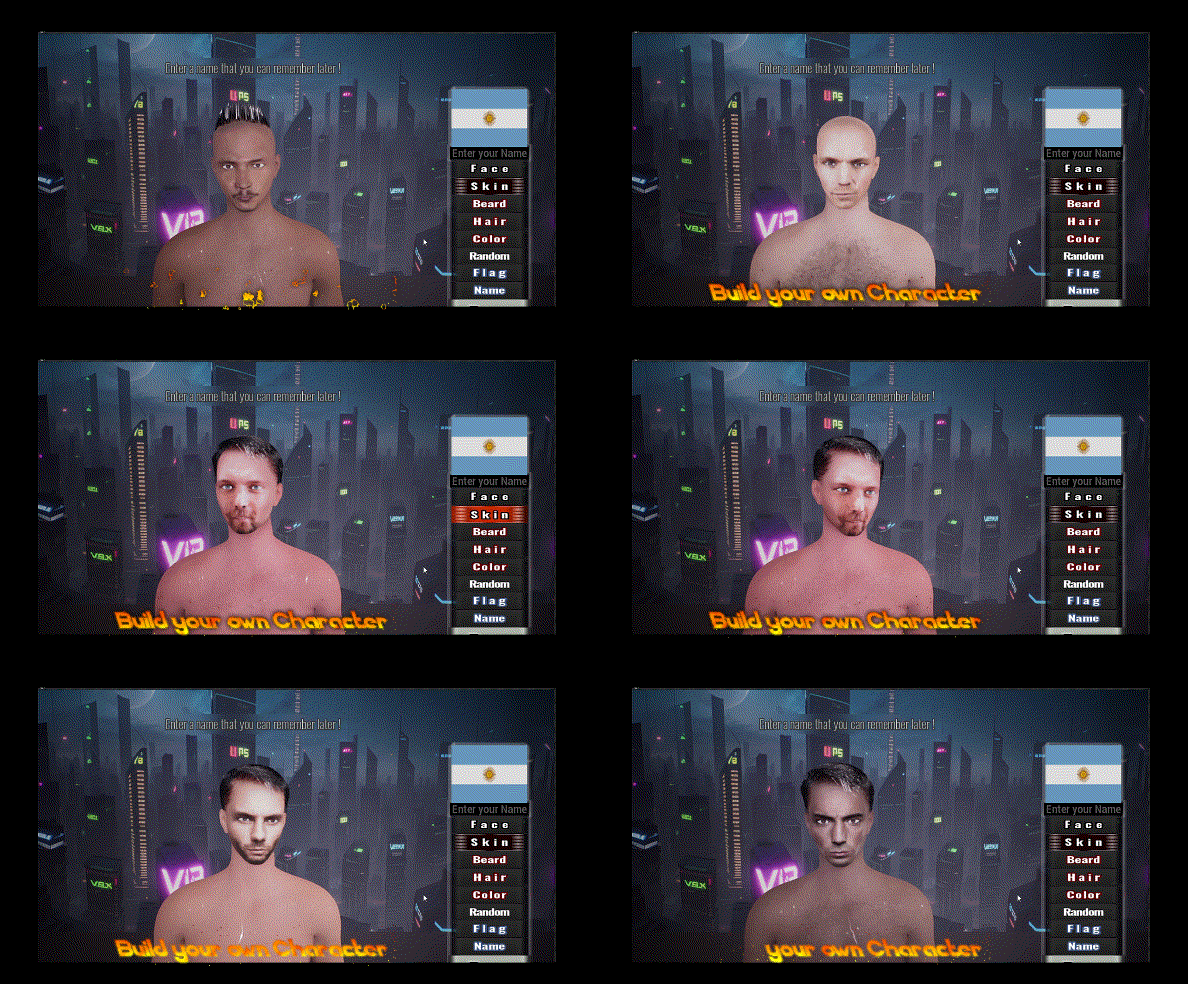
One of your Martial Arts Friend are missing you travel to the last place where he was seen. You will be quite surprised and humiliated there, you have to fight your way through all the opponents to get clarity, everything seems to be against you, good luck. Create a newbie and become a superstar, get the Champion Belt or the Golden cup and fight your way to the top.
You are a fighter, show that you are, and no one will laugh anymore
Land your strikes before your Opponent get a chance to attack but keep your Eyes on your Stamina Bar.
Special Skills and One Key Combinations cooldown are available and can be earned via Training or Secret Places.
Send your Opponent to the Ground with a Technically Knockout and you will be on the safe side.
View the full article