Void Crawler is a first-person horror game set in a dystopian future, where you pilot a vehicle nicknamed 'The Mole' into a mysterious void deep within the Earth to collect an extremely valuable material for a company dedicated to solving the world's energy crisis.
You assume the role of Marcus Everett, a seasoned military tank and machinery expert currently on hiatus due to the loss of his 12-year-old daughter. An unexpected call interrupts his mourning, originating from an company known as Void Energies. This proposition dangles a tempting offer: a substantial paycheck in exchange for Marcus's driving proficiency.
FEATURES
-Utilize the Mole’s infrared camera and radar to navigate the eerie darkness of the void, uncovering its secrets along the way.
-Immerse yourself in the chilling atmosphere of the void through a first-person perspective.
-Engage in a struggle for survival as you manage the battery, oil, and coolant levels of the Mole. Extracting crystals drains your equipment's battery, so delivering them promptly to the dock is paramount to your survival.
-Driving and operating "The Mole" and the drill provides an intense and immersive gameplay experience.
-Encounter intense horror, dread, and mind-bending hallucinations as you delve deeper into the void, challenging your sanity at every turn.
-Immerse yourself in the gritty and grimy visuals.
Warning: This game includes flashing lights and visual effects that may trigger seizures in individuals with photosensitive epilepsy.



About This Game
Void Crawler is a first-person horror game set in a dystopian future, where you pilot a vehicle nicknamed 'The Mole' into a mysterious void deep within the Earth to collect an extremely valuable material for a company dedicated to solving the world's energy crisis.
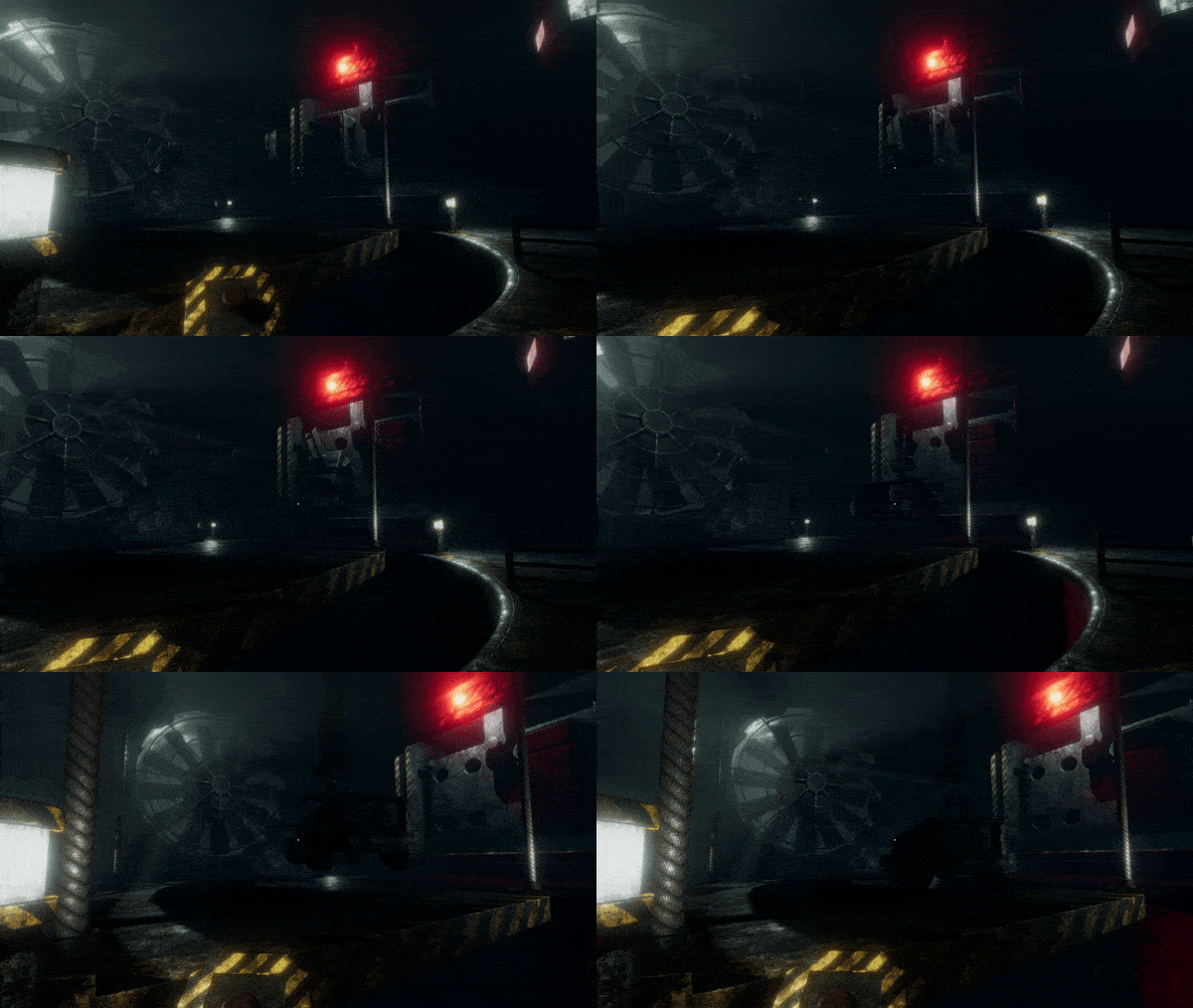
You assume the role of Marcus Everett, a seasoned military tank and machinery expert currently on hiatus due to the loss of his 12-year-old daughter. An unexpected call interrupts his mourning, originating from an company known as Void Energies. This proposition dangles a tempting offer: a substantial paycheck in exchange for Marcus's driving proficiency.
FEATURES
-Utilize the Mole’s infrared camera and radar to navigate the eerie darkness of the void, uncovering its secrets along the way.
-Immerse yourself in the chilling atmosphere of the void through a first-person perspective.
-Engage in a struggle for survival as you manage the battery, oil, and coolant levels of the Mole. Extracting crystals drains your equipment's battery, so delivering them promptly to the dock is paramount to your survival.
-Driving and operating "The Mole" and the drill provides an intense and immersive gameplay experience.
-Encounter intense horror, dread, and mind-bending hallucinations as you delve deeper into the void, challenging your sanity at every turn.
-Immerse yourself in the gritty and grimy visuals.
Warning: This game includes flashing lights and visual effects that may trigger seizures in individuals with photosensitive epilepsy.
View the full article